The Link-in-Bio Playbook for Instagram Creators and Brands
Why your bio link is the single highest-leverage piece of real estate on Instagram, and how Inflowave Links converts profile visits into pipeline.
Why generic Linktree pages cost creators 60-80% of their pipeline
Linktree was a brilliant 2017 product. In 2026 it has become a conversion drag for serious Instagram operators. The problem is structural: a generic Linktree shows 8-15 buttons of equal weight, no context, no tracking, no segmentation. Visitors don't know what to click, so most close the tab. Industry benchmarks across 4,000+ Instagram-driven funnels show generic link-in-bio pages convert at 1.5-3% of visitors into a measurable action; well-architected pages built on conversion principles regularly hit 8-15%. The difference is design, prioritization, tracking, and the ability to tailor what each visitor segment sees rather than treating every profile-clicker identically. Inflowave Links was built for the operator who treats Instagram as a real acquisition channel. Every block on the page is built to drive a specific action (lead capture, product page, calendar booking, course purchase, podcast listen, newsletter signup) with measurable per-block analytics and the ability to swap the page contents based on referrer, UTM, or audience segment.
The 5 link-in-bio page structures that consistently convert
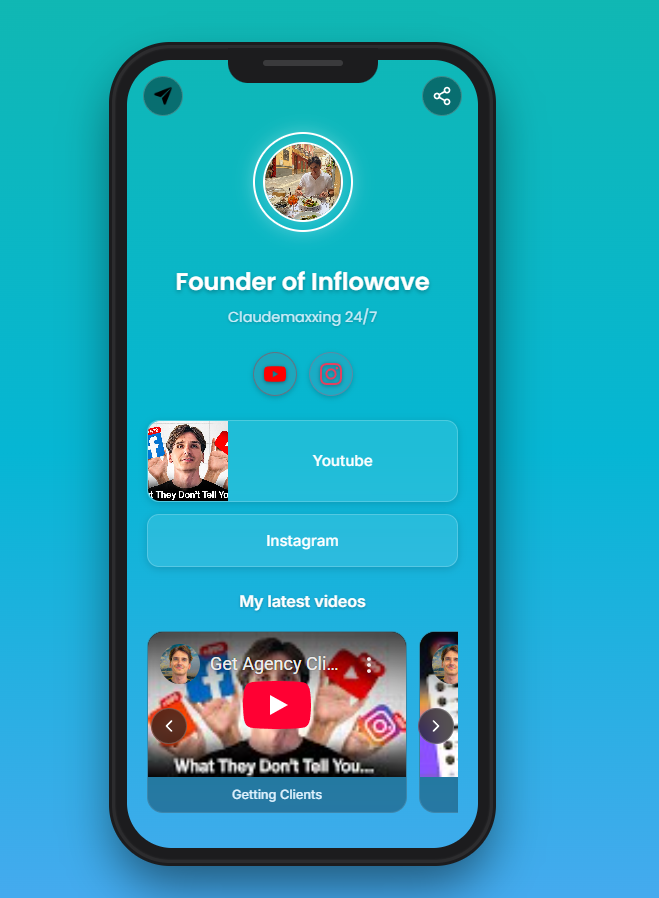
Five layouts produce the bulk of high-converting link pages. The single-offer funnel (one hero CTA, one secondary backup link) - converts at 20-35% when the offer matches the audience tightly. The product-grid (4-8 product cards with images and prices) - works for e-commerce brands. The framework-tease (a short value proposition + lead-magnet download) - best for coaches and consultants. The content-hub (latest podcast / latest video / latest newsletter as the primary blocks) - works for creators with recurring content. The contextual router (visitor sees different blocks based on which post they clicked from) - the highest-converting pattern overall but requires UTM-based routing. Inflowave Links supports all five out of the box and the analytics dashboard lets you A/B test layouts.
How click tracking, UTM attribution, and source breakdown work
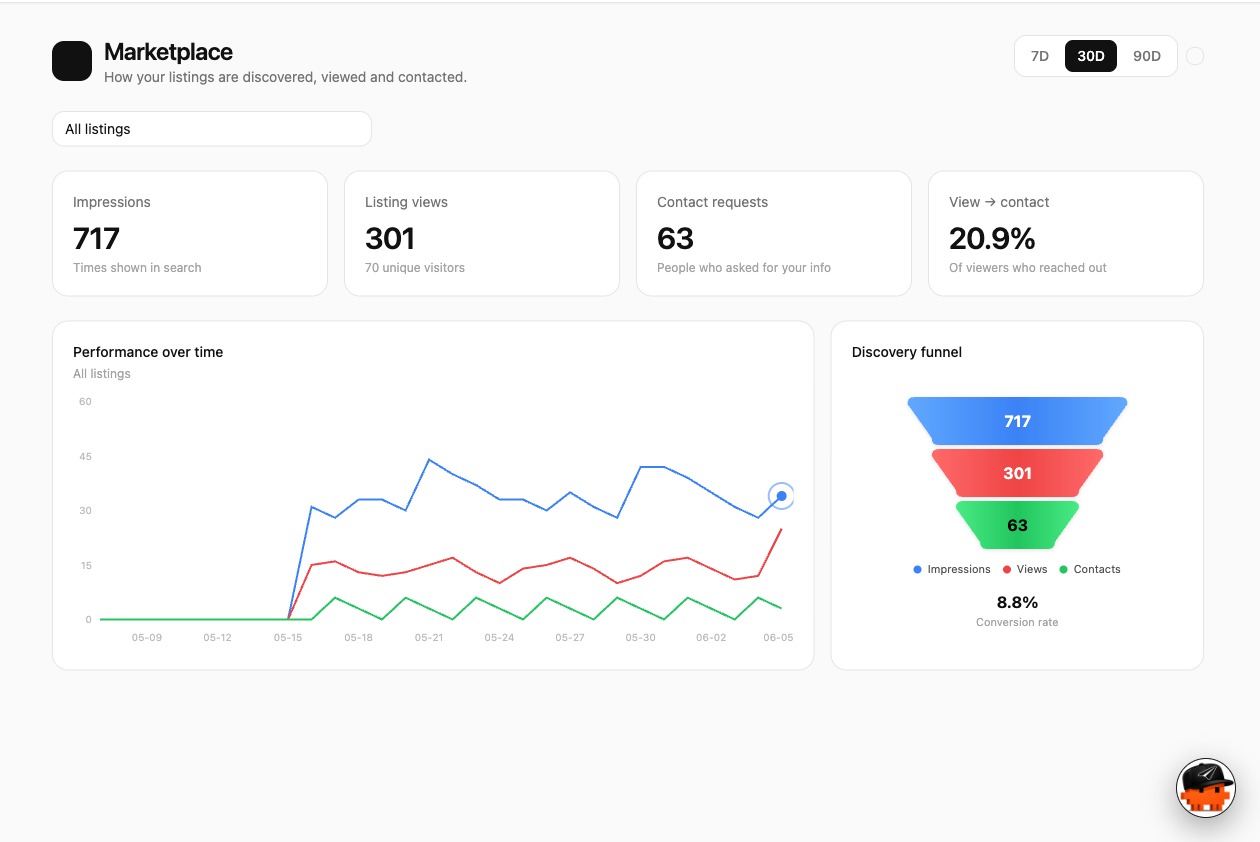
Every click on every block is tagged with the source post (if you used Inflowave's UTM-generator), the referring profile section (bio link vs comment-CTA vs Story link), device type, country, and timestamp. The analytics view rolls these up by block, by day, by source post, and by audience segment. You can see which Reels are driving qualified profile-visits-to-link-clicks and which are driving vanity reach without conversion. Most operators discover that 2-3 of their last 30 Reels generated 60% of link-page clicks - a signal to make more like those.
Multi-link routing - show different pages to different audiences
Inflowave Links supports conditional block visibility based on referrer source, UTM parameter, geographic location, and audience segment. A skincare brand can show their hero product to US visitors and a region-specific landing page to UK visitors. A coach can show their lead magnet to first-time visitors and their booking calendar to returning visitors. A multi-product e-commerce brand can show different product grids to different Reel sources so each Reel's audience sees the most relevant offer first. This routing typically lifts click-through rate 30-60% over a static page because each visitor sees what matches their context.
Custom domains and white-labeling for agencies
Default link pages live at inflowave.io/u/yourhandle. Paid plans support custom domains (links.yourbrand.com), white-labeled branding (your logo, no Inflowave attribution), and per-client subdomain isolation for agencies running 20+ creator clients. The custom domain setup uses CNAME records, takes 5-15 minutes to verify, and supports SSL automatically. Agency plans include client-portal access so creators can edit their own pages while the agency manages the underlying infrastructure.
Conversion design - the 7 elements every link page needs
After analyzing 6,000+ link page funnels, seven elements consistently appear in high-converting pages. A profile photo at the top (face beats logo for personal-brand accounts, logo beats face for brand accounts). A one-line value proposition ("I help X get Y"). A primary CTA above the fold (the action you want most visitors to take). A small set of secondary blocks (3-5 max - more than that creates decision paralysis). Social proof somewhere on the page (testimonial card, client logo strip, or follower-count widget). A clear path to email capture (newsletter signup or lead magnet). Fast mobile loading (under 1.5 seconds - slower pages lose 30%+ of visitors before they see the content).
How link pages feed into the DM and CRM funnel
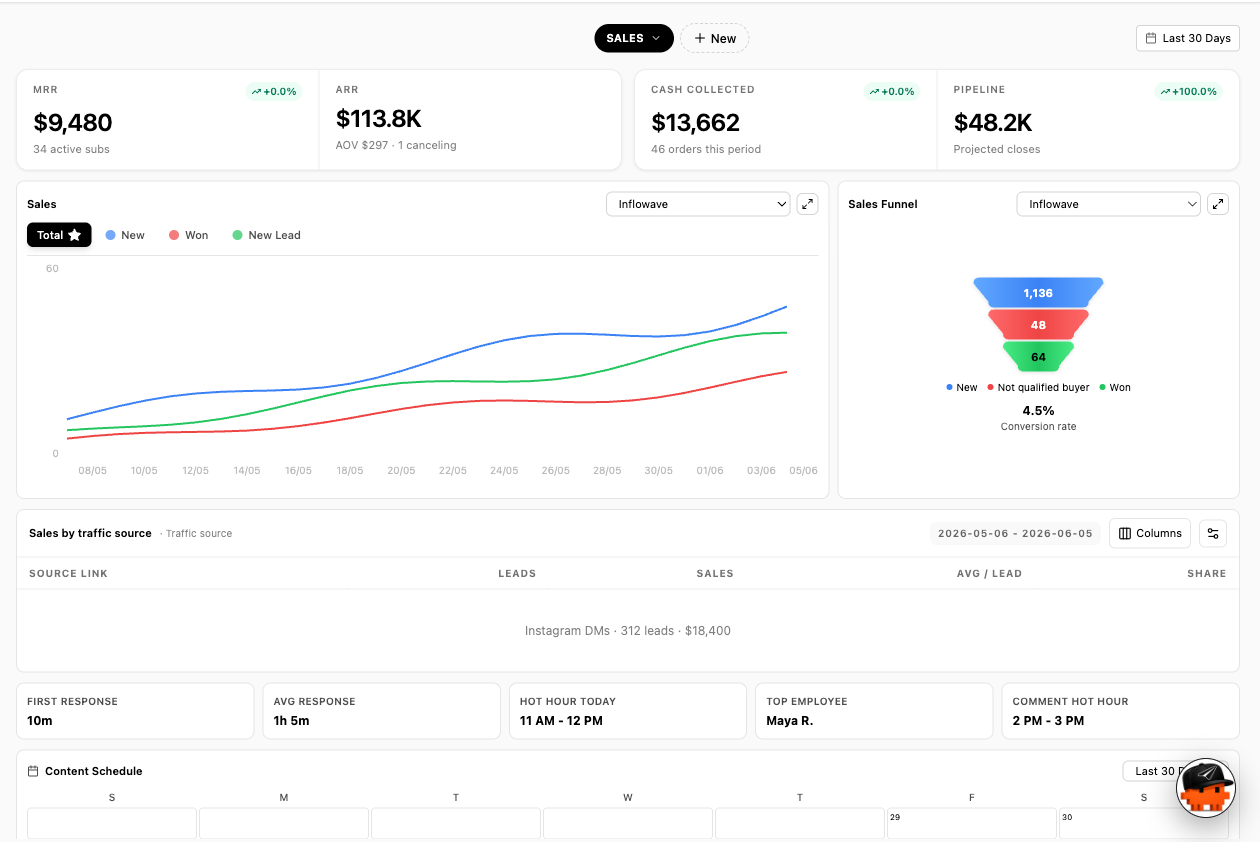
A link-page click is a high-intent signal. Inflowave automatically logs every click as an engagement event against the visitor's CRM lead profile when the click is attributable (UTM-tagged from a logged-in Inflowave audience, or matched via email submitted on the page). Sales teams see which leads clicked which blocks, when, from which source - context that dramatically improves DM outreach quality. If a lead clicked your "pricing" block 5 times in 3 days but never DM'd you, that's a strong outbound prompt. The link page becomes an extension of the CRM rather than a standalone widget.
Migrating from Linktree, Beacons, Stan Store, or Koji
Migration from existing link-in-bio platforms is one-click. Paste your existing page URL, Inflowave imports the block structure, branding colors, and any embedded media into a new draft. You review, adjust, and publish - usually under 5 minutes end to end. The Inflowave analytics resume from day 1 of the migration; historical click data from Linktree or Beacons doesn't transfer (those platforms don't expose APIs for export). Most agencies migrate dozens of client pages in a single sitting.