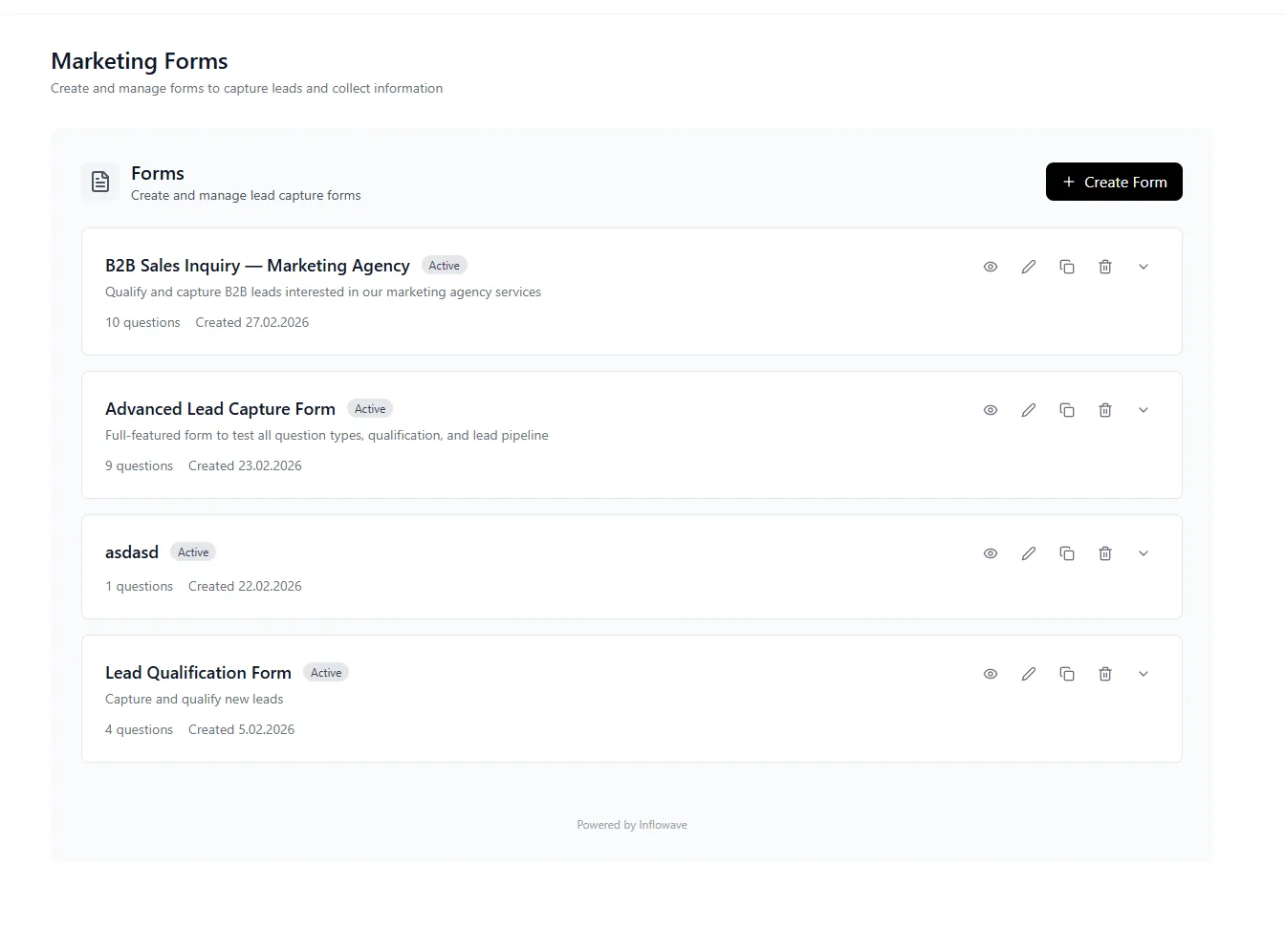
The Smart Forms Playbook - How Inflowave Turns Submissions Into Qualified Pipeline
Why most lead forms hemorrhage 60% of fills, and how Inflowave Forms ships every submission into the CRM with full attribution.
Why most lead forms convert poorly
Three structural issues kill conversion on most lead forms: too many fields (every field above 3 cuts completion ~7%), no clear value exchange (visitors don't know what they're getting in return for their info), and broken handoff to follow-up systems (leads enter a black hole and never get worked). Industry benchmarks across thousands of forms show: a 6-field form typically converts at 12-18%; a 3-field form converts at 28-40%; a smart adaptive form that asks fewer initial questions and progressively profiles converts at 35-50%. Inflowave Forms is built around the progressive-profiling pattern with native CRM handoff so every submission flows immediately into pipeline.
Progressive profiling - ask less upfront, learn more over time
Traditional forms ask everything in one shot: name, email, phone, company, role, budget, timeline, use case. The result is high abandonment. Progressive profiling flips this: first submission asks only email + one qualifying question. Second touch (next form view) asks two more fields the system doesn't have. Third touch fills in the last gaps. By the time the lead has interacted with three pieces of content they've completed a 10-field profile without ever facing a 10-field form. Inflowave handles progressive profiling automatically - leads return, the system recognizes their email cookie, and serves only the fields still missing from their CRM record.
Conditional logic and branching forms
Static forms can't serve a B2B SaaS lead and a coaching lead well - the qualifying questions are different. Conditional logic shows / hides fields based on prior answers: if the lead picks "e-commerce" as their business type, ask about monthly revenue and SKU count; if they pick "agency", ask about client count and retainer size. Branching forms can show entirely different paths based on the first answer. Inflowave's logic builder is visual, supports nested conditions, and lets you preview the visitor experience for each branch before publishing. Conditional forms typically lift completion rate 20-40% over static equivalents while collecting deeper, more useful qualification data.
Multi-step forms - when and how to use them
Multi-step forms split a long form into 3-5 chunks with progress indicators. The psychology is well-documented: visitors who commit to step 1 (often just a single yes-no question) are dramatically more likely to complete step 5. Multi-step forms converting 2-3x better than single-page equivalents is standard. The key design principles: step 1 must be effortless (one click), the progress bar must visibly advance, and each step should feel like progress toward a clear outcome. Use multi-step when your form has 5+ fields. Stick with single-page when you have 3 or fewer.
Inline embed, popup, and modal forms
Forms can be embedded inline on a page, triggered as exit-intent popups, displayed as slide-in modals, or fired by scroll depth / time-on-page. Each context has a different role: inline embeds work for high-intent landing pages where visitors arrive ready to convert; popups work for capturing exit-intent on content pages; slide-ins work for newsletter signups without disrupting reading flow; scroll/time-triggered modals capture engaged visitors. Inflowave Forms supports all four embed types from the same form definition - change the embed style without rewriting the form.
Spam protection and bot filtering
Lead forms are spam magnets. Inflowave Forms includes reCAPTCHA v3 (invisible to humans, scores bots out automatically), honeypot fields (hidden inputs that humans never fill but bots auto-fill), submission-rate limiting per IP, email pattern validation (catches obviously fake emails like noreply@noreply.com), and disposable-email-domain blocklists (rejects mailinator.com, 10minutemail.com, etc.). The combination eliminates ~95% of spam submissions before they reach your CRM. Real leads pass through invisibly.
CRM handoff and automation triggers
Every form submission flows directly into Inflowave CRM as a new lead with all field values mapped to CRM fields. The submission can simultaneously trigger workflows: send an immediate welcome email, schedule a follow-up DM, notify a sales rep in Slack, add the lead to a paid audience for retargeting, or kick off a multi-step nurture sequence. The form is the entry point; the workflows are the conversion engine. Without this handoff, leads sit in form-submission logs and grow stale; with this handoff, every submission becomes an active CRM record being worked.
Form analytics - what to track and what to ignore
Surface metrics like total form views and total submissions are too coarse to be actionable. The metrics that matter: completion rate by step (where do people drop off?), field-level abandonment (which field causes the most exits?), time-to-completion (forms that take 90+ seconds underperform 30-second forms), submission-to-qualified-lead rate (how many submissions become real opportunities?), and source-attributed conversion (which traffic sources produce the highest-quality form fills?). Inflowave Forms exposes all five so you can iterate on the actual bottleneck rather than guessing.
A/B testing form variants - what to test first
Test these in order of impact: form headline (the value proposition matters most - a clear "why fill this out" lifts conversion 20-50%), number of fields (cut anything not absolutely needed - every removed field lifts conversion 5-10%), submit button copy ("Get my free guide" beats "Submit" by 25-40% in most A/B tests), single-page vs multi-step (multi-step usually wins for 5+ field forms), and field order (qualifying questions before personal info usually wins). Inflowave supports A/B testing all five at the form-level. Run one test at a time, require 200+ submissions per variant before declaring a winner, and iterate.
Form types by use case - lead-gen vs survey vs quiz vs booking
Different goals require different form architectures. Lead-gen forms focus on email capture with optional qualification. Surveys focus on rich data collection from existing customers (more fields acceptable, less concern about conversion). Quizzes use the form as a value exchange - the visitor answers questions, gets a personalized result, and converts at high rates because they're invested. Booking forms collect calendar availability rather than just qualifying info. Inflowave Forms has templates for all four; the underlying engine is the same but the field defaults and UX flow differ.
GDPR, CCPA, and privacy-compliant form design
Lead forms collect personal data. Inflowave Forms includes GDPR-compliant consent checkboxes (separate from the submit button - pre-checked consent is illegal in the EU), CCPA "Do Not Sell" links for California visitors, automatic IP-based detection of EU/CA visitors to show region-appropriate consent flows, granular consent tracking (marketing emails vs SMS vs phone calls are tracked separately), and automatic data subject request handling (a lead requesting deletion under GDPR Article 17 triggers automatic record purging within 24 hours). Privacy compliance is built in rather than bolted on.
How forms feed the broader sales and marketing stack
A form is the conversion event between content and CRM. It cannot save a weak offer (no form converts when the value proposition isn't there) or a broken downstream workflow (high-converting forms still produce zero revenue if nobody works the leads). The hierarchy: offer quality > traffic quality > form design > field count > follow-up speed. Inflowave Forms optimizes the form-design and follow-up-speed layers. The other layers are on you, but Inflowave's analytics surface which form fills convert to revenue so you can iterate on traffic sources and offer positioning over time.