
If you want the product rather than the comparison, Inflowave CRM is ours, built for agencies running several client accounts at once. A few adjacent guides are worth reading beside this one: white-label CRM if reselling under your own brand is the point, CRM for service businesses if your clients book work rather than sell products, the best CRM for SEO agencies if rankings and retainers are your core service, and client reporting software for agencies for the monthly report itself.
The best CRM for marketing agencies is not the CRM that wins generic "top 10" listicles aimed at solo sales reps. Agencies have a different problem: you don't run one pipeline, you run one for new business and one per client. You don't manage one ad account, you manage dozens. You need contacts tagged by client, campaign, account owner and converting channel, not just a name and an email address.
This guide covers 15 CRMs evaluated specifically against agency workflows: multi-client architecture, white-label reporting, ad platform integrations, lead-source attribution and pricing that survives 25+ seats. Whether you run a 3-person social-media shop or a 50-person performance agency, by the end you'll know which two or three tools to shortlist.
Quick picks
| Tool | Best for | Starting price | Multi-client setup |
|---|---|---|---|
| Inflowave | Conversation-led agencies that need every client genuinely separate | $149/mo (Business) | Native sub-accounts, billed per workspace |
| HubSpot | Marketing/sales/service in one platform, budget available | $890/mo (Marketing Pro) | Limited, Business Units add-on |
| Salesforce | Enterprise agencies with complex sales cycles | $80/user/mo (Sales Cloud Pro) | Yes, Enterprise and above |
| GoHighLevel | Agencies reselling a white-labeled marketing platform | $97/mo (Agency Starter) | Native, unlimited from $297/mo |
| Pipedrive | Sales-driven agencies that want a clean new-business pipeline | $14/user/mo (Essential) | No |
| ActiveCampaign | Email-first agencies running lifecycle marketing | $19/user/mo (Sales Plus) | No native sub-accounts |
| Close | Outbound and cold-calling agencies | $49/user/mo (Startup) | No |
| Zoho CRM | Budget-conscious agencies wanting broad functionality | $14/user/mo (Standard) | Partial |
| Monday Sales CRM | Agencies already running their business on Monday.com | $12/user/mo (Basic) | Boards-as-clients |
| Keap | Solopreneurs and 1-3 person agencies | $159/mo (Pro) | No, each client typically gets its own instance |
| Insightly | Project-services hybrid agencies | $29/user/mo (Plus) | Partial |
| Copper | Agencies that live entirely in Google Workspace | $12/user/mo (Starter) | No |
| Nimble | Solopreneur consultants focused on relationships | $29.90/user/mo | No |
| Freshsales | An affordable, polished HubSpot alternative | Free tier (3 users), $9/user/mo (Growth) | No native sub-accounts |
| Venturz | Lean teams wanting CRM, email and automation in one place | Free (up to 5,000 contacts) | Not agency-specialized |
What makes a CRM good for agencies
A handful of features separate an agency-ready CRM from a generic sales tool:
- Multi-client architecture. Single-workspace CRMs put every contact and deal in one shared bucket, fine for an in-house team, a mess for an agency. Sub-account CRMs isolate each client's data, pipelines and automations. GoHighLevel, Inflowave and Insightly Enterprise ship this as architecture rather than configuration.
- White-label or rebrandable reporting. Full white-label (your domain, your logo, your support address) is rare: GoHighLevel and Inflowave do it. HubSpot offers branded reports only, clients still log into HubSpot's domain. Salesforce can do it via Experience Cloud, but that means enterprise implementation budgets.
- Ad platform integration. A CRM that can't pull lead and conversion data from Meta, Google and TikTok natively means hand-mapping CSVs forever. Native Conversions API support is what you want; a clean Zapier path is an acceptable fallback.
- Cross-channel attribution. You need to know whether a lead came from organic social, paid search, a referral or a webinar, and that attribution needs to survive every touchpoint. HubSpot has best-in-class multi-touch attribution. Inflowave attributes at the conversation level: which post, which comment, which keyword started the thread that became revenue. Pipedrive has effectively none.
- Role-based permissions by client, not just by user. Past five employees, "everyone sees everything" stops working. Check whether permissions are scoped per client, not only per user role.
- Scalability past 50 clients. Per-seat pricing that's fine at 5 seats is brutal at 30. Per-contact pricing breaks once each client carries thousands of contacts. Run the math at your size in 18 months, not today.
Pricing below reflects 2026 publicly listed rates as of this writing; vendors update frequently, so verify before committing. Recommendations assume agencies of 3 to 75 employees serving 10 to 200 clients.
The 15 best CRMs for marketing agencies
Inflowave
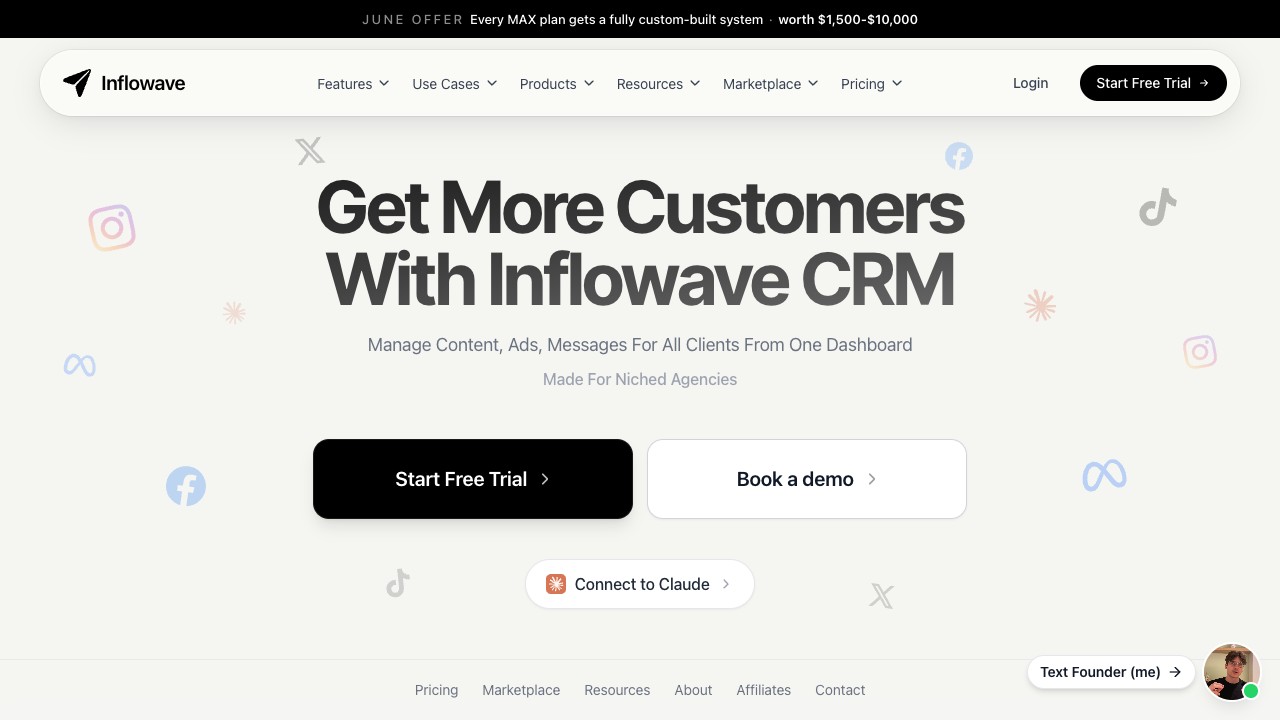
Best for: Agencies whose leads arrive as conversations rather than form fills, and who need each client kept genuinely separate.
What stands out for agencies: Inflowave gives each client its own isolated data, pipelines, automations and reporting, with team access granted per client, rather than one shared workspace patched together with permission rules. Every channel, Instagram, Facebook, WhatsApp, LINE, SMS, email and voice, lands on a single contact timeline through the unified inbox, so a lead who messages on one channel and replies on another stays one person. The CRM and the AI agent are the same system, with no sync layer between a chatbot and a CRM, so the agent can move a deal between pipeline stages directly. Agency tiers include white-label client portals on your own domain, logo, colours and support address. Beyond the inbox it also covers a website builder, appointment booking, forms, SMS and email, invoicing and quotes, call recording and ad management, so it replaces a stack rather than joining one. Attribution runs back to the actual conversation: which post, which comment trigger, which keyword started the thread that became revenue.
Pricing: Business is $149/month for one client workspace, Pro is $297/month for 10, Max is $497/month for 50 and includes full white label, with custom Enterprise pricing above that. Every plan includes a 7-day free trial, and new agencies get 90 days free on Business. Billing is per workspace rather than per seat, so adding a VA or a setter doesn't increase the bill. See Inflowave pricing for the current breakdown.
Drawbacks: Smaller brand recognition than HubSpot or Salesforce if your buying process needs a name your CFO already knows. Lighter on classic B2B outbound, cold email sequencing at volume or LinkedIn-led enterprise sales is better served by a dedicated sales-engagement tool. It's opinionated: it works best once you adopt the conversation-first workflow, and retrofitting a form-and-email playbook onto it wastes most of what it does well. Its ecosystem of prebuilt templates is younger than GoHighLevel's.
Best alternative if: You need heavy email marketing automation and a funnel builder above all else, look at GoHighLevel or ActiveCampaign.
HubSpot
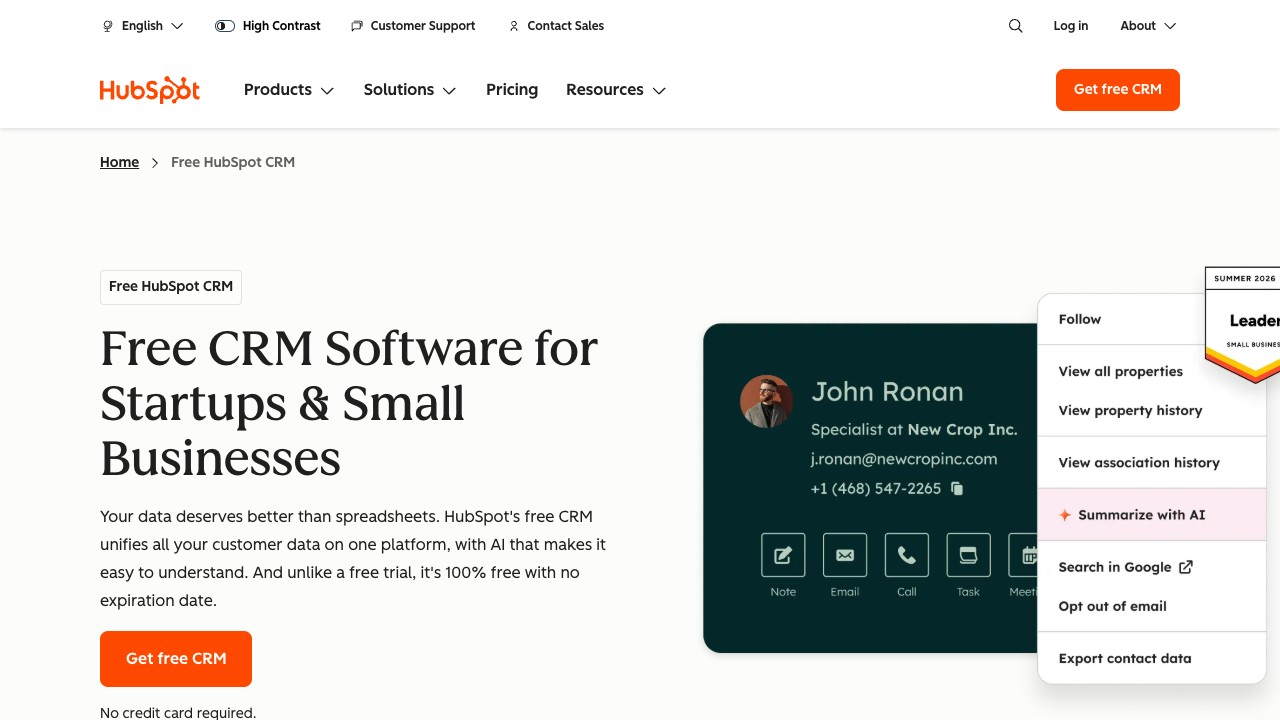
Best for: Agencies that want one platform for marketing, sales and service, with the budget to back it up.
What stands out for agencies: Best-in-class marketing automation, email deliverability and content tools in a single platform, plus genuinely excellent multi-touch attribution, custom reports and dashboards. The Solutions Partner program gives agencies a clear monetization path through commission and co-marketing, and the integration marketplace runs past 1,500 apps.
Pricing: Marketing Hub Professional starts at $890/month for 2,000 contacts. Add Sales Hub Professional at $90/seat/month and a typical mid-sized agency lands at $1,500 to $3,000/month before onboarding, which is a mandatory $3,000 one-time fee for Pro and above.
Drawbacks: Pricing scales aggressively with contact count, so agencies hit the tier ceiling fast. Sub-account architecture isn't native, most agencies run one HubSpot instance per client, with Business Units as a paid Enterprise add-on to approximate it. Onboarding takes 6 to 12 weeks for agencies new to the platform.
Best alternative if: You want HubSpot's polish at a fraction of the price, look at ActiveCampaign or Freshsales. See our HubSpot vs Inflowave comparison for a feature-by-feature breakdown.
Salesforce
Best for: Enterprise agencies (50+ employees) with complex sales cycles, custom objects and a dedicated SalesOps function.
What stands out for agencies: Unmatched customizability through custom objects, fields, workflows and Apex code, backed by the industry's largest ecosystem of consultants, the AppExchange marketplace and training resources. Data governance, audit logs and compliance (SOC 2, FedRAMP, HIPAA) are the strongest on this list, and Lightning Platform/Experience Cloud lets you build genuinely white-labeled client portals.
Pricing: Sales Cloud Professional is $80/user/month, Enterprise is $165/user/month. Realistic agency cost lands between $200 and $300/user/month once Marketing Cloud, Service Cloud and Lightning customization are added.
Drawbacks: Total cost of ownership is brutal, implementation alone runs $25K to $200K+. The learning curve is steep enough that most agencies need a dedicated admin or consultant, and out-of-the-box reports feel dated next to HubSpot or Looker.
Best alternative if: You want enterprise muscle without enterprise cost, Zoho CRM Plus at $57/user/month covers most of Salesforce's basic-CRM features.
GoHighLevel
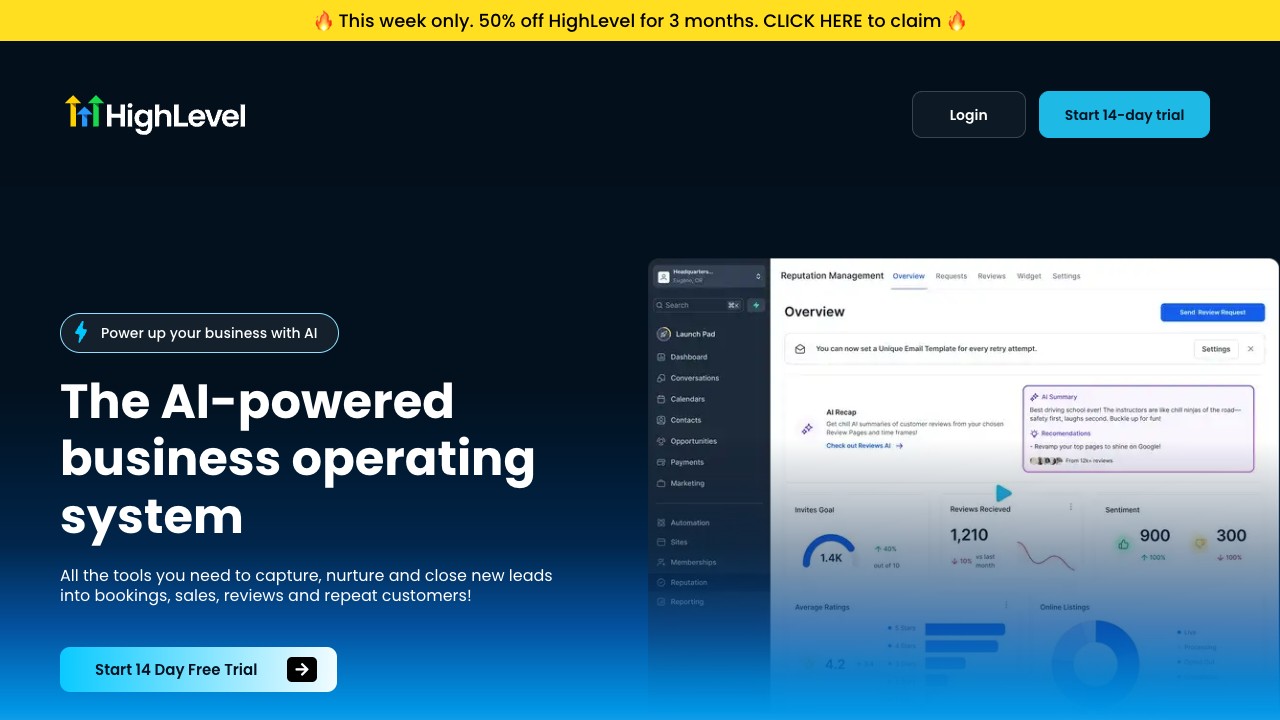
Best for: Agencies productizing marketing services by bundling automation, websites and CRM into a white-labeled client offering.
What stands out for agencies: Native multi-sub-account architecture built for agencies from day one, with full white label including custom domain, branded mobile app and reseller pricing in SaaS Mode. It's an all-in-one stack covering CRM, email, SMS, voice, websites, funnels, calendar and reputation management, and has the largest concentration of agency-owner educational content of any CRM here.
Pricing: Agency Starter is $97/month, Agency Unlimited is $297/month, SaaS Mode is $497/month. Sub-accounts are unlimited from the $297 tier, though several add-ons, including AI Employee and the branded client portal app, are billed per sub-account on top of the plan.
Drawbacks: Each tool is good enough but rarely best-in-class, so you trade depth for breadth. The UI is unpolished compared to HubSpot or Pipedrive, which slows onboarding for new staff, and in-platform support is community-driven rather than enterprise-grade.
Best alternative if: Your agency leans on Instagram and DM-driven funnels rather than SMS or voice, Inflowave is the closer fit. See our Inflowave vs GoHighLevel comparison for the social-first angle.
Pipedrive
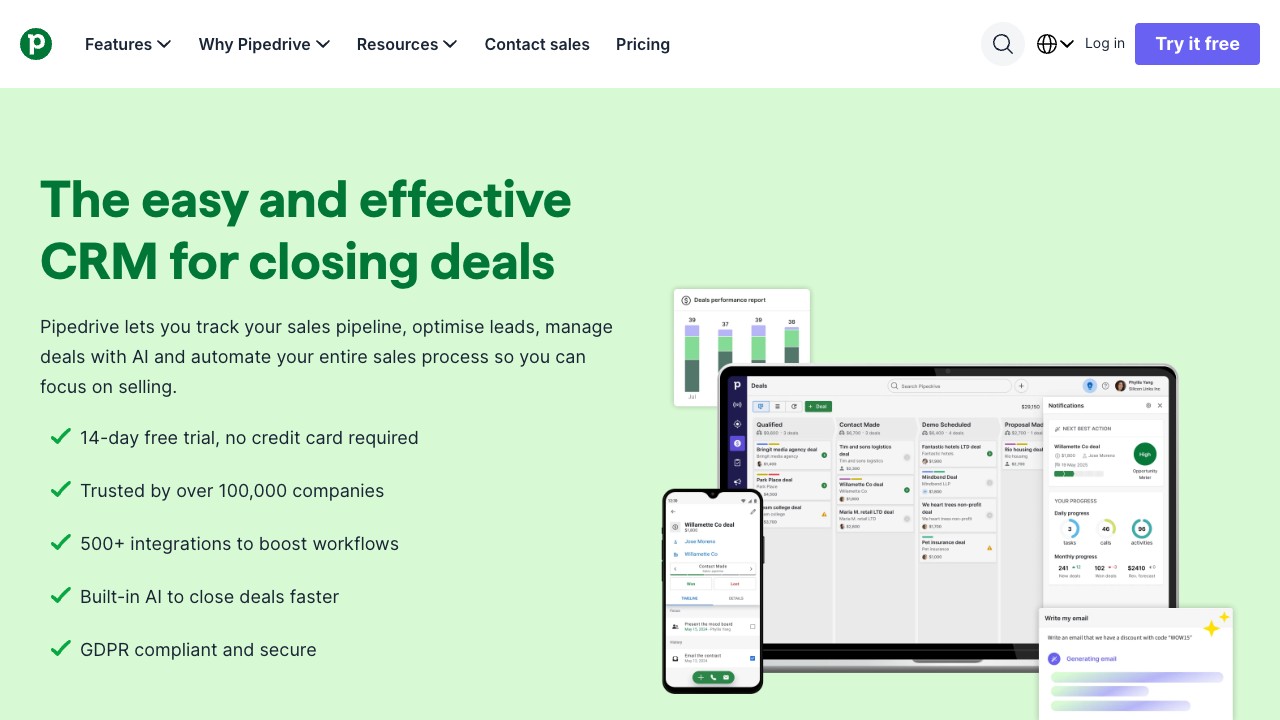
Best for: Sales-driven agencies focused on new business that want a clean pipeline without complexity.
What stands out for agencies: Genuinely the most usable sales-pipeline CRM on the market, agencies onboard in 1 to 2 weeks rather than months. Pricing scales linearly and stays among the most affordable per-seat options at scale, and customizable pipelines, deal-rotting alerts and activity reminders just work.
Pricing: Essential is $14/user/month, Advanced $29, Professional $59, Power $79, Enterprise $99. Most agencies settle on Professional.
Drawbacks: Not designed for client-facing, multi-tenant use, there are no native sub-accounts or white label. Marketing automation is thin next to HubSpot or ActiveCampaign, and reporting is solid for sales but limited for attribution.
Best alternative if: You need pipeline simplicity and multi-client architecture together, look at Insightly or Inflowave. See Inflowave vs Pipedrive for that trade-off.
ActiveCampaign
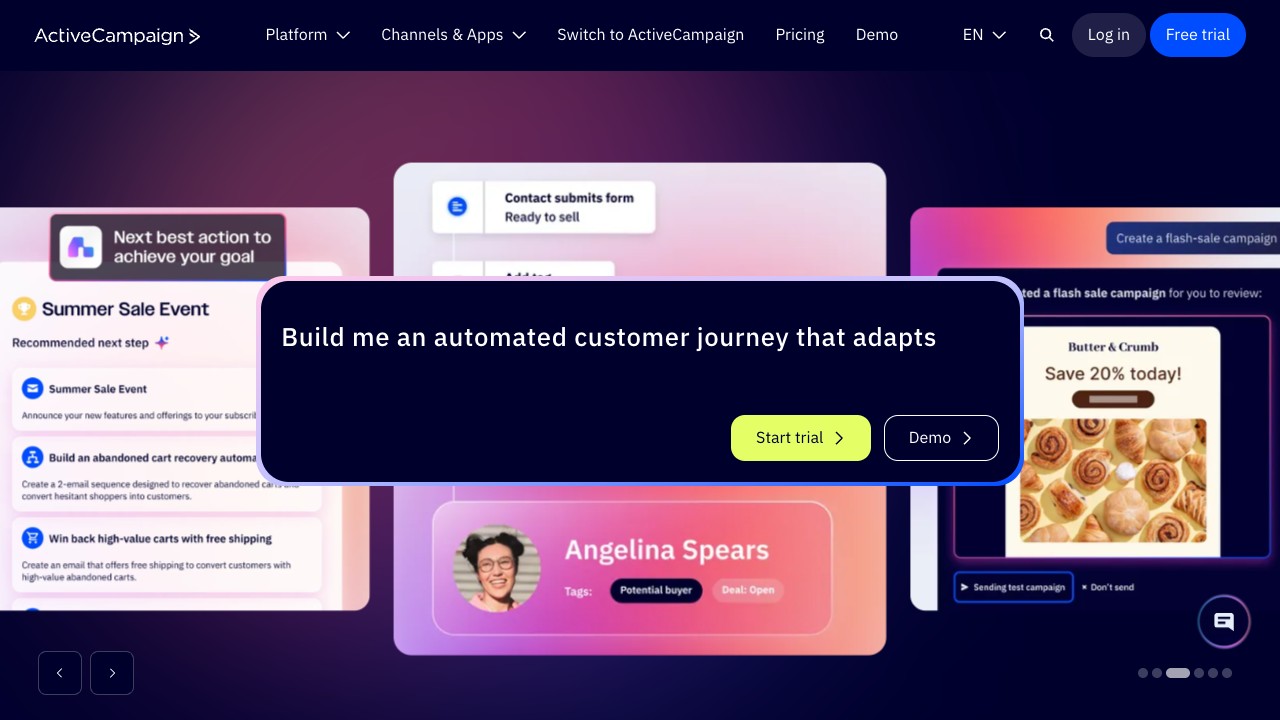
Best for: Email-first agencies whose primary deliverable is email automation, lead nurturing and lifecycle marketing.
What stands out for agencies: The best email automation builder in this category: visual, branching, conditional and easy to teach, backed by deliverability infrastructure stronger than most all-in-one platforms. The native CRM is functional and tightly integrated with the automation engine, and the agency program includes discounts and limited white-labelable portals.
Pricing: Sales Plus is $19/user/month (CRM only), Marketing Plus is $79/month for 1,000 contacts, Enterprise is $479/month. Agencies usually start on the bundled Marketing+Sales tier.
Drawbacks: Sales pipeline features are light compared to dedicated CRMs like Pipedrive or Close, reporting and attribution are weaker than HubSpot, and multi-client work requires running multiple accounts since there are no native sub-accounts.
Best alternative if: Email is just one of many channels you serve, look at HubSpot or Inflowave. See our Inflowave vs ActiveCampaign comparison.
Close
Best for: Outbound-heavy agencies, lead-gen agencies and any team where calling is core to the workflow.
What stands out for agencies: Built-in calling and a power dialer with no Twilio integration headache, excellent activity tracking and rep performance dashboards, and sequence functionality competitive with dedicated outbound tools like Outreach or Salesloft at a fraction of the price.
Pricing: Startup is $49/user/month, Professional $99, Enterprise $139, with calling and SMS included (numbers extra).
Drawbacks: Marketing automation is essentially nonexistent, Close is purely a sales tool. There's no native sub-account architecture for client management, and the integration marketplace is smaller than HubSpot's or Salesforce's.
Best alternative if: You want both outbound CRM and marketing automation, look at HubSpot or ActiveCampaign.
Zoho CRM
Best for: Budget-conscious agencies that want broad functionality at the lowest possible per-seat price.
What stands out for agencies: The lowest pricing of any feature-complete CRM on this list, with strong customization, custom modules and blueprint workflows. The Zoho One bundle at $37/employee/month is genuinely strong value if you'll use five or more of its 40+ apps, and native sub-form and multi-account capabilities exist, though agency UX isn't the focus.
Pricing: Standard is $14/user/month, Professional $23, Enterprise $40, Ultimate $52.
Drawbacks: The UI feels a generation behind HubSpot, Pipedrive or Inflowave, documentation and community support quality is inconsistent, and some integrations, especially Meta and Google Ads, lag on feature parity versus dedicated tools.
Best alternative if: You want budget pricing with more polish, look at Freshsales or Pipedrive.
Monday Sales CRM
Best for: Agencies whose primary operating system is project management and want their CRM to live there.
What stands out for agencies: The same UX and logic as Monday Work Management, so if your agency already runs on Monday the CRM is a natural extension. Visual pipeline boards, custom item types and broad customization sit alongside strong collaboration features (tagging, mentions, file sharing), and it handles the deal-to-project handoff better than most CRMs.
Pricing: CRM Basic is $12/user/month, Standard $17, Pro $28, Enterprise custom. Most agencies need Pro for automation.
Drawbacks: Marketing automation is minimal, it's designed for sales-side workflows. Reporting and attribution are basic compared to HubSpot or Salesforce, and per-seat pricing climbs quickly past 25 users.
Best alternative if: You want the project-management-CRM hybrid with stronger CRM depth, look at Insightly.
Keap (Infusionsoft)
Best for: Solopreneurs and 1 to 3 person agencies serving local-business clients.
What stands out for agencies: A true all-in-one for solos, combining CRM, email automation, sales pipeline, appointments, invoicing and e-commerce. The visual automation builder is approachable and powerful for lifecycle marketing, with a strong small-business vertical focus and plenty of templates for local-business marketing.
Pricing: Pro is $159/month for 1,500 contacts and 2 users, Max is $229/month for 2,500 contacts and 3 users, Ultimate is $299/month, with add-ons for more users and contacts.
Drawbacks: Per-seat economics break down past roughly 5 people, the interface still feels mid-2010s in places, and there's no multi-client or sub-account architecture, each client typically gets their own instance.
Best alternative if: You're growing past 5 people, look at Inflowave for social-first work or GoHighLevel for white-label DFY services.
Insightly
Best for: Project-services hybrid agencies that run client work as projects with milestones, not just retainers.
What stands out for agencies: Native project management that's unusually strong for a CRM, with custom objects and pipelines configurable without developer help. It integrates cleanly with G Suite and Microsoft 365, and solid multi-pipeline support is useful for separating new-business and client-engagement work.
Pricing: Plus is $29/user/month, Professional $49, Enterprise $99. The marketing and email module is priced separately, starting at $99/month.
Drawbacks: Marketing and email features are weaker than HubSpot's or ActiveCampaign's unless you pay for the marketing module, the integration marketplace is smaller, and the UI and reporting feel dated next to newer options.
Best alternative if: You need stronger marketing automation, look at HubSpot or ActiveCampaign.
Verdict: A good middle ground for agencies that want CRM plus light project management without moving to full professional services automation software like Kantata or Mavenlink.
Copper
Best for: Agencies that live entirely in Google Workspace and want their CRM inside Gmail.
What stands out for agencies: The deepest Gmail integration of any CRM here, running as a native sidebar that captures context automatically and auto-enriches contacts from email signatures and conversation history. Workflows feel native to a Google-Workspace-only team, and the interface is clean and modern.
Pricing: Starter is $12/user/month, Basic $29, Professional $69, Business $134.
Drawbacks: The entire value proposition collapses if your team isn't on Google Workspace, the integration marketplace is smaller than HubSpot's or Pipedrive's, and marketing automation is light since Copper is a relationship CRM, not an automation engine.
Best alternative if: You want a relationship CRM with broader integration, look at Nimble.
Nimble
Best for: Solopreneur consultants and very small marketing agencies focused on relationship-building and social listening.
What stands out for agencies: Strong social-media data enrichment that pulls public information from LinkedIn, Twitter and similar platforms, and works inside Gmail, Outlook and as a browser extension. Pricing is a single, affordable tier with no upsell pressure, and the contact-enrichment is genuinely useful for researching people you've never met.
Pricing: Business is $29.90/user/month, a single tier.
Drawbacks: Pipeline and deal management are basic compared to dedicated sales CRMs, multi-client and sub-account features are minimal, and it's not built for marketing automation or campaign management at any scale.
Best alternative if: You're growing past solo or boutique, look at Pipedrive or HubSpot.
Freshsales
Best for: Agencies wanting an affordable HubSpot alternative without sacrificing core features.
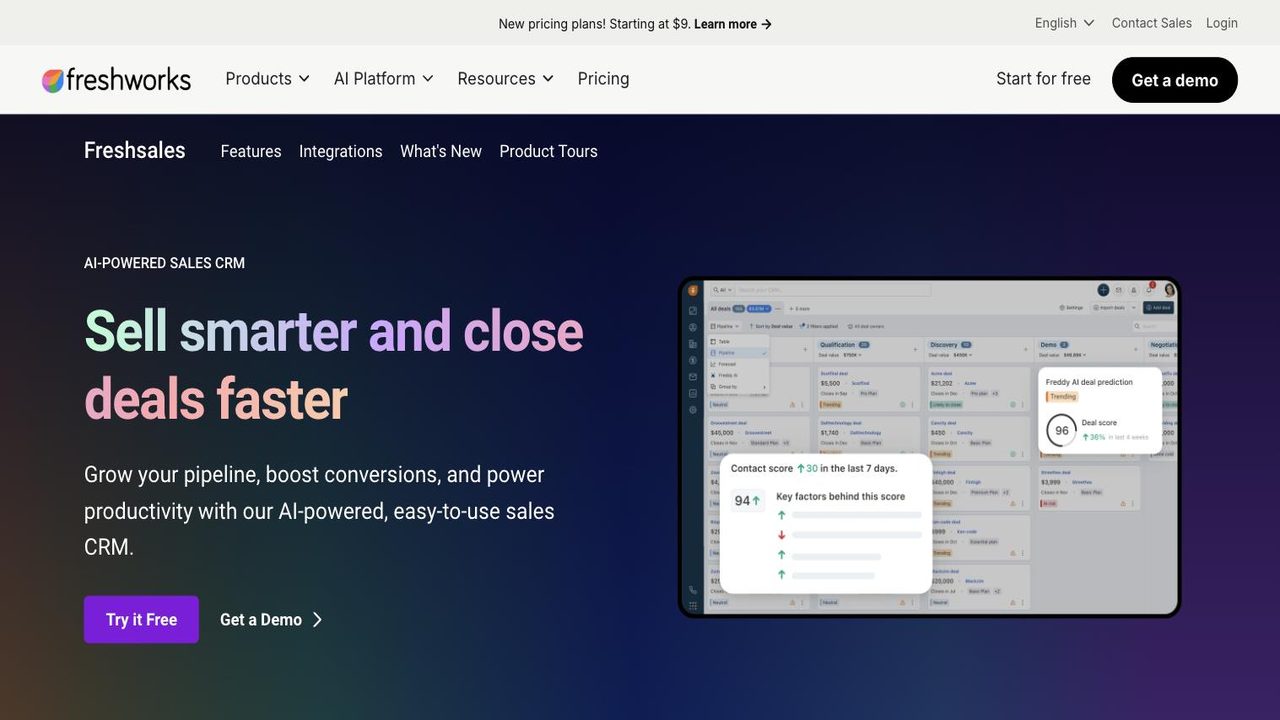
What stands out for agencies: Excellent value at the Pro tier, with feature depth comparable to HubSpot Marketing Hub Professional at a fraction of the price. Built-in phone, email and chat sit in one UI, with AI-powered insights (Freddy AI) for deal scoring and contact prioritization, on a clean, fast interface teams adopt quickly.
Pricing: A free tier covers up to 3 users, Growth is $9/user/month, Pro is $39, Enterprise is $59.
Drawbacks: The ecosystem and integration marketplace are smaller than HubSpot's or Salesforce's, marketing automation is solid but not as deep as ActiveCampaign's or HubSpot's higher tiers, and there's no native sub-account architecture for multi-client setups.
Best alternative if: You need a stronger ecosystem and partner program, look at HubSpot.
Venturz
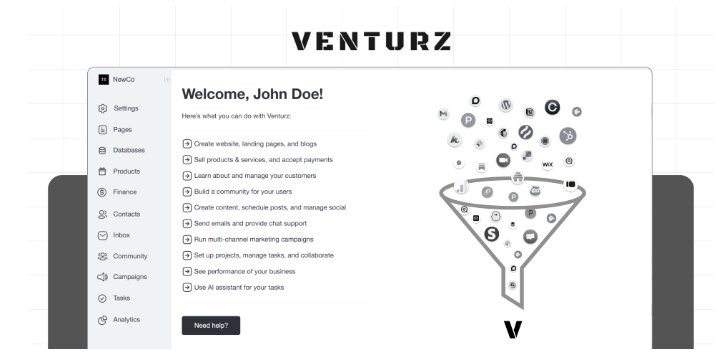
Best for: Marketing agencies and growing teams that want CRM, lead management, email marketing and automation in one platform.
What stands out for agencies: A built-in CRM with contact management, visual sales pipelines, tasks and activity history, plus lead capture through customisable forms, live chat and meeting scheduling. Email marketing covers bulk campaigns, drip sequences and transactional email, with audience segmentation and workflow automation triggered by customer behavior. It's part of the broader Venturz platform, which also bundles websites, customer support and analytics.
Pricing: A free CRM is available for up to 5,000 contacts, with paid plans as teams scale.
Drawbacks: Agencies looking specifically for native multi-client sub-accounts or full white-label CRM functionality will need a more agency-specialised platform. The all-in-one approach is more than teams need if they only want a basic sales pipeline.
Best alternative if: You need advanced multi-client architecture and white-label client workspaces, look at GoHighLevel or Inflowave.
Full comparison
| CRM | Starting price | Multi-client | White label | Notable limitation |
|---|---|---|---|---|
| Inflowave | $149-$497/mo | Native | Full (Max plan) | Lighter on classic B2B outbound |
| HubSpot | $890/mo (Pro) | Limited (Business Units add-on) | Reports only | Contact-tier pricing scales aggressively |
| Salesforce | $80/user/mo | Yes (Enterprise+) | With dev work | Implementation cost ($25K-$200K+) |
| GoHighLevel | $97-$497/mo | Native | Full | UX/depth deficit vs. specialists |
| Pipedrive | $14-$99/user/mo | No | No | No multi-client architecture |
| ActiveCampaign | $19-$479/mo | No | Limited | Light pipeline/multi-account |
| Close | $49-$139/user/mo | No | No | No marketing automation |
| Zoho CRM | $14-$52/user/mo | Partial | Limited | UX polish gap |
| Monday Sales CRM | $12-$28/user/mo | Boards-as-clients | No | Light marketing features |
| Keap | $159-$299/mo | No | No | Doesn't scale past ~5 people |
| Insightly | $29-$99/user/mo | Partial | No | Marketing module priced separately |
| Copper | $12-$134/user/mo | No | No | Useless outside Google Workspace |
| Nimble | $29.90/user/mo | No | No | Not built for scale |
| Freshsales | Free-$59/user/mo | No | No | Smaller ecosystem |
| Venturz | Free-paid | Not agency-specialized | No | Not built for native sub-accounts |
How to choose
Pick by workflow fit, not feature checklist. Start with your primary channel: if 70%+ of client work is email automation, look at ActiveCampaign or HubSpot; if it's paid media (Meta plus Google), HubSpot or a lighter CRM with an attribution stack on top; if it's Instagram, TikTok and social-DM funnels, Inflowave is the closest match; if it's outbound and cold-calling, Close; if it's project-based delivery, Insightly or Monday.
Then layer in client structure. If clients can share automations, HubSpot, Pipedrive or ActiveCampaign work fine. If each client needs isolated workflows, you need multi-tenant architecture: GoHighLevel, Inflowave or Insightly Enterprise. If you're charging clients for something that looks like your own platform, only GoHighLevel (SaaS Mode) and Inflowave (Max plan) deliver that without enterprise pricing.
Run the seat math at your 18-month projection, not today's: Pipedrive at 5 seats is $295/mo and at 25 seats is $1,475/mo; HubSpot Marketing Pro at 2,000 contacts is $890/mo and at 50,000 contacts is $5,000+/mo. And weigh your team's tech comfort: a small creative agency with no CRM experience will be productive on Pipedrive in two weeks and still struggling on HubSpot at week 12.
A few mistakes are worth naming directly. Don't buy the most expensive option "because we'll grow into it," start with the simplest CRM that fits your current workflow plus 12 months of likely growth, you can migrate up later. Don't ignore sub-account architecture until it hurts, at 25+ clients a shared workspace produces data leakage and a permission model that eats hours every week. Don't trust a trial with sample data, import a real client's contacts and run a real report before deciding. And budget real onboarding time: Pipedrive or Inflowave typically take 1 to 3 weeks, HubSpot and GoHighLevel 6 to 12 weeks, Salesforce 8 to 24 weeks, plus the lost productivity and training time that goes with it.
For agencies whose work lives on Instagram, TikTok and social-DM funnels, Inflowave is the most direct workflow match: built for DM-driven funnels, multi-IG inboxes and comment-to-DM automation, the actual workflow agencies use to convert social traffic into clients. If you're managing 5 to 80 client Instagram accounts and need real white-label reporting, the architecture is a step change over generalist tools. Start a free trial of Inflowave or book a demo to see it against real client data.
FAQ
What is the best CRM for a marketing agency?
It depends on what your agency does. For inbound marketing, content and email lifecycles, HubSpot is the most defensible long-term choice. For agencies productizing done-for-you services with white-label resale, GoHighLevel is the most direct fit. For agencies whose work lives on Instagram, TikTok and social-DM funnels, Inflowave is the closest workflow match, built around multi-IG inboxes, comment-to-DM automation and client-level white-label reporting.
Do marketing agencies need a CRM?
If you have more than 5 clients and more than one person working with you, yes. Below that scale, a well-organized spreadsheet plus a calendar and email tool can work. Above it, lost data, no audit trail and no collaboration start costing more than a CRM would. Most agencies start with pipeline management for new business, then layer in marketing automation, attribution and client-portal features as they grow.
What's the difference between a CRM and marketing automation?
A CRM stores who your contacts are, what's been said to them and who owns the relationship. Marketing automation acts on those contacts: sending emails, tagging based on behavior, triggering workflows. HubSpot, ActiveCampaign and Inflowave combine both; Salesforce and Pipedrive are CRM-first with thinner automation. For agencies, you usually want both in the same system so a workflow can update a record and a record can trigger a workflow without integration brittleness.
How much does an agency CRM cost?
For a 10-person agency managing 25 clients, costs roughly break down as: low end, $150 to $400/month total, covering Pipedrive, Freshsales, Zoho CRM or Inflowave Business; mid-range, $500 to $1,500/month, covering HubSpot Marketing Pro entry tier, ActiveCampaign mid-tier, GoHighLevel Agency or Inflowave Pro and Max; high end, $2,000 to $8,000+/month, covering HubSpot Marketing+Sales Pro at scale or Salesforce Sales Cloud Enterprise. Add 15 to 40% for onboarding in year one if you choose HubSpot or Salesforce.
Is HubSpot good for agencies?
Yes, if you want to become a HubSpot Solutions Partner and the partner economics work for you, it's one of the most defensible long-term choices on this list. If you're not pursuing that path, the price-to-feature ratio is hard to justify against ActiveCampaign or Inflowave for social-first work, and sub-account architecture still isn't native.
What CRM does GoHighLevel compete with?
GoHighLevel competes most directly with Inflowave among agency-first CRMs, both offer native multi-sub-account architecture and full white label. The difference is workflow: GoHighLevel is built around SMS, voice and done-for-you local-business services, while Inflowave is built around Instagram, TikTok and social-DM-driven client work. Outside that pair, it also competes loosely with HubSpot's Business Units setup for agencies that want a single white-labeled platform.
How long does CRM onboarding take?
Realistic timelines for getting an agency team productive on a new CRM, by tool: Pipedrive 1-3 weeks; Inflowave 2-4 weeks; ActiveCampaign 3-6 weeks; Freshsales 3-6 weeks; Monday Sales CRM 3-6 weeks; Zoho CRM 4-8 weeks; HubSpot 6-12 weeks; GoHighLevel 6-12 weeks; Insightly 6-10 weeks; Salesforce 8-24 weeks. The variables that drive timeline: data migration complexity, custom field count, automation complexity, team size, and prior CRM experience. Add 2-4 weeks if you're migrating from an existing system rather than starting fresh. The biggest mistake: assuming "onboarding done" when the platform is configured. Real productivity comes when your team has run a full operational month inside it.
What's the best CRM for a 1-person marketing agency?
It depends on your channel. If you're primarily on Instagram or TikTok with DM-based funnels, Inflowave Business at $149/month is the most direct match for a single account. If you're primarily on email and content, ActiveCampaign or HubSpot's free CRM with a Marketing Hub Starter add-on. If you're doing relationship-based consulting, Nimble at $29.90/user/month. Avoid Salesforce or HubSpot Enterprise as a solo, you'll spend more time maintaining the tool than working with clients.
What's the best CRM for an agency managing 50+ clients?
Three CRMs realistically fit: GoHighLevel (Agency Unlimited or SaaS Mode), Inflowave (Max plan) and HubSpot with the Business Units add-on at Enterprise tier. GoHighLevel fits best if your service is local-business marketing with SMS, voice and reputation management as core deliverables. Inflowave fits best if your service is social-media-driven, Instagram and TikTok DM funnels, with multi-account management and white-label client portals. HubSpot Enterprise fits agencies with 6-figure clients running complex inbound programs and the budget for a $50K to $200K annual platform spend.
Which CRM has the best white-label features?
Two CRMs deliver full white label without enterprise rates: GoHighLevel in SaaS Mode at $497/month, and Inflowave on its Max plan at $497/month. Both let you run the platform under your agency's domain and branding, and resell it to clients. Salesforce can do this through Experience Cloud but expects $50K+ implementation budgets. HubSpot white-labels reports and dashboards but not the platform itself. Most other CRMs on this list offer little beyond logo and color customization.
What's the best CRM for Instagram-focused agencies?
Inflowave is the most direct fit. It's built around multi-IG account inbox, comment-to-DM automation, Story-trigger workflows, AI agent-driven conversations, lead-source attribution from specific posts and DMs, and a white-label client portal showing real social-channel results. GoHighLevel can be configured for Instagram-adjacent work but is fundamentally a generalist tool, and HubSpot integrates with Instagram via third-party apps but treats social as a notification feed rather than a first-class workflow.
How do I integrate Meta Ads and Google Ads with a CRM?
Three paths, cleanest first: native integrations (HubSpot, ActiveCampaign, Salesforce and Inflowave all have first-party connectors pulling lead-form data, conversion events and spend); middleware like Zapier or Make, which works broadly but adds a dependency and occasional rate limits; or CSV exports as a last resort, since attribution breaks down once there's human delay between conversion and import. Also send conversion data back to the ad platform via Conversions API so Meta and Google optimize on real customer events rather than form fills alone.
