
There is no shortage of tools that will schedule your posts. The harder question, and the one that actually decides which tool you should pay for, is what happens after the post goes live. Because for a growing number of brands, the value of social is not the post at all. It is the conversation the post starts.
Most of the tools in this guide are built around the calendar: connect your accounts, queue your content, read your analytics. They do that well, and for plenty of teams that is exactly enough. But if your leads arrive as Instagram DMs, comment replies and story responses, a scheduler leaves the most valuable part of social completely unmanaged, because it has nowhere to put a person, only a post.
So this guide does two things. It ranks the twelve strongest social media management tools in 2026 with real pricing, real G2 ratings and a clear sense of who each is for. And it is honest about the split between tools that help you publish and the rare tool that helps you convert. If you also sell to agencies or run one, our guide to the best GoHighLevel alternatives covers the wider agency stack in the same detail.
Publishing is only half of social
Ask ten marketers what a social media tool is for and most will describe scheduling. That made sense when social was a broadcast channel. It makes less sense now, when a Reel's comments, an Instagram DM and a story reply are where buying decisions actually start.
Here is the gap in plain terms. A scheduler helps you talk. It does not help you listen at the individual level, remember who you spoke to, or move that person toward a sale. The moment a follower replies with a question about price, a pure scheduler is done, and the lead lives or dies in a shared inbox nobody owns.
- Publishing tools queue content and report on reach and engagement. Buffer, Later, Planoly and most of this list sit here, and they are good at it. What none of them do is make the thing you are posting, so a creative step usually sits upstream of the queue - image models such as nano banana 2.5 are increasingly where those visuals come from before anything gets scheduled.
- Management suites add a unified inbox, listening and team workflows. Hootsuite, Sprout, Agorapulse and Sprinklr live here, strong on monitoring and reporting.
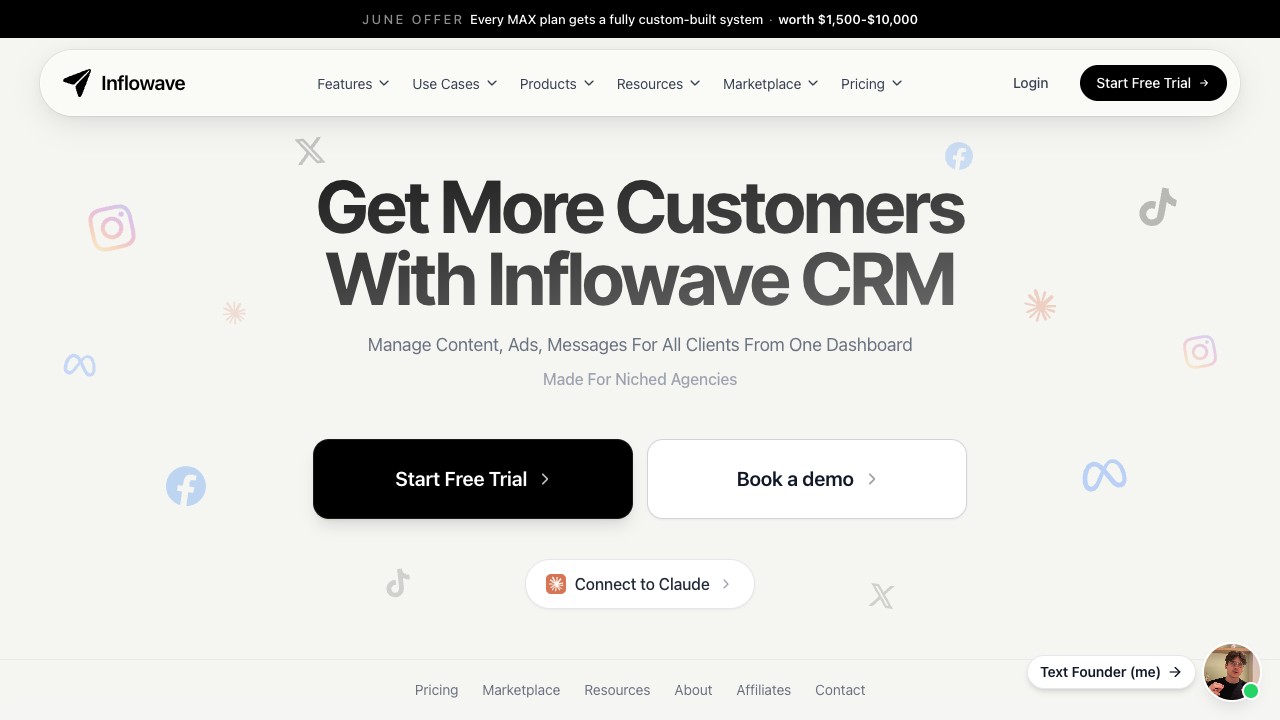
- Social CRMs add the missing layer: a contact record, a pipeline and automation, so a DM becomes a tracked lead. This is where Inflowave sits, and it is still a small club. It matters more the further you get from the English-speaking market: in Japan, Taiwan and Thailand the conversation that decides a sale usually happens on LINE rather than Instagram, and running LINE as a CRM channel has its own rules - answering inside the reply window costs nothing, following up the next day is metered.
The conversation layer is a real category now, and it is worth understanding how the dedicated automated-chat tools approach it before you decide how much of it you need in one place. This roundup of Chatfuel alternatives walks through tools built specifically to automate messaging, which is a useful reference point: a chat tool automates the reply, while a social CRM automates the reply and then remembers the person, so seeing the pure-chat options side by side clarifies which half of the problem you are actually trying to solve.
What to look for in a social media tool
We weighted five things when ranking these, and they are a good shortlist filter for you too.
1. What job you are hiring it for. Publishing, monitoring, analytics or conversion. Nearly every wrong purchase in this category is a mismatch here: buying a heavy analytics suite when you needed a simple queue, or a simple queue when you needed to manage leads. Name the job first.
2. Channel fit and depth. A tool that is brilliant for Instagram can be thin for LinkedIn or X. Match the tool's strengths to the two or three networks that actually drive your results, not the logo grid on its homepage.
3. Team and client workflow. Approvals, roles and white-label reporting matter enormously to agencies and not at all to a solo creator. Decide whether you are managing your own accounts or other people's, because that single fact rules half this list in or out.
4. Analytics you will actually use. Deep reporting is only worth paying for if you act on it. A lean team often gets more from practical dashboards than from an enterprise suite nobody has time to read.
5. The conversion layer. If leads come through conversations, ask where they are captured and followed up. A tool with no inbox or CRM means you will bolt one on, which is the exact stack you were trying to simplify.
If your team also runs project delivery or client operations alongside social, it is worth keeping the adjacent tools honest too. Comparisons like this breakdown of Smartsheet alternatives and this look at Scoro alternatives cover the project and agency-ops layer that usually sits next to your social stack.
Scheduling itself is deceptively varied once you look closely, and the right queue depends on whether you value bulk actions, visual planning or collaborative approvals. This comparison of Planable alternatives is a good companion here because it focuses specifically on the scheduling-and-approval experience across several tools, which is exactly the layer most people over-buy or under-buy when they pick on brand name alone.
Social media management by the numbers
The context explains why this category is so crowded and why the tools are pulling in different directions. There are more than 5.3 billion social media users worldwide generating over 1.9 billion daily brand interactions, and roughly 84% of organizations now actively manage more than three platforms, which is exactly why unified tools exist at all.
The market reflects it. Estimates vary by definition, but the broad social media management market is put at roughly 36 to 43 billion dollars in 2026 and is growing at around a 20 to 25% compound rate, with North America holding close to 39% of it. Enterprise deployments now manage an average of more than 27 connected profiles each, which is why the heavyweight suites keep adding governance and roles.
On satisfaction, the field is genuinely strong. Among the tools below, Loomly leads on G2 at 4.6 across roughly 1,796 reviews, SocialPilot, Sendible and Agorapulse sit at 4.5, and the incumbents Hootsuite (4.3, 7,258 reviews) and Sprout Social (4.4, 6,426 reviews) carry the most statistically robust scores. Every rating sits in the comparison table so you can weigh reputation next to fit.
The one number these reports do not capture is conversion. Reach and engagement are measured everywhere; what happens to the individual who replies is measured almost nowhere, and that blind spot is precisely the gap a social CRM is built to close.
Here are the twelve, ranked from the most conversion-focused to the most specialized.
1. Inflowave
Best for Instagram and social-first agencies · Free / paid · White-label: Yes
Almost every tool on this list is built to help you publish. Inflowave is built to help you convert. It bundles a scheduler and unified social inbox with the thing schedulers leave out entirely: a CRM, pipelines, DM automation and an AI setter that qualifies leads and books calls straight from Instagram and Facebook conversations. If your growth actually happens in the DMs rather than the feed, that difference is the whole game.
That framing matters because a posting calendar is only half of social. You can queue perfect content in Buffer or Later and still lose the lead who slides into your DMs at 11pm asking about pricing, because a scheduler has nowhere to put that person. Inflowave treats the comment, the story reply and the DM as the start of a pipeline, not the end of a post, which is why social-led agencies and creators use it where they would otherwise bolt a CRM onto a scheduler.
Standout features
- Publishing and scheduling across Instagram, Facebook, TikTok, LinkedIn and more
- Unified inbox that threads DMs, comments and story replies with full lead context
- AI Setter that qualifies leads and books calls autonomously inside the DM
- CRM, pipelines, tags and custom fields attached to every social conversation
- Comment-to-DM and story-reply automations built in, not bolted on
- White-label mode to rebrand and resell the whole platform to clients
Pros
- The only tool here that turns social conversations into booked revenue
- DM automation and AI qualification are native, not add-ons
- Keeps white-label resale for agencies
- Genuinely free plan plus a low entry tier
Cons
- Pure scheduling ecosystems and third-party template libraries are lighter than Hootsuite's
- Newer brand than the incumbents
Who it is not for: Teams that only need to queue posts and never touch a DM, or brands with no social channel at all.
Pricing: Free plan available. Paid from 27 dollars per month, Business at 149 with AI included, Agency Pro at 297 with white-label. Around 20% off annual, and every plan starts with a 7-day free trial. (As of 2026.)
If the part of this you care about most is the conversation layer, automating replies and qualifying leads inside the inbox, it is worth seeing how the pure chatbot tools frame the same job. This roundup of Tidio alternatives compares tools built specifically for automated chat, which is a useful contrast: a chatbot answers a question, where a social CRM like Inflowave answers the question and then remembers who asked, tags them, and moves them along a pipeline.
Verdict: The right pick for agencies and creators whose pipeline starts in Instagram DMs, because it is the one tool that publishes, replies and closes in the same place.
2. Hootsuite
Best all-rounder for established teams · Premium · White-label: No
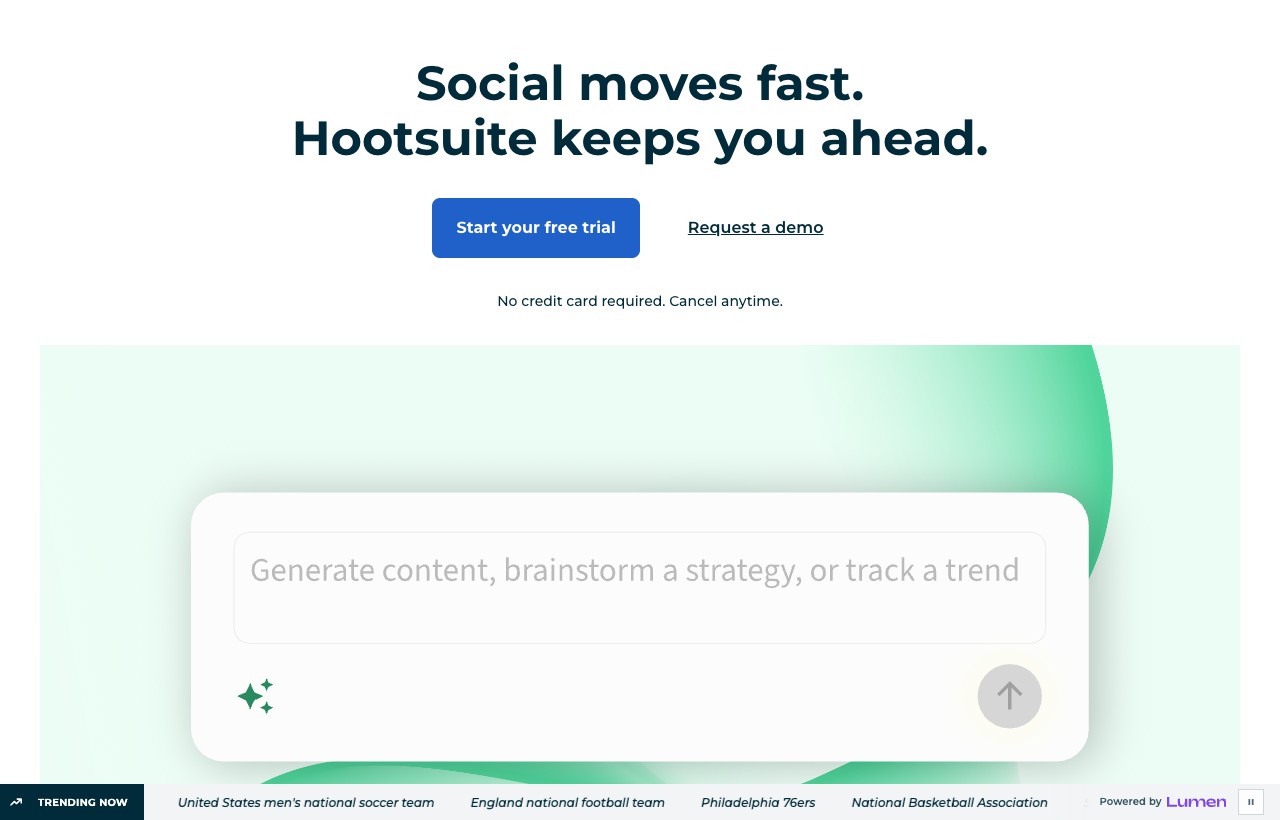
Hootsuite is the incumbent, and it earns the position. It carries a 4.3 out of 5 on G2 across more than 7,000 reviews and was named G2's number one marketing product for 2026, on the strength of breadth: scheduling, a unified inbox, social listening, analytics and approval workflows in one console. If you want the safe, everyone-has-heard-of-it choice with every feature present, this is it.
The trade is cost and complexity. Hootsuite removed its free plan years ago, bills per user, and starts around 99 dollars a month for a single seat, so a small team scales into serious money quickly. The interface is powerful but famously busy, and new users routinely report a real learning curve. It is a lot of platform, which is exactly right for some teams and far too much for a solo creator.
Standout features
- Scheduling and bulk publishing across all major networks
- Unified inbox with team assignment and approval flows
- Social listening and sentiment streams
- Deep analytics and exportable reports
- AI caption generation and content suggestions
Pros
- Broadest feature set on the list
- Mature listening and analytics
- Enormous ecosystem and integrations
Cons
- Expensive once you add seats
- Interface feels cluttered
- No free plan and a steep learning curve
Who it is not for: Solo creators and small teams who want something cheap and simple, or social-first sellers who live in DMs.
Pricing: No free plan. Professional around 99 dollars a month for one user, Team around 249 for three users, Business and Enterprise on request. 30-day trial. (As of 2026.)
Verdict: The default for established marketing teams that will use the breadth. Overkill, and overpriced, if you only need to schedule posts.
3. Buffer
Best simple, budget scheduler · Free / low cost · White-label: No
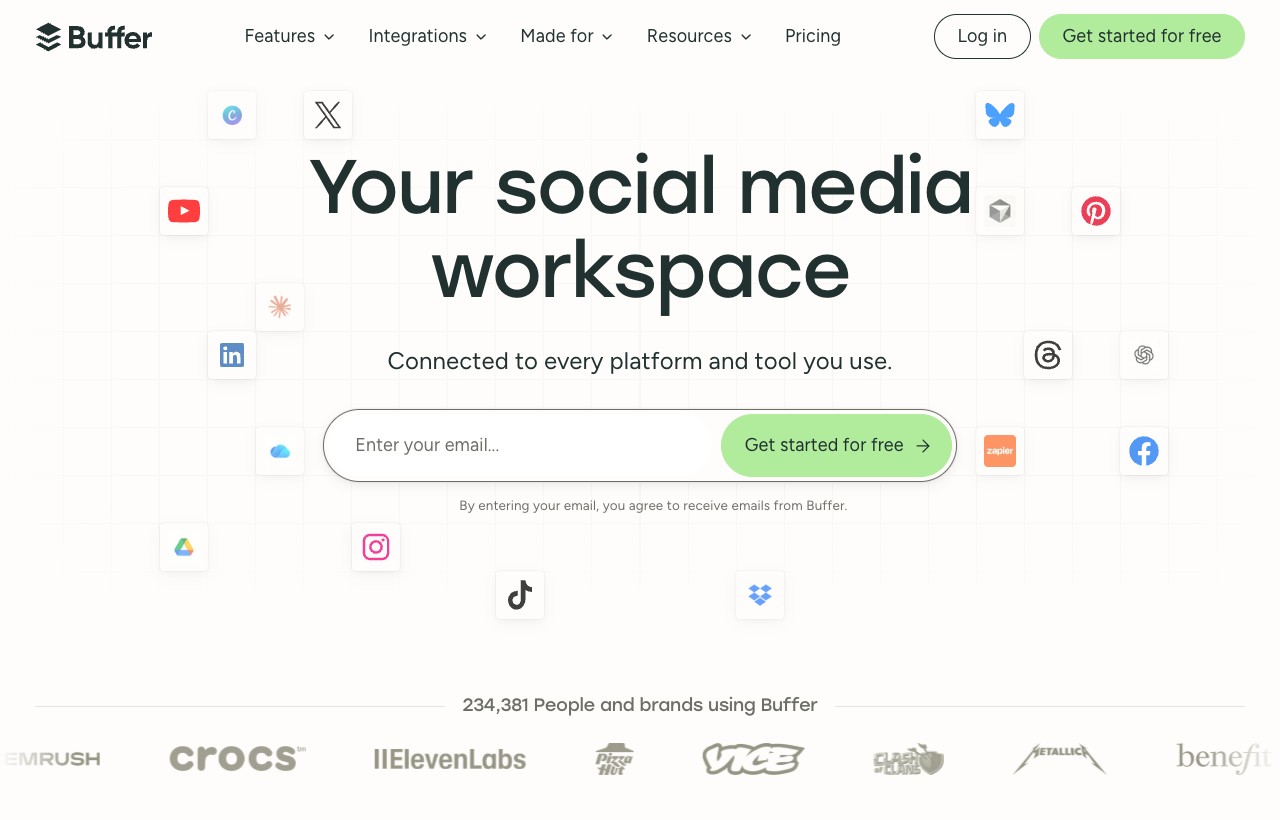
Buffer is the clean, friendly opposite of Hootsuite. It holds 4.3 on G2 across roughly 1,071 reviews and has always won on simplicity: connect your channels, queue your posts, get out. It bills per channel rather than per user, so a solo creator with three or four accounts pays very little, and the free plan genuinely works for getting started.
What you give up is depth. Buffer's analytics, inbox and listening are light compared with Sprout or Hootsuite, and there is no CRM or lead layer at all. For a creator or small business whose job is consistent posting, that minimalism is a feature. For an agency that needs approvals, reporting and client management, it runs out of room fast.
Standout features
- Per-channel scheduling with a clean queue
- Free plan with three channels
- AI assistant for captions and ideas
- Basic analytics and a simple landing page builder
- Browser extension for one-click queuing
Pros
- Cheapest serious scheduler here
- Effortless to learn
- Real free tier
Cons
- Thin analytics and reporting
- Minimal inbox, no CRM
- Per-channel cost adds up past ten channels
Who it is not for: Agencies needing approvals, client reporting or white-label, or anyone whose leads come through DMs.
Pricing: Free plan with three channels. Essentials from 5 dollars per channel per month, Team from 10 per channel (annual billing). (As of 2026.)
Buffer is the reference point everyone compares against, so if it is on your shortlist it is worth reading a comparison that puts it head to head with the newer schedulers. This breakdown of Buffer alternatives weighs the trade-offs between Buffer's simplicity and the extra analytics, inbox and automation you get by moving to a heavier tool, which is exactly the decision most people are actually making when they land on Buffer's pricing page.
Verdict: The right first tool for a creator or small team that just wants to post consistently without paying for a suite.
4. Later
Best visual and Instagram-first planner · Low cost · White-label: No
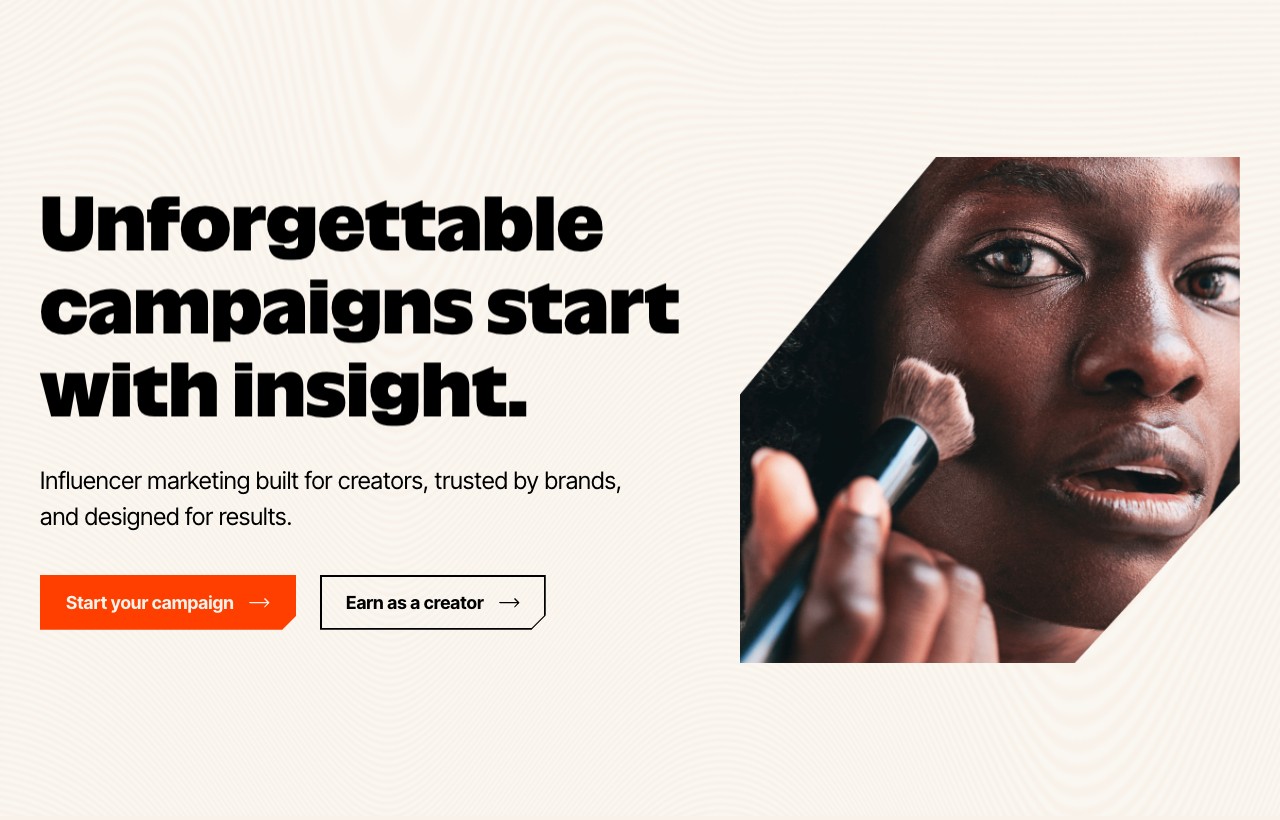
Later built its name on visual planning for Instagram, and it still does that better than the generalists. The drag-and-drop visual calendar, the grid preview that shows how your feed will look before you post, and the Link in Bio tool are all tuned for image-led brands and creators. It has since grown an influencer-marketing side, but the core is still visual scheduling.
That focus is the strength and the limit. If Instagram, TikTok and Pinterest are your world, Later feels purpose-built. If you need deep cross-network analytics, a serious inbox or B2B reporting, you will feel the ceiling. It is a planning tool first and an analytics platform a distant second.
Standout features
- Visual drag-and-drop content calendar
- Instagram grid preview and best-time-to-post
- Link in Bio landing page
- Influencer marketing and creator tools
- Media library for organizing visual assets
Pros
- Best visual planning experience here
- Instagram and TikTok focused
- Approachable for creators
Cons
- Analytics are basic beyond the visual networks
- Inbox and listening are light
- Less suited to B2B or text-led channels
Who it is not for: B2B teams that live on LinkedIn and email, or anyone who needs a CRM and lead pipeline.
Pricing: Free trial available. Paid plans from roughly 25 dollars a month. (As of 2026.)
Visual planners are a crowded lane, and the right one depends on whether you value the grid preview, the analytics or the collaboration flow most. This Publer alternatives comparison is a helpful companion because it maps several visual-first schedulers against each other on exactly those axes, so you can see where Later's Instagram strength is worth it and where a different planner pulls ahead.
Verdict: The pick when your brand is visual and Instagram-led and planning a beautiful feed matters more than deep reporting.
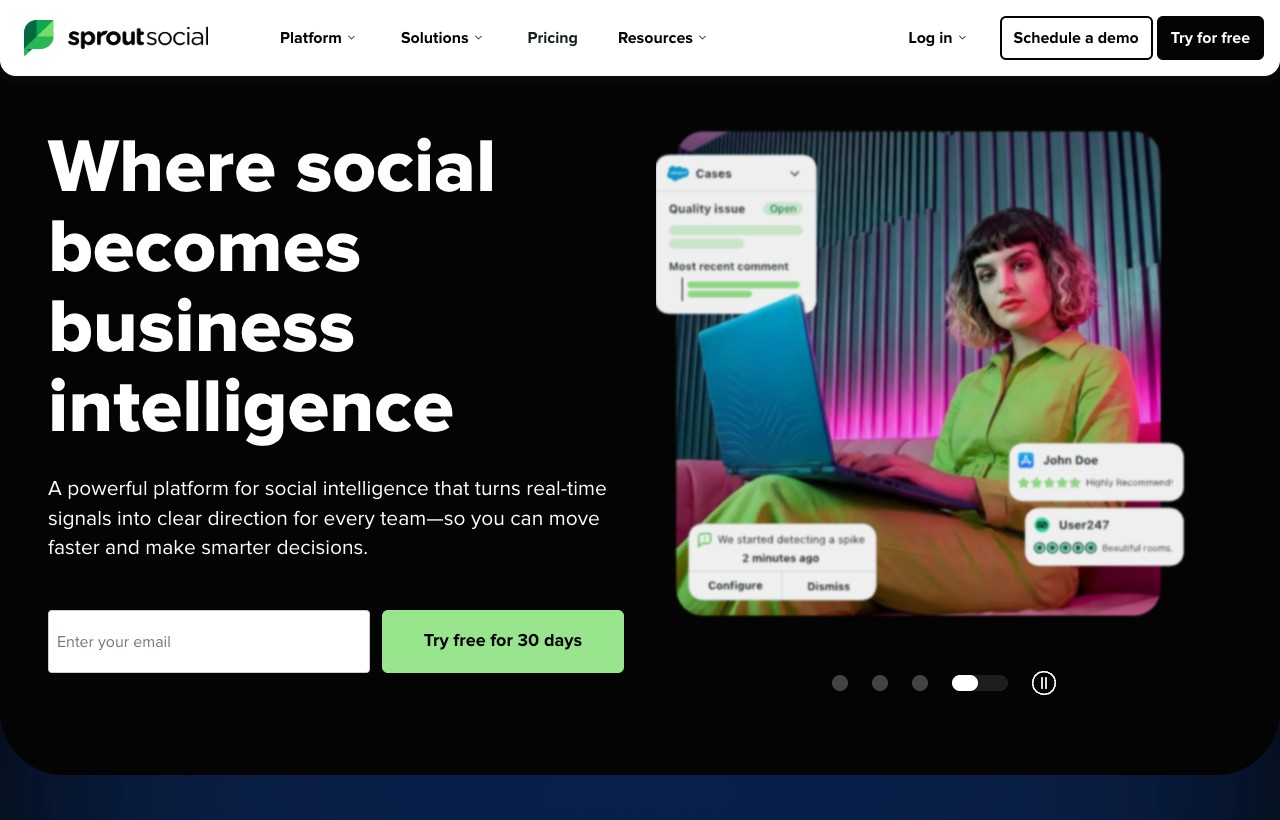
5. Sprout Social
Best premium mid-market and enterprise · Premium · White-label: No
Sprout Social is the polished premium option, rated 4.4 on G2 across more than 6,000 reviews and consistently praised for a clean interface and strong support. Its listening tool processes enormous message volumes, its reporting is boardroom-ready, and the whole product feels considered in a way cheaper tools do not. For a mid-market or enterprise team that needs to present social performance to stakeholders, it is a serious platform.
The catch is per-seat pricing that climbs fast. Essentials starts around 79 dollars per user per month and the higher tiers run to several hundred per seat, so a team of five is a large annual number. Sprout is worth it when analytics, listening and support are the priority. It is hard to justify for a solo operator or a small shop.
Standout features
- Premium unified inbox with team workflows
- Enterprise-grade listening and sentiment analysis
- Presentation-quality analytics and reporting
- CRM-style contact history on conversations
- Strong support and onboarding
Pros
- Cleanest reporting and listening here
- Excellent support reputation
- Scales to enterprise needs
Cons
- Per-seat pricing gets expensive quickly
- Overpowered for small teams
- No white-label resale
Who it is not for: Small teams and solo creators on a budget, or agencies that need to rebrand and resell.
Pricing: No permanent free plan. Essentials around 79 dollars per user per month, Standard 199, Professional 299, Advanced 399 (annual). (As of 2026.)
Verdict: The premium choice when analytics, listening and stakeholder reporting justify a per-seat bill.
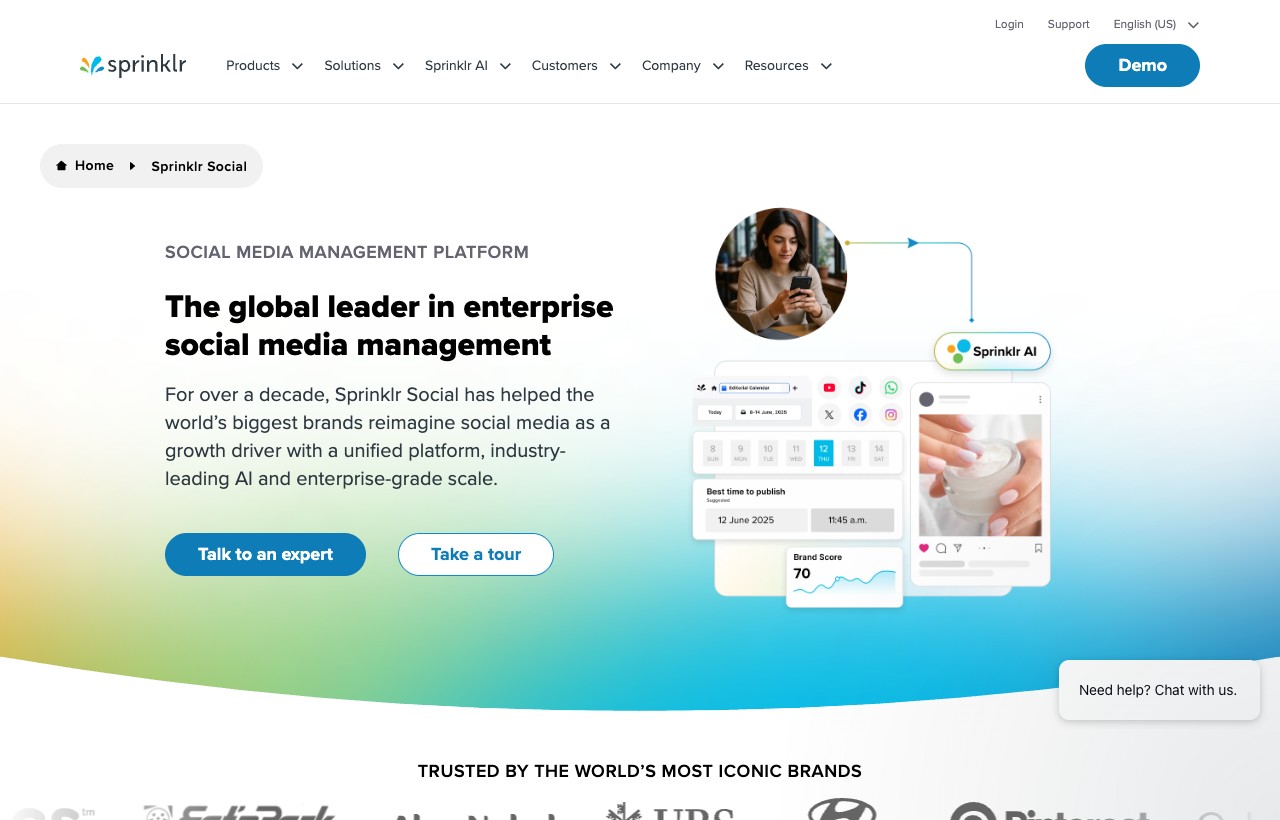
6. Sprinklr Social
Best for large enterprise · Enterprise · White-label: No
Sprinklr sits at the top of the market, a unified customer-experience platform where social media management is one module among many. For a global brand running social, care, listening and advertising across dozens of teams and markets, that unification is the point. It is built for scale that most businesses will never reach.
Everything about it reflects that. Entry pricing is reported around the low thousands per month, the platform demands configuration and training, and reviewers routinely describe it as powerful but hard to navigate without help. If you are a large enterprise, it is a genuine contender against Sprout. If you are anyone smaller, it is the wrong tool.
Standout features
- Enterprise unified CXM across social, care and ads
- AI-powered listening at massive scale
- Deep governance, roles and compliance controls
- Global multi-team and multi-brand support
Pros
- Unmatched scale and breadth
- Serious governance and compliance
- One platform for social plus care plus ads
Cons
- Very high entry cost
- Steep configuration and learning curve
- Far more than a typical team needs
Who it is not for: Small and mid-sized teams, creators, and any agency that wants fast time-to-value.
Pricing: Enterprise pricing, reported from roughly 199 dollars per seat per month and rising into the thousands for full deployments. (As of 2026.)
Verdict: The right answer only for large enterprises that need social folded into a full customer-experience stack.
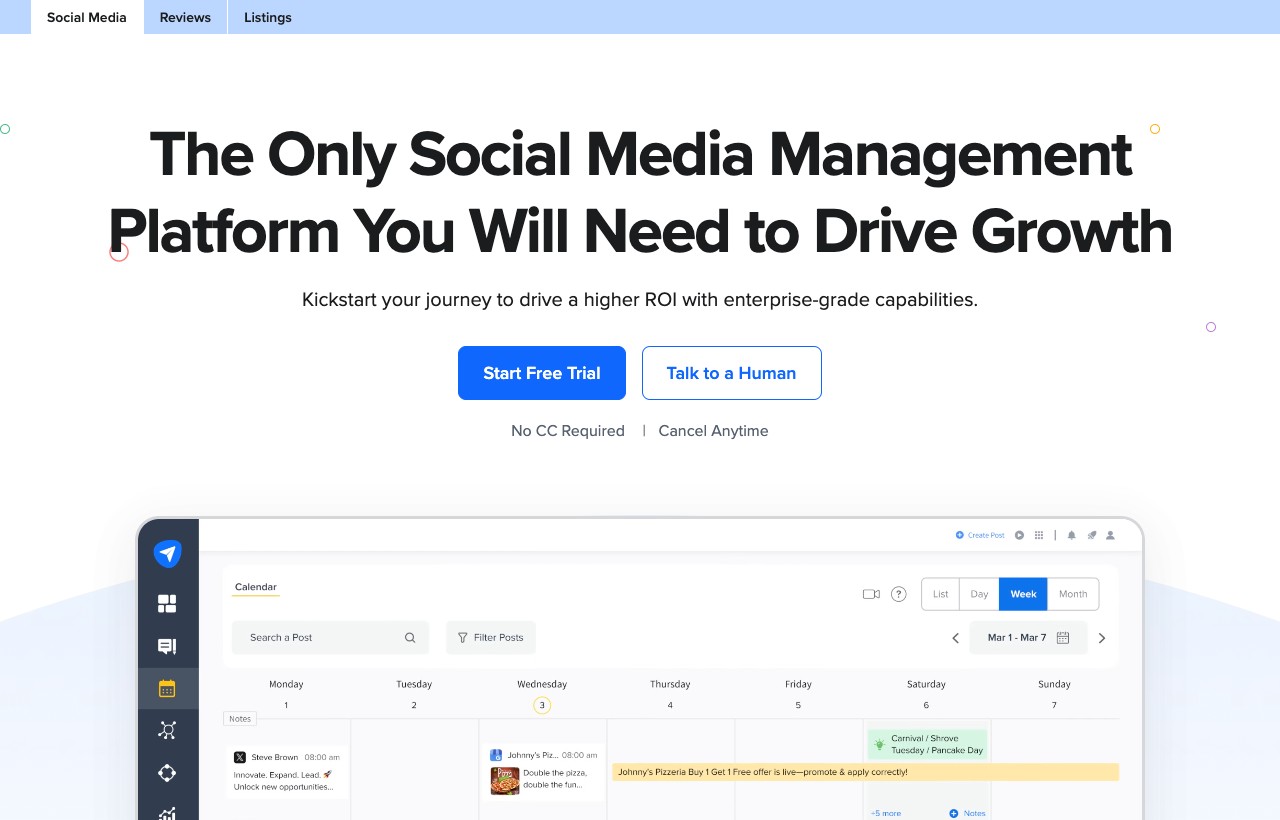
7. SocialPilot
Best value for agencies and SMBs · Low cost · White-label: Partial
SocialPilot is the value pick, rated 4.5 on G2 across roughly 844 reviews and built deliberately for agencies and small businesses that want agency features without agency pricing. Even its entry plan connects several accounts, its higher tiers include many accounts with unlimited users, and client management is baked in rather than reserved for a premium tier.
It will not match Sprout's analytics depth or Sprinklr's scale, and it is not trying to. What it offers is a genuinely affordable way to manage many accounts, schedule in bulk, and hand clients a clean approval flow, which for a lot of small agencies is the entire job.
Standout features
- Bulk scheduling across many accounts
- Client management and approval workflows
- Unlimited users on most plans
- White-label reports and branding options
- Content calendar and basic analytics
Pros
- Best price-to-feature ratio here
- Unlimited users keeps team cost flat
- Agency-friendly out of the box
Cons
- Analytics lack the depth of Sprout
- Interface is functional rather than beautiful
- Listening is limited
Who it is not for: Enterprises needing deep listening, or teams that want the most polished analytics on the market.
Pricing: 14-day free trial. Plans from roughly 25 dollars a month, scaling by number of accounts. (As of 2026.)
Verdict: The value champion for budget-conscious agencies that manage many accounts and want approvals and reporting included.
8. Sendible
Best white-label for agencies · Mid cost · White-label: Yes
Sendible is the agency specialist, rated 4.5 on G2 across roughly 899 reviews, and its whole design assumes you are managing social for other people. Client dashboards, a generous number of connected accounts before extra charges, white-label options and a priority inbox for managing many brands are all first-class here rather than afterthoughts.
For an in-house team of one brand, Sendible is more than you need. For an agency juggling ten or twenty clients who each want their own reporting and approvals, it hits a sweet spot that the creator-focused tools miss entirely.
Standout features
- Client dashboards and white-label branding
- Priority inbox across many brands
- Generous connected-account limits
- Approval workflows and scheduled reports
- Content suggestions and a media library
Pros
- Built for multi-client agency work
- White-label and client dashboards included
- Good account limits before upcharges
Cons
- Overkill for a single brand
- Analytics are solid but not best-in-class
- Interface can feel dense
Who it is not for: Solo creators or single-brand teams that will never manage client accounts.
Pricing: Free trial available. Paid plans from roughly 29 dollars a month, scaling by accounts and users. (As of 2026.)
Verdict: A strong white-label home for agencies whose business is running social for many clients at once.
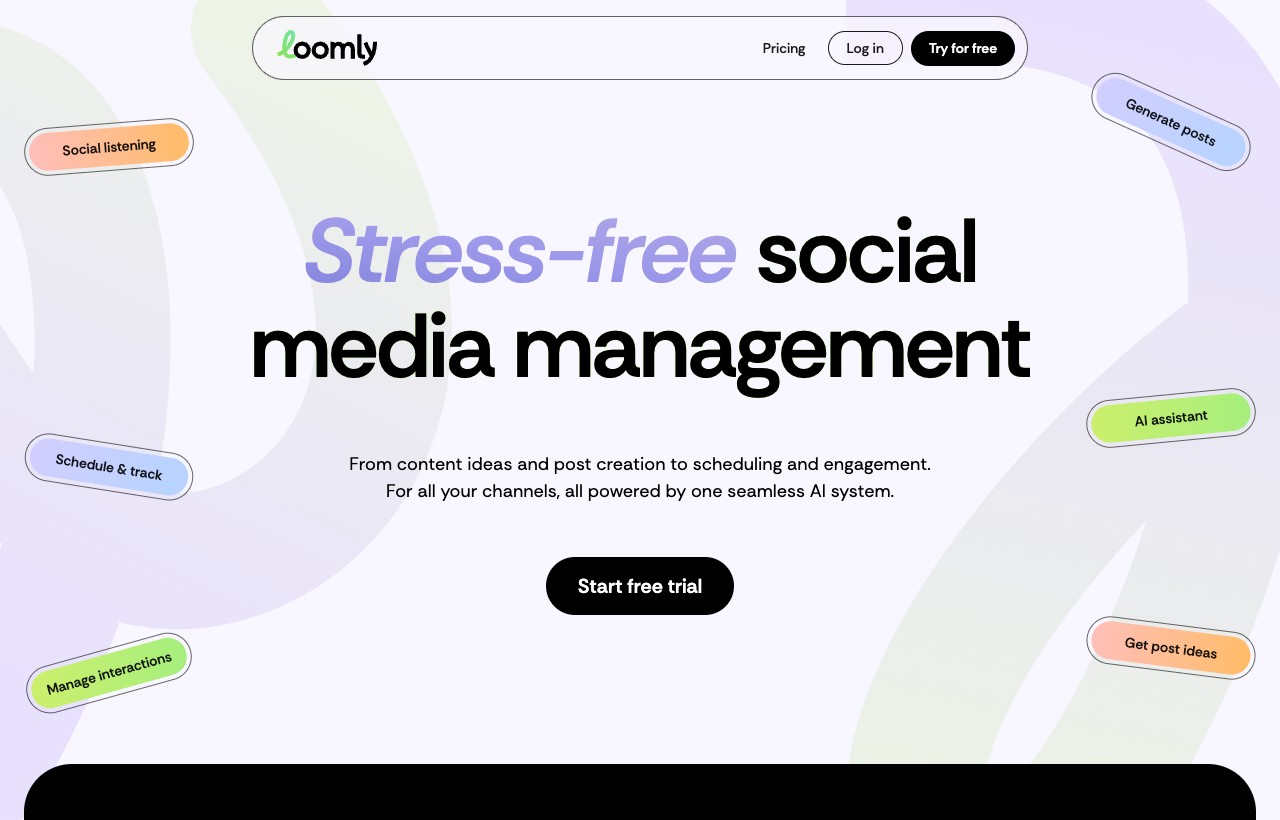
9. Loomly
Best for content approvals and collaboration · Mid cost · White-label: No
Loomly carries the highest satisfaction score on this list, 4.6 on G2 across roughly 1,796 reviews, and it earns that on collaboration. The product is organized around the content approval workflow: draft a post, route it for feedback, capture comments inline, and publish once it is signed off. For teams where nothing goes out without a review, that is exactly the right shape.
It is less of an analytics powerhouse and more of a content operations tool. If your bottleneck is getting posts approved cleanly across a team or a client, Loomly is purpose-built. If your bottleneck is proving ROI with deep data, you will lean on other tools alongside it.
Standout features
- Post approval and feedback workflows
- Content calendar with post ideas and hooks
- Brand asset library and templates
- Basic analytics and post optimization tips
- Automated publishing across networks
Pros
- Best-in-class approval workflow
- Highest G2 satisfaction here
- Clear, friendly interface
Cons
- Analytics are lighter than Sprout or Metricool
- No CRM or lead layer
- Less suited to heavy listening
Who it is not for: Teams that need deep analytics or social listening as the priority.
Pricing: Free plan with three accounts. Starter from 49 dollars a month, Beyond from 249 (annual). 7-day trial. (As of 2026.)
Approval and collaboration is its own category, and Loomly is not the only tool that leads with it. This comparison of Planable alternatives is worth a look if the review-and-sign-off workflow is your main need, because it lines up several collaboration-first schedulers on how they handle drafts, comments and client approvals specifically, rather than treating that as a side feature.
Verdict: The pick when approvals and collaboration are the whole point and you want the smoothest sign-off flow.
10. Metricool
Best analytics and scheduling value · Free / low cost · White-label: Partial
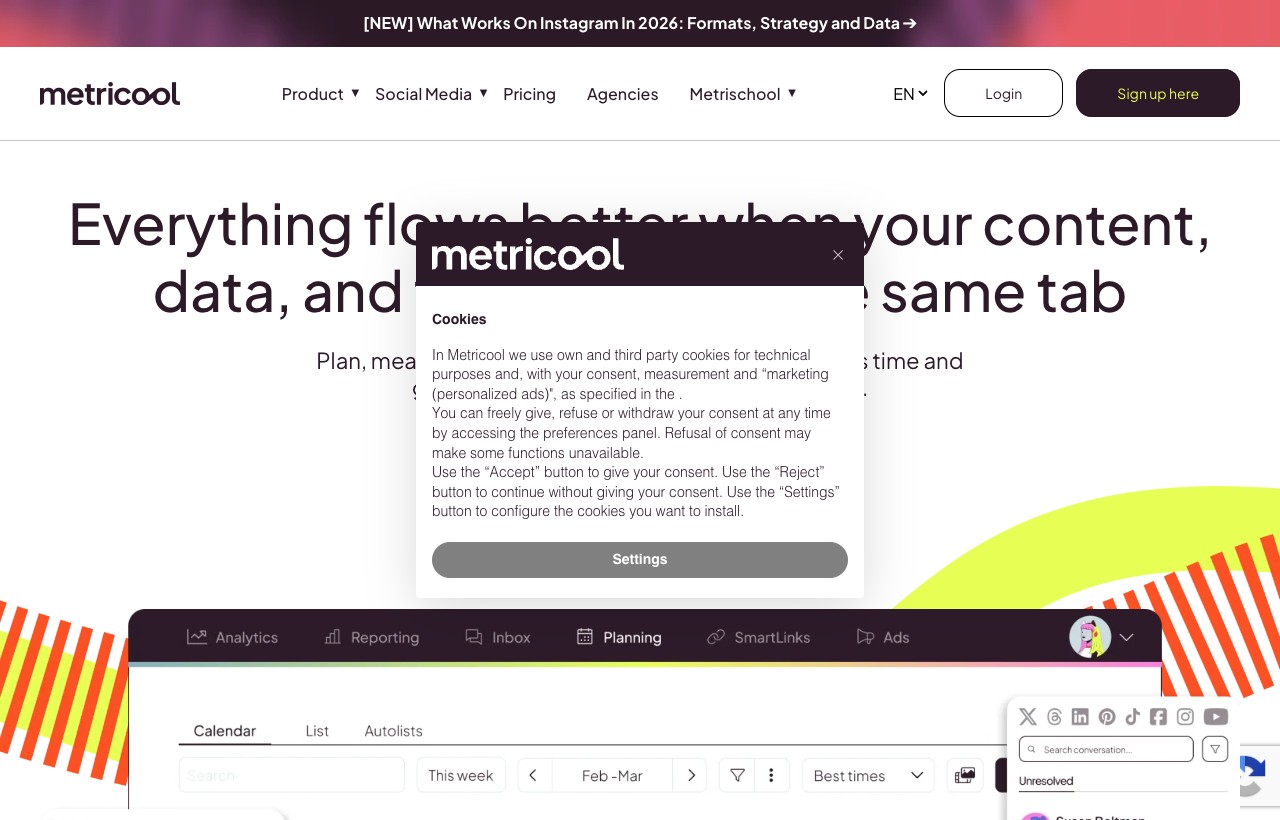
Metricool is the analyst's favorite, widely rated in the 4.5 to 4.7 range across review sites, and it earns that by pairing scheduling with genuinely deep analytics at a low price. Competitor tracking, ad campaign reporting, and cross-network dashboards come standard, and the free plan is usable rather than a trap. For a lean team that wants to actually understand performance, it punches far above its cost.
It leans data-first, so the publishing and inbox experience is functional rather than luxurious. But if your priority is measuring what works, tracking competitors, and reporting cleanly without paying Sprout money, Metricool is one of the best value propositions in the category.
Standout features
- Cross-network analytics and reporting
- Competitor and industry benchmarking
- Ad campaign performance tracking
- Scheduling with best-time suggestions
- Usable free plan and low paid tiers
Pros
- Analytics depth well beyond its price
- Competitor tracking built in
- Strong free plan
Cons
- Publishing and inbox are functional, not polished
- X and Twitter is a paid add-on
- Lighter collaboration than Loomly
Who it is not for: Teams that want a premium inbox experience or heavy client approval workflows.
Pricing: Free plan available. Paid from roughly 20 dollars a month, scaling by brands and features. (As of 2026.)
If you are cross-shopping the whole field rather than one tool, a curated directory can surface options a listicle leaves out. This AI tools directory listing is a useful way to browse adjacent social and AI-assisted platforms, which pairs well with a hand-picked comparison like this one: the list gets you breadth, the comparison gets you judgment.
Verdict: The value pick when analytics and competitor insight matter most and you refuse to pay enterprise prices for them.
11. Planoly
Best for solo creators and visual planning · Free / low cost · White-label: No
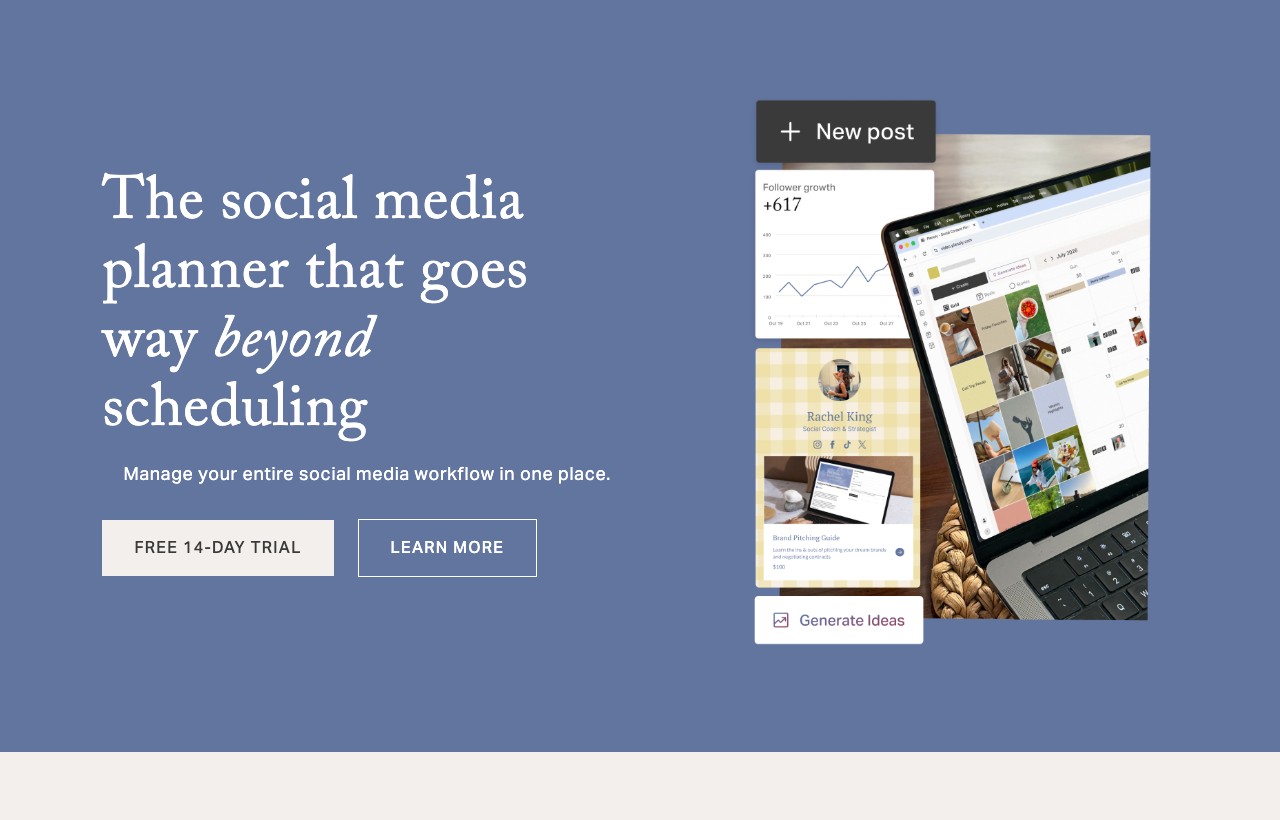
Planoly is the creator's visual planner, originally built for Instagram and Pinterest and still centered on feed aesthetics. The grid preview, drag-and-drop planning and Link in Bio are the core, and it has added a Creator Store for selling digital products and merch, plus Instagram DM automation, which nudges it slightly toward the conversion side that creators care about.
It is deliberately small in scope. There is no serious analytics suite, no multi-client agency layer, and no cross-network depth. For a solo creator who wants a beautiful feed, a simple bio link and a way to sell, that focus is a feature. For a team, it is a starting point you will outgrow.
Standout features
- Visual grid planning for Instagram and Pinterest
- Link in Bio and Creator Store for monetization
- Basic Instagram DM automation
- Drag-and-drop content calendar
- Free mobile-first plan
Pros
- Lovely visual planning for creators
- Built-in monetization tools
- Very affordable entry tier
Cons
- Minimal analytics
- No agency or multi-client features
- Narrow network focus
Who it is not for: Agencies, B2B teams, or anyone needing analytics, approvals or cross-network reach.
Pricing: Free mobile plan. Starter from 14 dollars a month, Growth from 24 (annual). 14-day trial. (As of 2026.)
Verdict: The right cheap starting point for a solo creator who wants a polished Instagram feed and a simple way to sell.
12. Agorapulse
Best unified inbox and social ROI · Mid cost · White-label: No
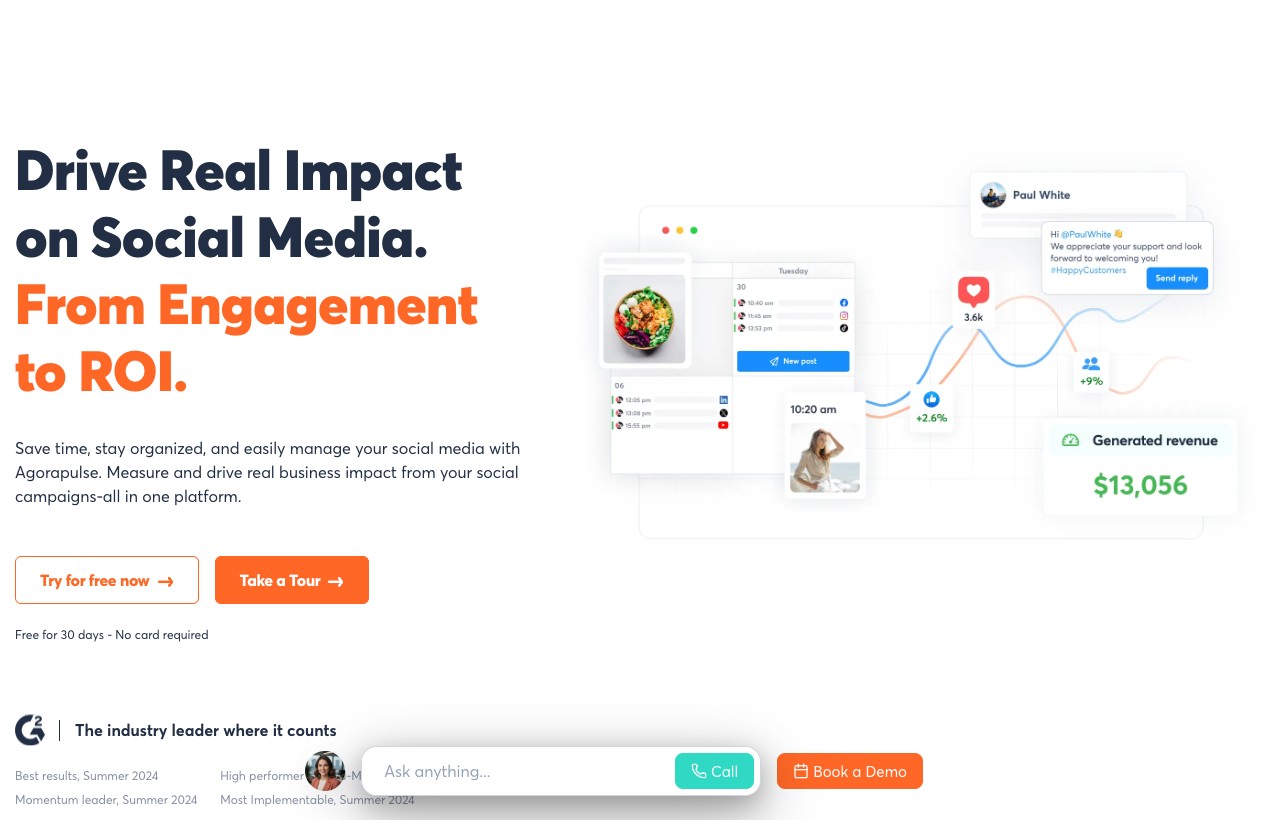
Agorapulse rounds out the list with a strong 4.5 on G2 across roughly 973 reviews, and its pitch is engagement to ROI: a genuinely good unified inbox, solid publishing, and reporting that ties social activity back to business impact. If your team spends real time replying and needs to prove that the replies matter, Agorapulse is built for that loop.
It is a well-rounded mid-market tool rather than a category leader in any single area. The inbox is a highlight, the reporting is strong, and per-user costs are reasonable next to Sprout. It is a safe, capable choice for a team that values engagement and wants clean ROI reporting without enterprise pricing.
Standout features
- Unified inbox with saved replies and moderation
- Publishing with a shared content calendar
- Social ROI and reporting dashboards
- Team collaboration and assignment
- Social listening on higher tiers
Pros
- Excellent unified inbox
- ROI-focused reporting
- Reasonable per-user cost for the depth
Cons
- No standout single differentiator
- No white-label resale
- Listening reserved for higher tiers
Who it is not for: Solo creators on a budget, or agencies that need white-label client resale.
Pricing: Free trial available. Paid plans from roughly 79 dollars a month, with per-user and per-channel add-ons. (As of 2026.)
Agorapulse competes in a busy mid-market, so if it is on your shortlist it helps to see it weighed against its nearest rivals. This comparison of Agorapulse alternatives lines up the inbox-and-reporting tools against each other, which is the right lens for this tier: at this level the decision usually comes down to whose inbox and whose reports fit your team's daily rhythm best.
Verdict: A dependable all-rounder for teams that live in the inbox and need to report social ROI cleanly.
Side-by-side comparison table
Entry prices are monthly and G2 ratings are as of mid-2026. Compare total cost at your real number of accounts and users, because per-seat and per-channel models diverge quickly.
| Tool | Best for | Entry price (2026) | G2 rating | White-label |
|---|---|---|---|---|
| Inflowave | Instagram / social-first conversion | Free, then 27/mo | New | Yes, from 297/mo |
| Hootsuite | Broad all-rounder | ~99/mo (per user) | 4.3 (7,258) | No |
| Buffer | Simple budget scheduling | Free, then 5/channel | 4.3 (1,071) | No |
| Later | Visual / Instagram planning | ~25/mo | 4.5 (approx) | No |
| Sprout Social | Premium analytics and listening | ~79/user/mo | 4.4 (6,426) | No |
| Sprinklr Social | Large enterprise | ~199+/mo | Enterprise | No |
| SocialPilot | Value for agencies and SMBs | ~25/mo | 4.5 (844) | Partial |
| Sendible | White-label agency work | ~29/mo | 4.5 (899) | Yes |
| Loomly | Approvals and collaboration | Free, then 49/mo | 4.6 (1,796) | No |
| Metricool | Analytics value | Free, then ~20/mo | 4.5 (approx) | Partial |
| Planoly | Solo creators, visual | Free, then 14/mo | Creator-focused | No |
| Agorapulse | Unified inbox and ROI | ~79/mo | 4.5 (973) | No |
Inflowave vs the top 4 alternatives
If your shortlist has narrowed, here is how the conversion-first approach compares against the four most common finalists.
Inflowave vs Hootsuite
The clearest split on the list. Hootsuite is the broad, mature publisher-and-listener for established marketing teams, billed per seat and priced accordingly. Inflowave is narrower on classic listening but deeper where social becomes sales: DM automation, AI qualification and a CRM the moment a conversation starts. If your team publishes and monitors at scale, Hootsuite. If your team publishes and then closes leads in the DMs, Inflowave, because that closing motion is native rather than a connected inbox.
Inflowave vs Buffer
Buffer is the clean, cheap way to queue posts and nothing more, which is exactly its appeal for a creator. Inflowave does the scheduling too, then keeps going into the inbox, the pipeline and the automated follow-up. The honest test: if you never need to know what happened after someone replied to a post, Buffer is enough and cheaper. If the reply is where your money is made, a scheduler alone leaves that value on the table.
Inflowave vs Sprout Social
Sprout is premium analytics, listening and stakeholder reporting, billed per seat at a level that suits mid-market and enterprise teams. Inflowave spends its budget on conversion rather than boardroom reporting. Choose Sprout when your deliverable is a beautiful performance report. Choose Inflowave when your deliverable is booked calls and closed leads from social, and you want white-label resale on top.
Inflowave vs Later
Later is the visual planner for a gorgeous Instagram feed. Inflowave assumes the feed is doing its job and focuses on what happens next: the comment that becomes a DM that becomes a booked call. They are complementary in spirit but different in purpose. If planning the grid is the job, Later. If converting the audience that grid attracts is the job, Inflowave.
Pricing compared: scheduler plus CRM versus all-in-one
The hidden cost in this category is the second tool. A scheduler looks cheap until you add the CRM, the inbox automation and the follow-up system that a scheduler does not include, at which point the real monthly number is two or three subscriptions, not one.
| Capability | Scheduler (e.g. Hootsuite) | Inflowave |
|---|---|---|
| Entry price | ~99/mo (1 user) | Free, then 27/mo |
| Unified DM / comment inbox | Add-on or higher tier | Included |
| CRM and lead pipeline | Not included (separate tool) | Included |
| DM automation and AI qualification | Not available | Included from 149/mo |
| White-label resale | No | 297/mo |
The pattern is not that Inflowave is always cheaper on a sticker basis. It is that the sticker on a scheduler hides the CRM and automation you will buy separately. When you price the whole job, publish plus reply plus follow up plus close, the single-platform number is usually the lower one, and always the simpler one.
This same logic applies to the support and help-desk layer, where teams often discover they are paying for overlapping inbox tools. This Tidio alternative comparison is a useful read if customer messaging is part of your mix, because it forces the same question we are asking about social: how many separate inboxes are you really paying for, and how many could collapse into one.
How to choose the right one for you
Skip the feature spreadsheet and start from your situation.
- Solo creator, visual brand. Planoly or Later to plan a beautiful feed, or Buffer to keep it simple and cheap. Inflowave's 7-day free trial if you want to start capturing the DMs those posts generate.
- Small business, leads from DMs. Inflowave, because the conversation is your pipeline and a scheduler cannot hold it.
- Agency, many client accounts. SocialPilot or Sendible for affordable white-label management, or Inflowave if you want to resell social-to-lead automation as a service.
- Mid-market team, reporting matters. Sprout Social or Agorapulse for premium analytics and ROI reporting.
- Analytics on a budget. Metricool, which delivers most of the insight at a fraction of the enterprise price.
- Large enterprise. Sprinklr or Sprout at the top tiers, where governance and scale justify the cost.
Then run one two-week trial with your real content and your real inbox before you commit. The right tool is the one that makes next Monday lighter, not the one with the longest feature list.
Common mistakes when picking a social media tool
- Buying analytics you will not read. A premium suite is wasted if nobody acts on the dashboards. Match reporting depth to the time you actually have.
- Ignoring the inbox. If leads come through DMs and your tool only schedules, you have solved the easy half and left the valuable half unmanaged.
- Choosing on network logos. Every tool lists every network. Depth per network varies wildly, so test the two that matter to you.
- Forgetting white-label. If you resell to clients, most of this list quietly disqualifies itself. Confirm it before you fall in love with the interface.
- Counting one subscription when you will buy three. A cheap scheduler plus a CRM plus an automation tool is rarely cheaper than one platform that does all three. If you also research forms and lead capture, tools like these AI tools for customer success are worth a look for the capture-and-onboard layer that sits right after the social conversation.
No single article should be your only input on a purchase this recurring, so it is worth reading widely before you commit. the Omentir marketing blog covers adjacent social and growth topics that pair well with a tool comparison like this one: a comparison tells you which tool, and the surrounding strategy reading tells you whether you are even solving the right problem with it.
Frequently asked questions
What is the best social media management tool in 2026?
There is no single winner, only the best fit for your goal. For raw breadth, Hootsuite. For premium analytics, Sprout Social. For value, SocialPilot or Metricool. For turning social into booked leads, Inflowave, because it is the only one here with a CRM and DM automation built in rather than bolted on.
What is the cheapest social media scheduling tool?
Buffer, Metricool and Planoly all have real free plans, and Buffer's per-channel pricing is the cheapest way to schedule a few accounts. Inflowave gives you a 7-day free trial on every plan if you want the CRM and inbox layer alongside scheduling.
Which tool is best for Instagram specifically?
Later and Planoly for pure visual planning of the feed, and Inflowave if your Instagram strategy is about converting DMs and comments into leads rather than just posting a tidy grid.
Which social media tools are best for agencies?
SocialPilot and Sendible for affordable multi-client management and white-label reporting, and Inflowave if you want white-label resale plus the ability to sell social-to-lead automation as a service.
Do I need a separate CRM alongside a scheduler?
If your leads come through DMs and comments, yes, unless you use a tool that includes one. Most schedulers on this list have no CRM, so you would pair them with a separate system. Inflowave folds the scheduler, inbox and CRM into one place to avoid that stitch.
Which tool has the best analytics?
Sprout Social for premium, presentation-ready reporting, and Metricool for the best analytics-to-price ratio including competitor tracking. Agorapulse is strong for ROI-focused reporting.
What is the best free social media tool?
Buffer for simple scheduling, Metricool for analytics on a budget, and Planoly for visual Instagram planning. Inflowave is the pick if you want an inbox and CRM included, and every plan starts with a 7-day free trial.
Which tool is best for team collaboration and approvals?
Loomly is built around the approval workflow and has the highest satisfaction score here, with Planable-style collaboration tools as close alternatives.
Can these tools automate Instagram DMs?
Most classic schedulers cannot. Planoly has basic DM automation, and Inflowave is built around it, with comment-to-DM triggers and an AI setter that qualifies and books leads inside the conversation.
Conclusion: which social media tool is right for you?
There is no universally best social media tool, only the best fit for the job you are hiring it to do. If you need to publish beautifully, Later or Planoly. If you need breadth, Hootsuite. Premium analytics, Sprout Social. Value, SocialPilot or Metricool. Collaboration, Loomly. White-label agency work, Sendible. Enterprise scale, Sprinklr. A strong all-round inbox, Agorapulse.
But if the honest answer to where do your customers come from is a DM, a comment or a story reply, then the tool you need is not a better calendar. It is a system that treats those conversations as the pipeline they are, which is the whole reason Inflowave exists. Start with the job, shortlist two, trial them with real data, and pick the one that makes converting social easier, not just posting to it. When you are ready, you can see full Inflowave pricing here.
Sources and methodology
Pricing verified against vendor pages as of mid-2026 and rounded to entry tiers. G2 ratings and review counts reflect each product's G2 profile in mid-2026 and shift as new reviews land. Market-size figures are third-party research estimates and vary by how each firm defines the category, so treat them as directional. Sources include G2 product pages for per-product ratings and review counts, the vendor pricing pages for all twelve tools, and 2026 market-size estimates from Grand View Research, Fortune Business Insights and The Business Research Company.
Related: for Threads and cross-network scheduling specifically, ScheduleThreads is worth a look alongside the platforms above.
More social scheduling and management tools worth checking: AltimateGuide, AI Tools List, CampaignSwift, DataStackHub, Synchro, BlackTwist and The Best Marketing Tool.
Explore More
- Hootsuite Alternatives Compared on Price - what each tool bills you for: seat, channel, brand or workspace
- How to Schedule Instagram Posts & Reels Automatically Guide) - Learn how to schedule Instagram posts, reels, and stories automatically using tools that work
- How to Move Off Meta Business Suite - A step-by-step playbook for agencies leaving Meta Business Suite: why it holds you back
- Feature: Unified Inbox - Every DM, comment and message in one place
- Feature: Analytics - See which content and channels actually convert
- Pricing - Plans built for Instagram businesses
