17 Best Instagram CRM Tools in 2026
Most CRMs weren't built for Instagram. We ranked 17 tools that actually handle DM leads, AI qualification, multi-channel follow-up, and agency multi-account workflows, with honest pricing and which one fits which use case.
2-Minute Walkthrough: Why Most CRMs Fail on Instagram
The honest reason traditional CRMs don't work for Instagram DM-driven sales, and what to look for instead.
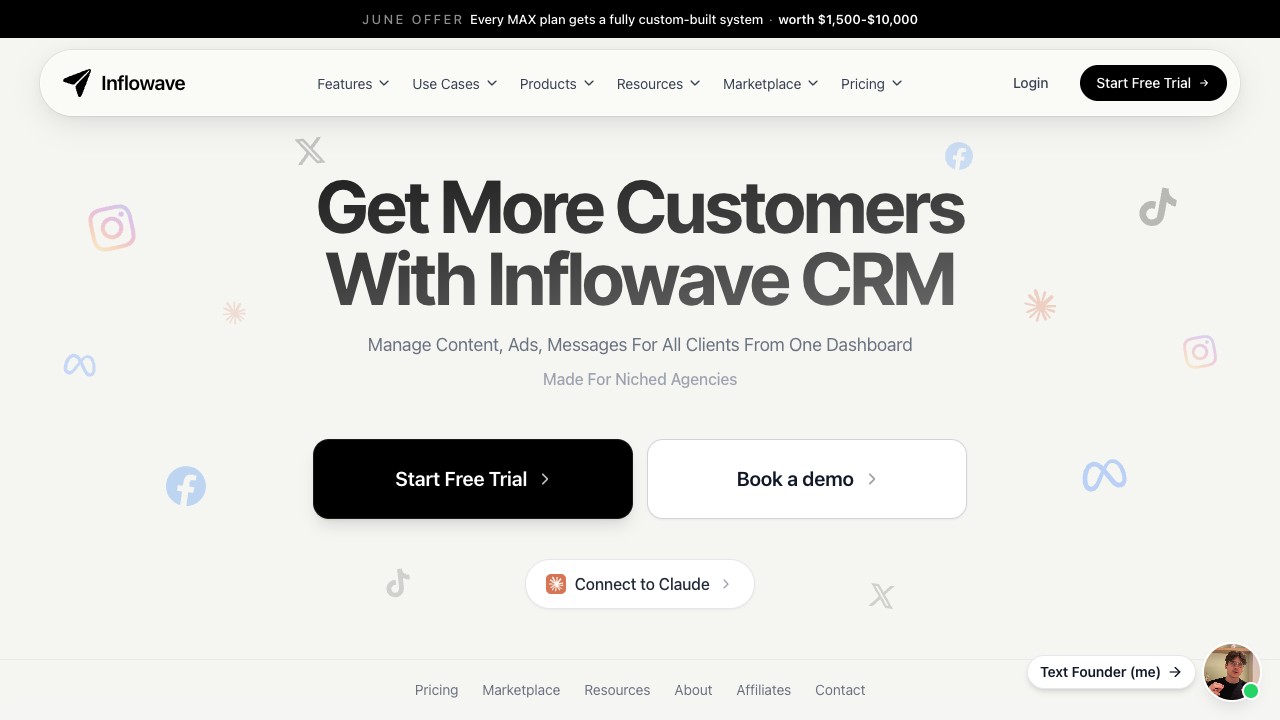
Inflowave, the only CRM built natively for Instagram DM-driven sales
TL;DR: Which Instagram CRM Should You Pick?
Skip to the use case that matches you.
Instagram-first agency, up to 50 client workspaces
Inflowave
Per-workspace isolation + white label + multi-channel
Solo brand on a budget, Meta channels only
ManyChat
Cheapest IG-native automation
Multi-channel agency (already on GHL)
GoHighLevel
Flat agency pricing, full stack
Conversational sales across IG + WhatsApp
Kommo
Best conversational CRM UX
Gmail-centric sales team
NetHunt CRM
Lives inside Gmail
Customer support across many channels
Respond.io
Multi-channel inbox + workspace pricing
E-commerce with chat widget + IG
Tidio
Best chat-widget + IG combo
DTC brand with ambassador program
LoudCrowd
UGC + creator program leader
2026 Instagram Outreach Benchmarks
Every other comparison ranks tools on features. We can show you what actually happens to Instagram leads at scale, aggregated and anonymized from hundreds of agencies running on our platform, across DM, email, content and pipeline. These are the numbers that should shape your buying decision, not a feature checklist.
Only 25% of Instagram leads get a reply within 5 minutes
Based on inbound lead response times across the platform
Reels reach 7x more accounts than image posts
Median reach across 9,000+ posts, 42 agencies
Reels also earn ~8x the shares and ~6x the comments of static images. See our guide to the best social media management tools.
Automating the first reply lifts reply rate to 56.5%
vs 47.9% left to a human, across 105k cold openers
Two-thirds of automated first-touch messages also get read.
Only 8.1% of pipeline opportunities ever get worked
Across 22,977 opportunities, 28 agencies, without automation
Email opens hit ~20% (up to 30%) when a DM warms the lead first
5,313 sends across 339 agencies · click ~1.1%, bounce <2%, unsubscribe <0.1%, ~0 spam
Method: aggregated, anonymized platform activity across hundreds of agencies, mid-2026. No individual account or person is identified; message content is never read. SMS and voice benchmarks are reserved for future deep dives once the sample is representative.
The 17 Tools, Reviewed in Detail
Ranked by Instagram-native integration depth, lead pipeline quality, AI capability, and value for agencies.

Inflowave
Best Instagram CRM$149 - $497/moInflowave is the only CRM built natively for Instagram, combining lead capture from DMs and story mentions, AI qualification, pipeline tracking, multi-channel follow-up (SMS, email, voice) and per-account isolation for agencies, all in one platform.
Inflowave earns the top spot for one reason: it is the only tool here that treats Instagram as the primary sales channel rather than a bolt-on. The moment a lead replies to a story or drops a keyword in the DMs, they land in a contact record with the full thread attached, get scored by an AI agent, and move through a visual pipeline without anyone touching a spreadsheet. Follow-up fans out across DM, SMS, email and voice from the same timeline, and every client account is isolated so one Meta action never cascades. For agencies scaling past ten accounts, that combination is why it beats a general stack — the product itself is Inflowave CRM, and the full multi-account angle is in our best CRM for marketing agencies guide.
Pros
- Native Instagram lead capture (DMs, story mentions, comments)
- AI agents qualify leads autonomously
- Visual pipeline with stages and tags
- Multi-channel follow-up (DM + SMS + email + voice)
- Built-in CRM, no integration needed
- Up to 50 accounts on agency plans
- Per-account isolation prevents cascade bans
- Official Graph API Access, compliant
Cons
- No free plan
- Premium positioning, not the cheapest tier
Best for: Instagram-first agencies and creators managing lead pipelines at scale

Kommo
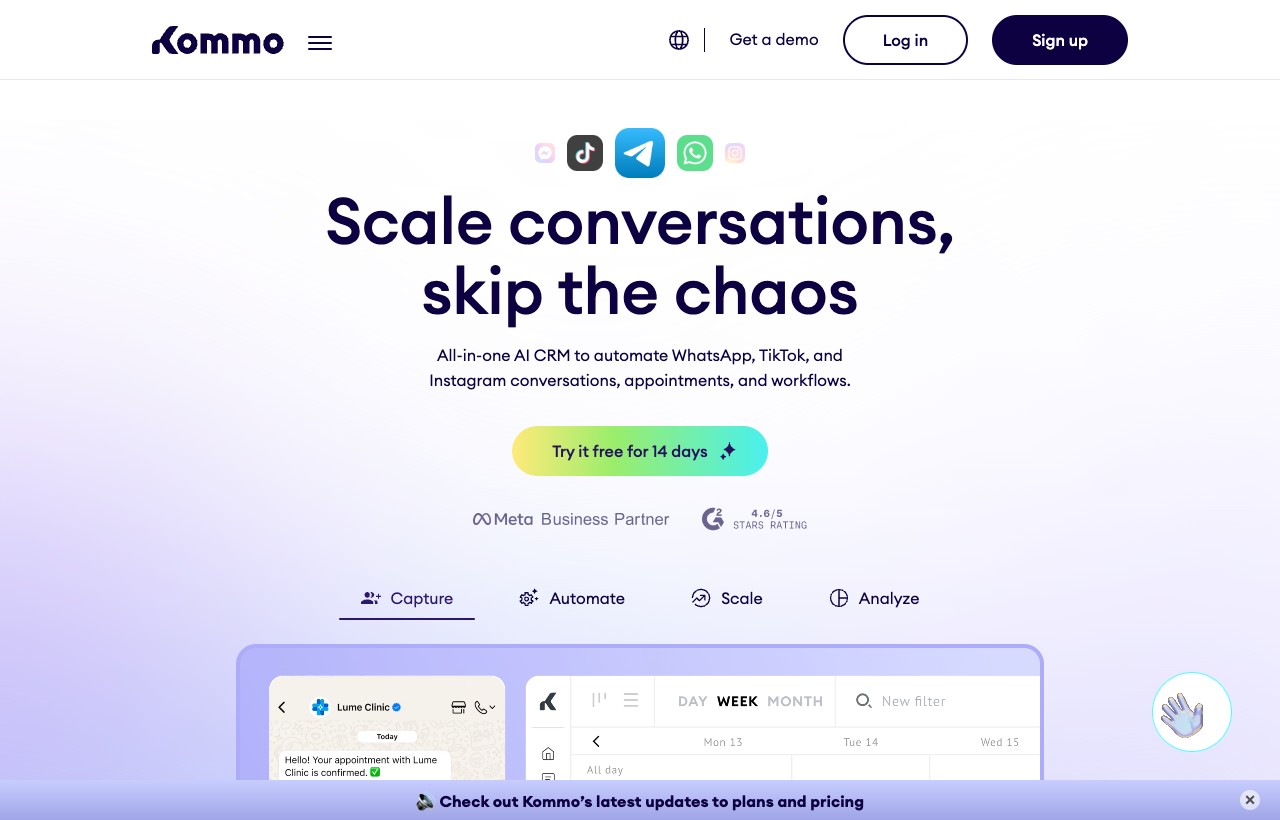
Best Conversational CRM$15 - $45/user/moKommo (formerly amoCRM) is a conversational CRM that unifies Instagram DMs, WhatsApp, Telegram and email into a single sales pipeline. Strong messaging-led CRM with decent chatbot automation.
Kommo (formerly amoCRM) is the strongest pure conversational CRM in this list — its unified inbox pulls Instagram DMs, WhatsApp, Telegram and email into one drag-and-drop pipeline, and the built-in Salesbot handles first-touch qualification well. Where it falls short of an Instagram-native tool is agency scale: there is no per-account isolation, the AI is scripted rather than autonomous, and the $15–$45 per user pricing quietly overtakes a flat plan once you cross ten seats. If you want the messaging-led UX but sell mostly on Instagram, weigh it against Inflowave in our Inflowave vs Kommo breakdown.
Pros
- Unified inbox (IG DM, WhatsApp, Telegram, email)
- Visual sales pipeline with drag-and-drop stages
- Built-in chatbot builder for Instagram
- Automation rules and lead routing
Cons
- Per-user pricing gets expensive for teams of 10+
- No native multi-Instagram-account isolation
- AI features lag Inflowave's autonomous agents
- No content scheduling or grid planner
Best for: Sales teams that live in DM conversations across Instagram + WhatsApp

HubSpot CRM
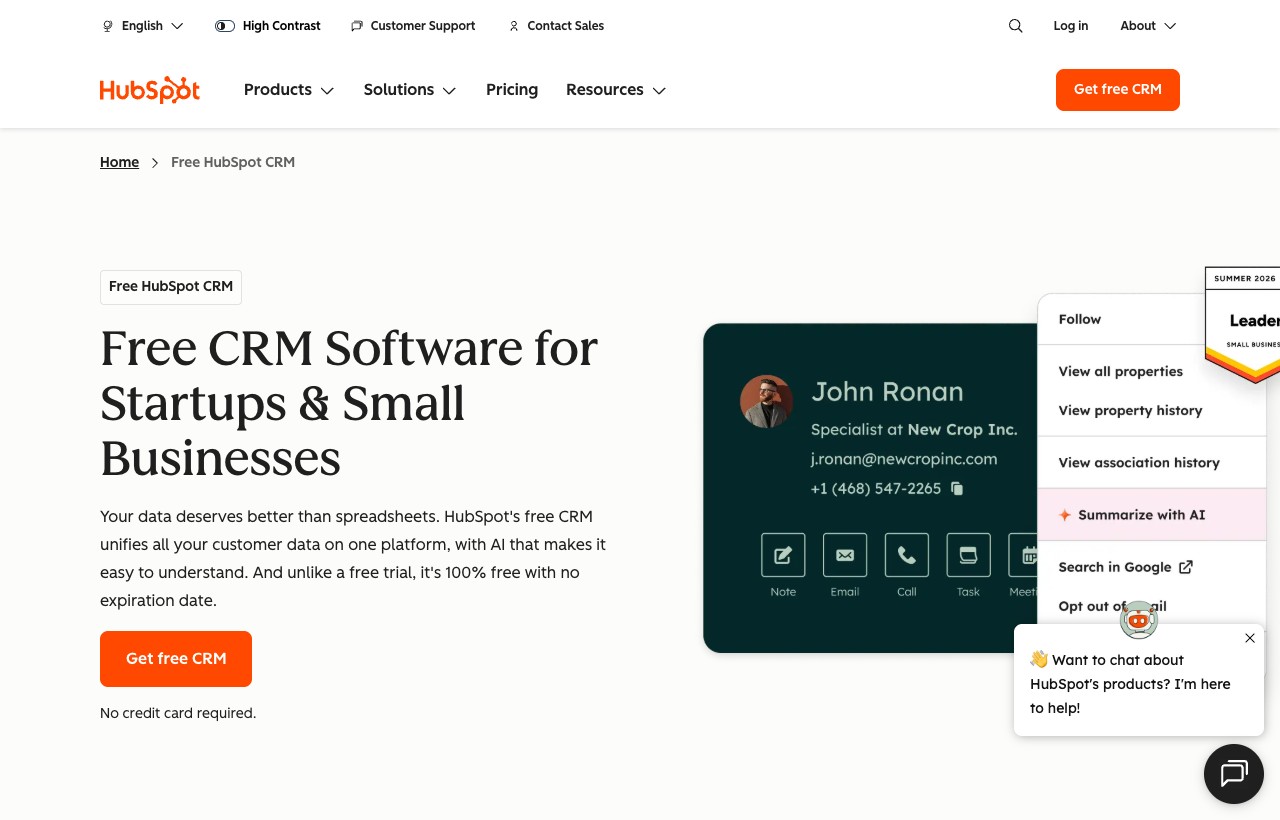
Best General-Purpose CRMFree - $800+/moHubSpot is the world's most popular CRM, but Instagram integration requires third-party connectors. Powerful for multi-channel businesses, weak for Instagram-native DM workflows.
HubSpot is the most powerful general-purpose CRM on the planet — the free tier alone gives you unlimited contacts, world-class email automation and reporting most competitors can't touch. The catch for Instagram sellers is that DM capture isn't native: you're wiring it up through Zapier or Make, which means you can't trigger a HubSpot workflow directly off a story-mention or comment reply. It shines when email is your core motion and Instagram is one channel of many; when the DM is the deal, it fights you. See the full trade-off in our Inflowave vs HubSpot comparison.
Pros
- Free CRM tier with unlimited contacts
- World-class email marketing and automation
- Deep reporting and analytics
- Massive integration ecosystem (1,500+ apps)
Cons
- No native Instagram DM integration
- Requires Zapier/Make to connect Instagram
- Expensive at scale ($800-3,200+/mo)
- Not designed for DM-based selling
Best for: Businesses needing a general CRM with email-first sales motions
SendPulse
Best Social CRMFree, $18 - $236/moSendPulse's Social CRM pulls Instagram DMs, comments, and Story mentions into one inbox alongside WhatsApp, Facebook, Telegram and TikTok so every conversation automatically gets a contact card, a deal, and a pipeline stage. Its Instagram chatbot can answer routine DMs and comments 24/7, start flows from story mentions or follows, and, unlike most tools on this list, take orders and accept payments without the conversation ever leaving Instagram.
SendPulse's Social CRM is the pick for teams that sell inside the chat itself: the Instagram chatbot can take an order and collect payment without the buyer ever leaving the DM, and every conversation lands on a contact card with a deal and pipeline stage attached. It is lighter than an Instagram-first CRM on agency multi-account work, but the free plan makes it an easy one to trial.
Pros
- Unified inbox merges Instagram with five other channels, so reps aren't switching tools mid-conversation
- Deals and pipeline stages update automatically as a chat progresses, with full interaction history attached to each contact
- Chatbot flows can collect orders and accept payment (Stripe, PayPal, and others) directly inside Instagram DMs
- Free-forever plan, no credit card required
Cons
- Free plan caps teams at 5 members and 2 pipelines/boards
- Automated duplicate-contact detection is still marked "coming soon" on every paid tier
- Higher Automation 360 limits (more flows, events, and elements) only unlock on the pricier Pro and Enterprise plans
Best for: Social media + email teams that want Instagram DM/comment automation, a sales pipeline, and in-chat payments in one platform instead of stitching a chatbot tool to a separate CRM

ManyChat
Best Light Automation Tool$14 - $139/mo per accountManyChat is the dominant Instagram automation tool with contact tagging and basic CRM-style fields. Best for simple flows; you'll need a real CRM for pipeline tracking and revenue attribution.
ManyChat is the default for Instagram automation, and for good reason — keyword triggers, comment-to-DM flows and contact tagging are genuinely best-in-class at a low single-account price. But it is an automation tool wearing CRM clothing: there are no deal stages, no pipeline view and no revenue attribution, so serious lead management means bolting on a real CRM behind it. The per-account pricing also compounds fast for agencies. It's the cheapest way to start, not the way to scale — the head-to-head is in our Inflowave vs ManyChat guide.
Pros
- Contact tagging and segmentation
- Custom fields for contact data
- Native Instagram + FB Messenger + WhatsApp
- Low entry price for a single account
Cons
- No deal pipeline or lead stages
- No autonomous AI qualification
- Per-account pricing compounds for agencies
- Requires an external CRM for serious pipeline work
Best for: Solo brands needing simple keyword triggers + comment automation

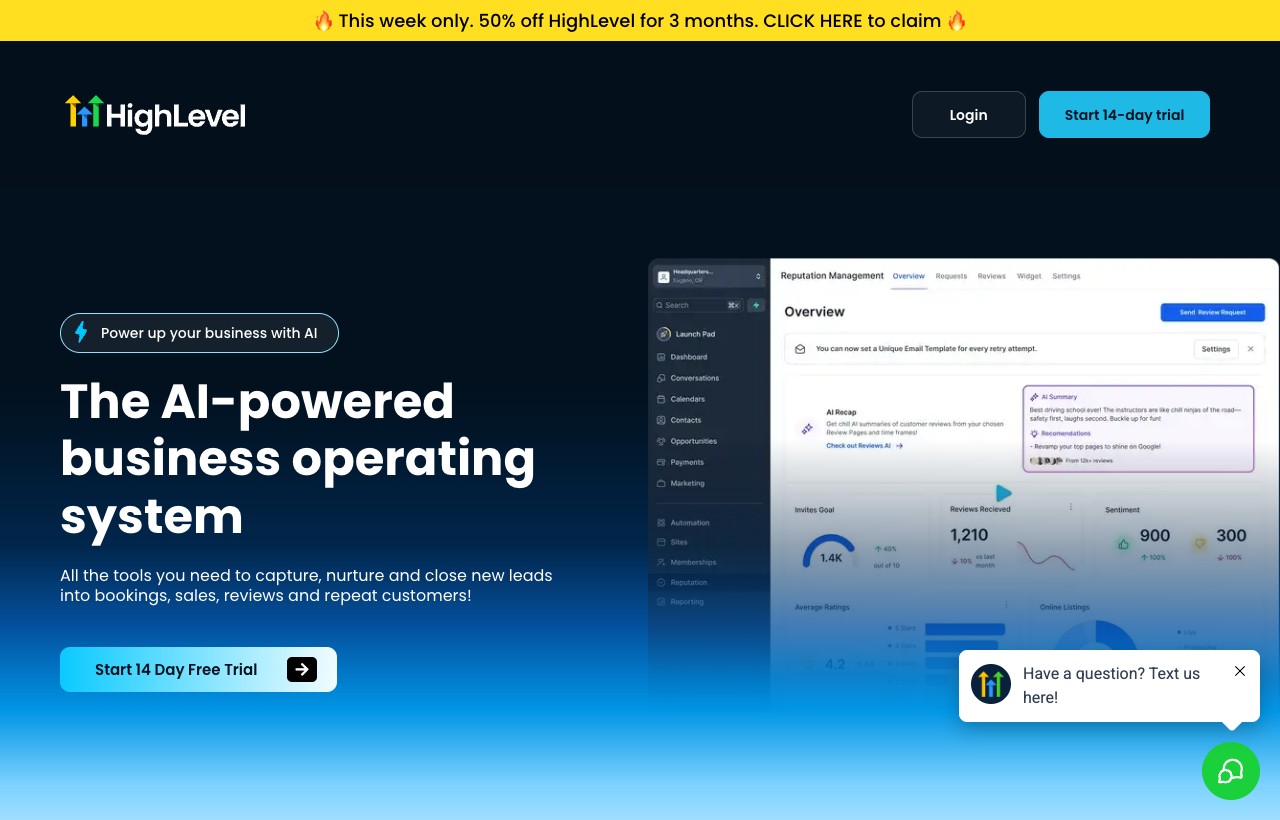
GoHighLevel
Best Multi-Channel Agency CRM$97 - $497/moGoHighLevel is a full-stack agency platform covering email, SMS, voice and funnels. Instagram DM automation exists but is surface-level compared to Instagram-native tools.
GoHighLevel is the Swiss-army platform for full-stack agencies — CRM, funnels, email, SMS and white-label reselling under one flat agency price, no per-seat tax. It's a legitimately great business if you already run other channels through it. The weakness is depth on Instagram specifically: DM automation exists but is surface-level, there's no AI trained on IG conversation patterns, and there's no content scheduling. Agencies that live on GHL but want real Instagram muscle usually run it alongside an IG-native tool — we lay out exactly where each wins in our Inflowave vs GoHighLevel comparison.
Pros
- Full CRM + funnel + email + SMS in one platform
- Flat agency pricing (no per-user)
- White-label reseller option
- Strong multi-channel campaign builder
Cons
- Instagram CRM features are surface-level
- No AI trained on IG conversation patterns
- Steep learning curve for new users
- No Instagram content scheduling or grid planner
Best for: Full-stack digital agencies already running other channels on GHL

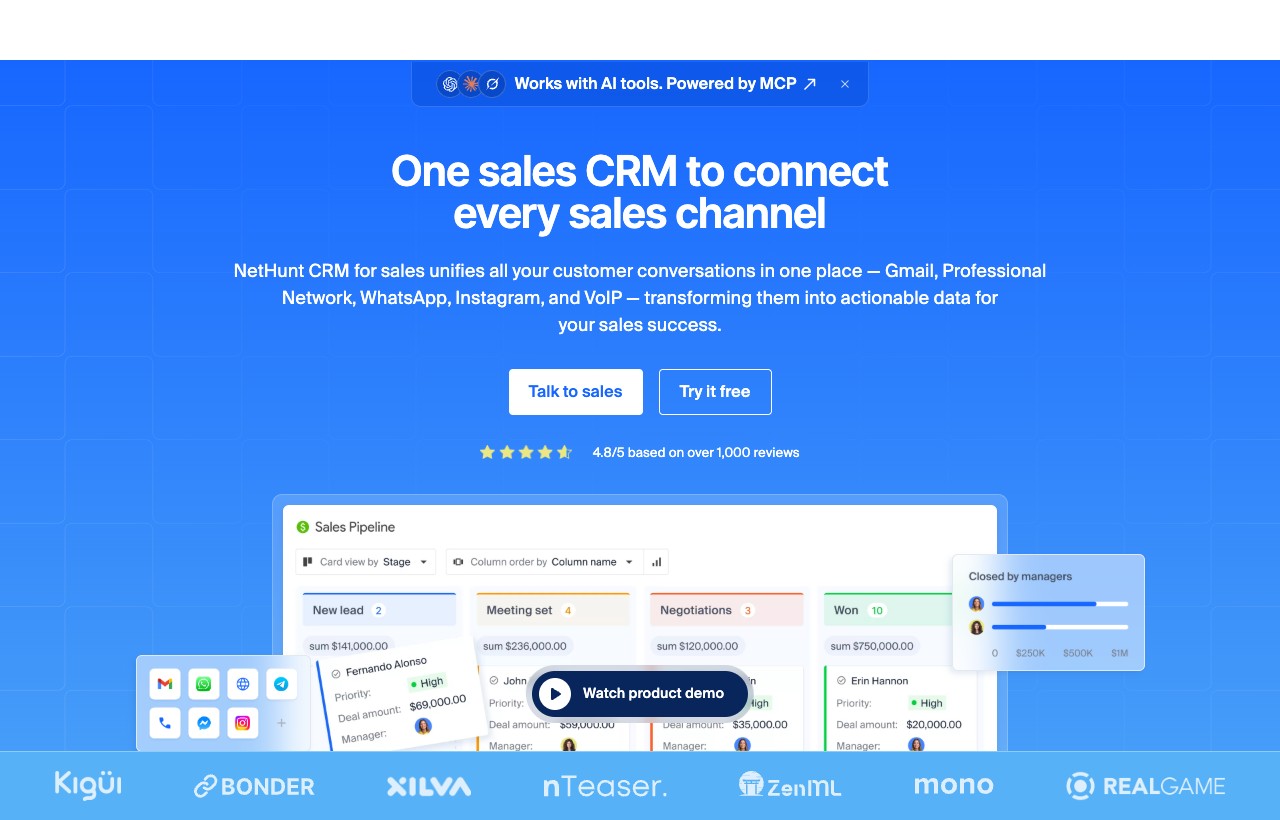
NetHunt CRM
Best Gmail-Native CRM$30 - $84/user/moNetHunt lives inside Gmail with deep Google Workspace integration and adds Instagram, WhatsApp and LinkedIn through native channels on higher tiers. Solid pick for email-first sales teams that need IG visibility.
NetHunt lives inside Gmail, which makes it a natural fit for email-first sales teams that don't want to leave their inbox. Higher tiers add native Instagram, WhatsApp and LinkedIn channels plus multi-channel sequences, so it's more social-aware than most Gmail CRMs. The friction points are the same as every per-user tool — IG only unlocks on Basic Plus ($42+/user), pricing scales painfully past ten seats, and there's no agency-grade account isolation. It's a strong pick for a small Gmail-centric team, less so for a multi-account operation.
Pros
- Native Instagram + WhatsApp + LinkedIn channels
- Lives inside Gmail (no context switching)
- Multi-channel sequences on Business tier
- Strong contact enrichment + workflows
Cons
- Per-user pricing scales painfully past 10 seats
- IG features only on Basic Plus and above ($42+/user)
- No multi-Instagram-account agency isolation
- Smaller integration ecosystem than HubSpot
Best for: Small sales teams that work primarily from Gmail

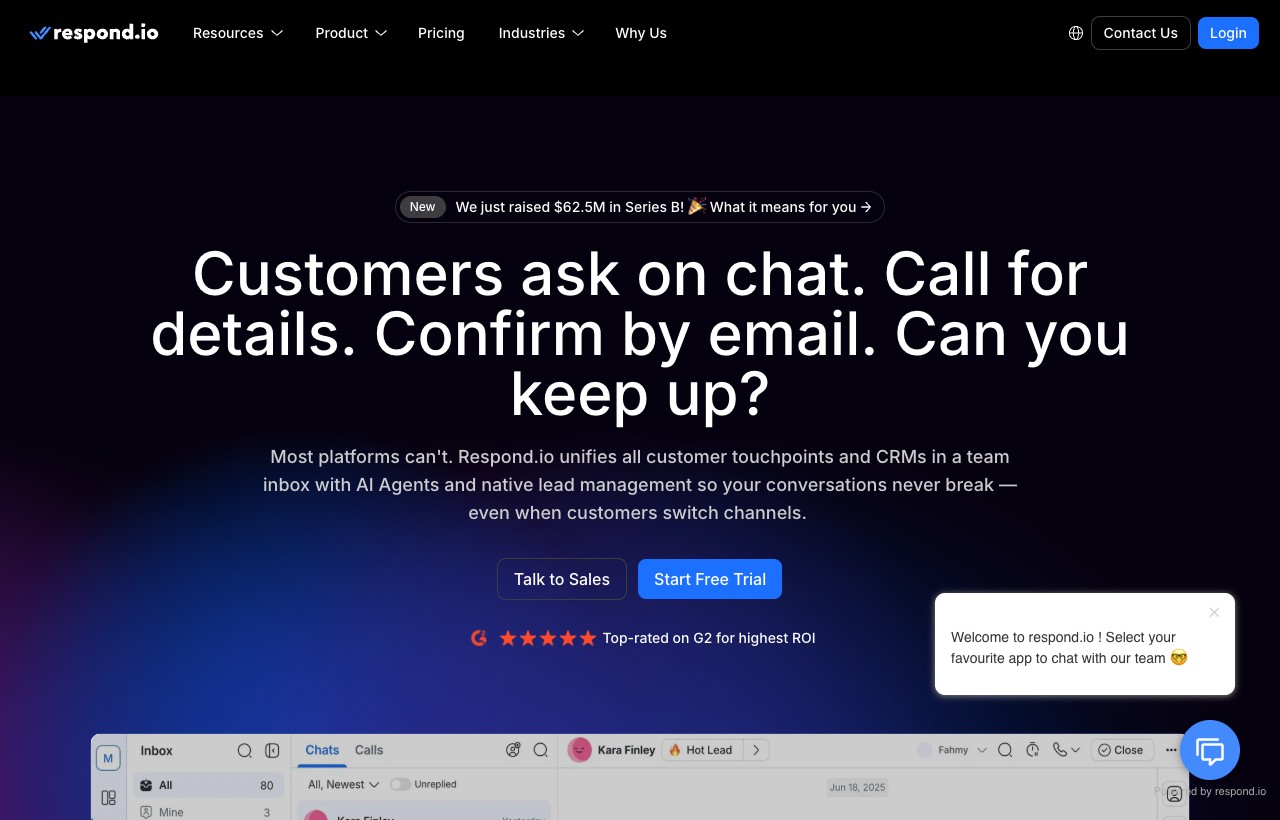
Respond.io
Best Multi-Channel Inbox CRM$79 - $279/mo (+ custom)Respond.io unifies WhatsApp, TikTok, Instagram and Facebook Messenger into a single AI-powered team inbox. Workspace-priced (not per-user), which scales well past 5-10 agents.
Respond.io is built for high-volume conversational support and sales across WhatsApp, TikTok, Instagram and Messenger, with AI agents included on every tier and — crucially — workspace pricing rather than per-seat, so it scales cleanly past ten agents. Its WhatsApp depth is genuinely best-in-class. The trade-offs: billing on Monthly Active Contacts can spike unpredictably, and it's an inbox-first tool rather than a pipeline-first one, so revenue tracking is lighter than a true sales CRM. It's the pick when you're routing conversations at scale; for pipeline-led Instagram selling, compare it against a dedicated social CRM.
Pros
- Workspace pricing (not per-user), better for teams
- WhatsApp Business depth is best-in-class
- AI agents included at no extra cost
- Multiple workspaces on Advanced+ tier
Cons
- Billed on Monthly Active Contacts (can spike)
- Less pipeline-focused than a true sales CRM
- No content scheduling or grid planner
- Instagram features are inbox-focused, not lead-pipeline focused
Best for: Customer support and conversational sales teams across many channels

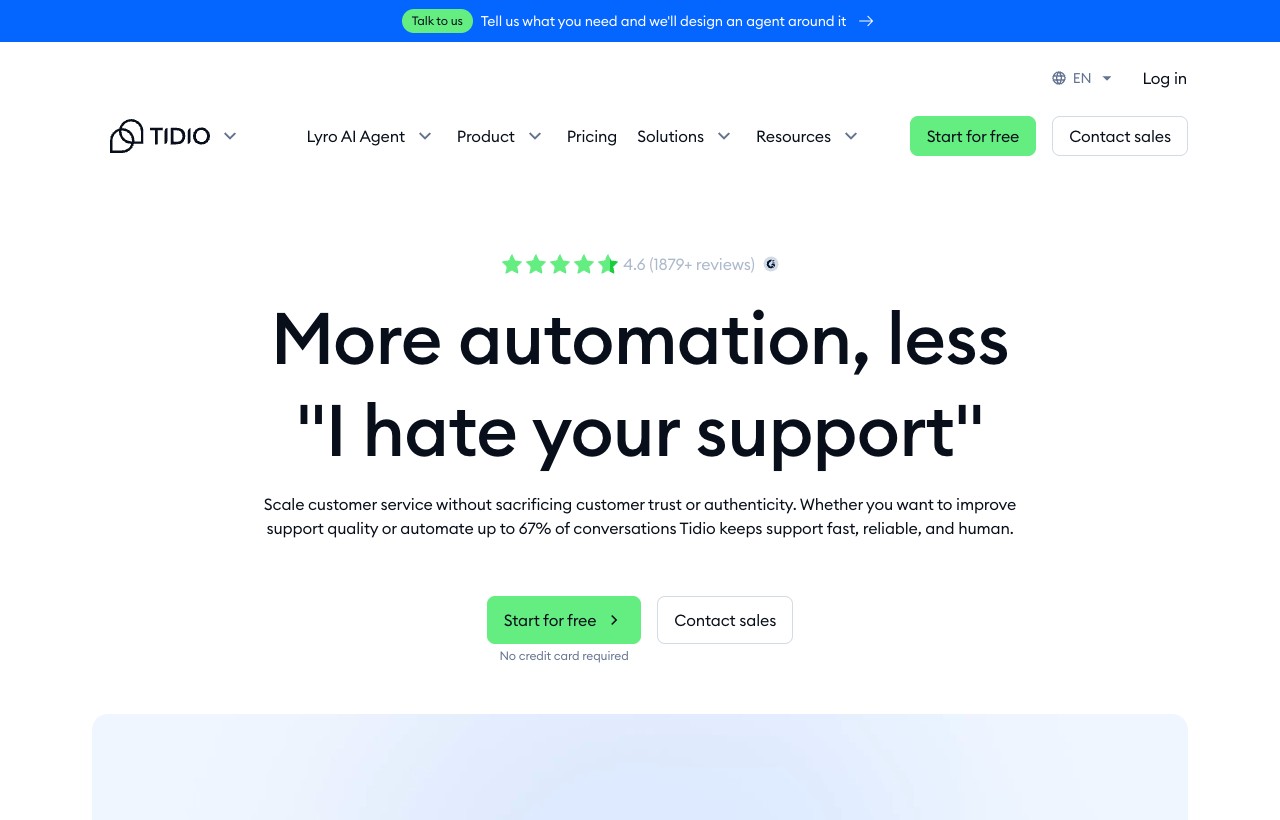
Tidio
Best Chat-Widget CRMFree - $749/moTidio started as a website chat widget and grew into a multi-channel inbox covering Instagram, Messenger and email with a Lyro AI bot. Strong for e-commerce, lighter for B2B sales pipelines.
Tidio grew from a website chat widget into a multi-channel inbox spanning Instagram, Messenger and email, with its Lyro AI bot handling autonomous chat. It's a natural fit for e-commerce brands that want website chat and Instagram DM in one place, and the Shopify integration is clean. The weak spots are pipeline depth (deal stages are basic), per-conversation billing that can balloon with volume, and a jarring jump from the $49 tier straight to $749 with nothing in between. It's a support-led tool more than a sales CRM, best judged against the wider chatbot field rather than against pipeline CRMs.
Pros
- Free tier with 50 conversations/mo
- Instagram integration on every paid tier
- Lyro AI for autonomous chat handling
- Shopify and BigCommerce native integration
Cons
- Billed per conversation, can blow up with volume
- Pipeline / deal stages are basic
- No multi-account agency isolation
- Premium tier jumps from $49 to $749 (no middle option)
Best for: E-commerce brands using website chat + Instagram DM together

Umnico
Best Budget Multi-Messenger CRM$24 - $35/user/mo (est.)Umnico is a multi-messenger CRM connecting Instagram, WhatsApp, Telegram, Viber and email into one inbox. Strong adoption in CIS and emerging markets where messaging is the primary sales channel.
Umnico packs 10+ messenger integrations — Instagram, WhatsApp, Telegram, Viber and more — into a single affordable inbox, and it has real traction in CIS, MENA and LATAM markets where messaging is the storefront. For a small team in those regions it's a pragmatic, low-cost choice. The limitations are a lighter sales pipeline than Kommo or HubSpot, thinner English-language documentation, a smaller integration ecosystem and no autonomous AI layer. It's a budget multi-messenger inbox first and a CRM second — fine for simple DM-led sales, not for pipeline-heavy operations.
Pros
- 10+ messenger integrations in one inbox
- Affordable per-user pricing
- Decent automation builder
- Strong in CIS, MENA, LATAM markets
Cons
- Lighter sales pipeline vs Kommo or HubSpot
- Less English-language documentation
- Smaller integration ecosystem
- No AI agent autonomy
Best for: Small businesses in markets where Instagram DM + WhatsApp dominate

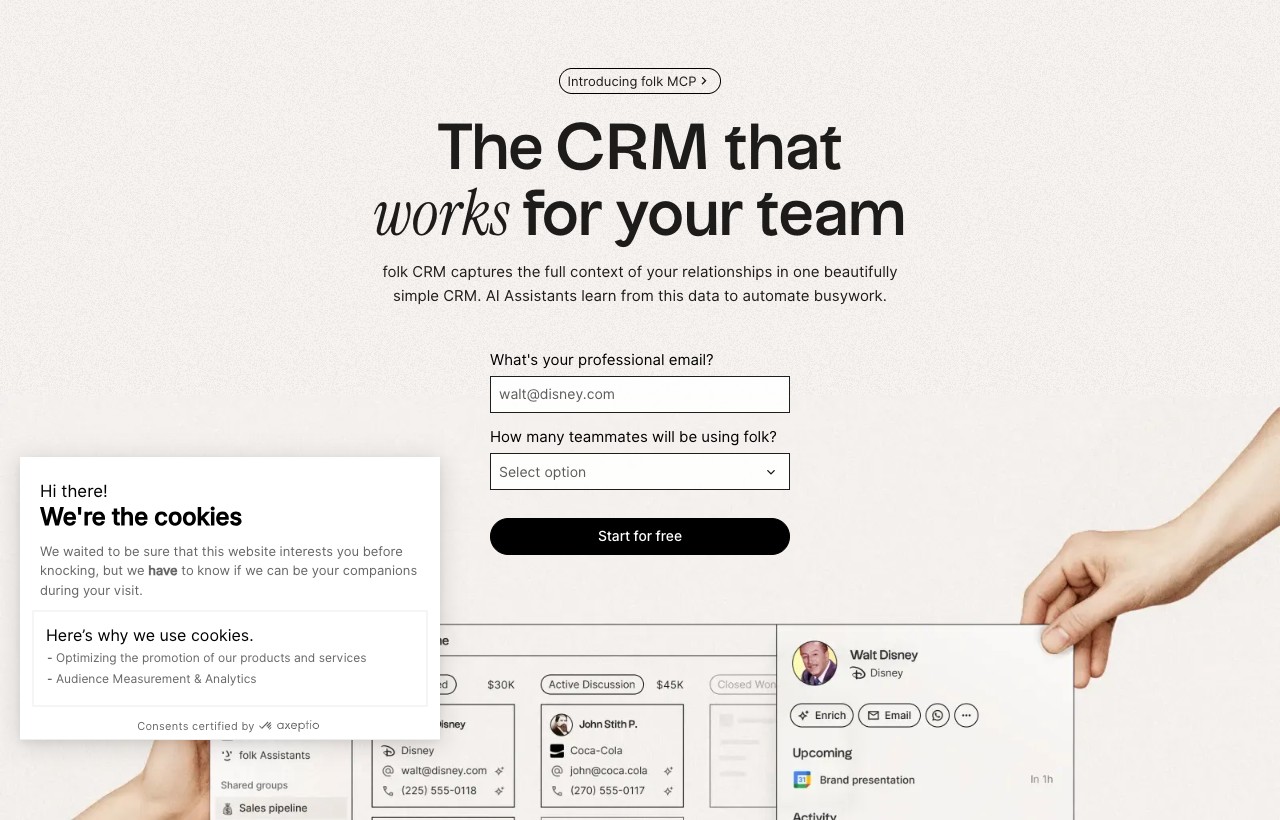
Folk
Best UX-Polished Boutique CRM$30 - $100/user/moFolk is the design-forward CRM beloved by solo founders, freelancers and boutique consultants. No native Instagram DM, but its LinkedIn extension, Gmail sync and contact-first model make it a clean pick if IG isn't your primary channel.
Folk is the design-forward CRM that solo founders, freelancers and boutique consultants fall in love with — the contact UI is genuinely the cleanest in this list, and native LinkedIn, Gmail and WhatsApp sync plus AI outreach assistants make relationship-led selling feel effortless. What it deliberately isn't: an Instagram tool. There's no native IG DM capture, pipeline features are light, per-user pricing scales linearly, and it's not built for agency multi-account workflows. If Instagram isn't your primary channel and relationships are, it's a lovely pick; if the DM is where deals start, you'll want something IG-native like a purpose-built AI CRM.
Pros
- Best-in-class UX and contact UI
- Native LinkedIn, Gmail, WhatsApp, Outlook sync
- AI assistants for personalized outreach
- 5,000+ integrations via Zapier
Cons
- No native Instagram DM integration
- Per-user pricing scales linearly with team size
- Pipeline features are lighter than a sales-led CRM
- Not built for agency multi-account workflows
Best for: Solo operators and freelancers managing relationship-led sales

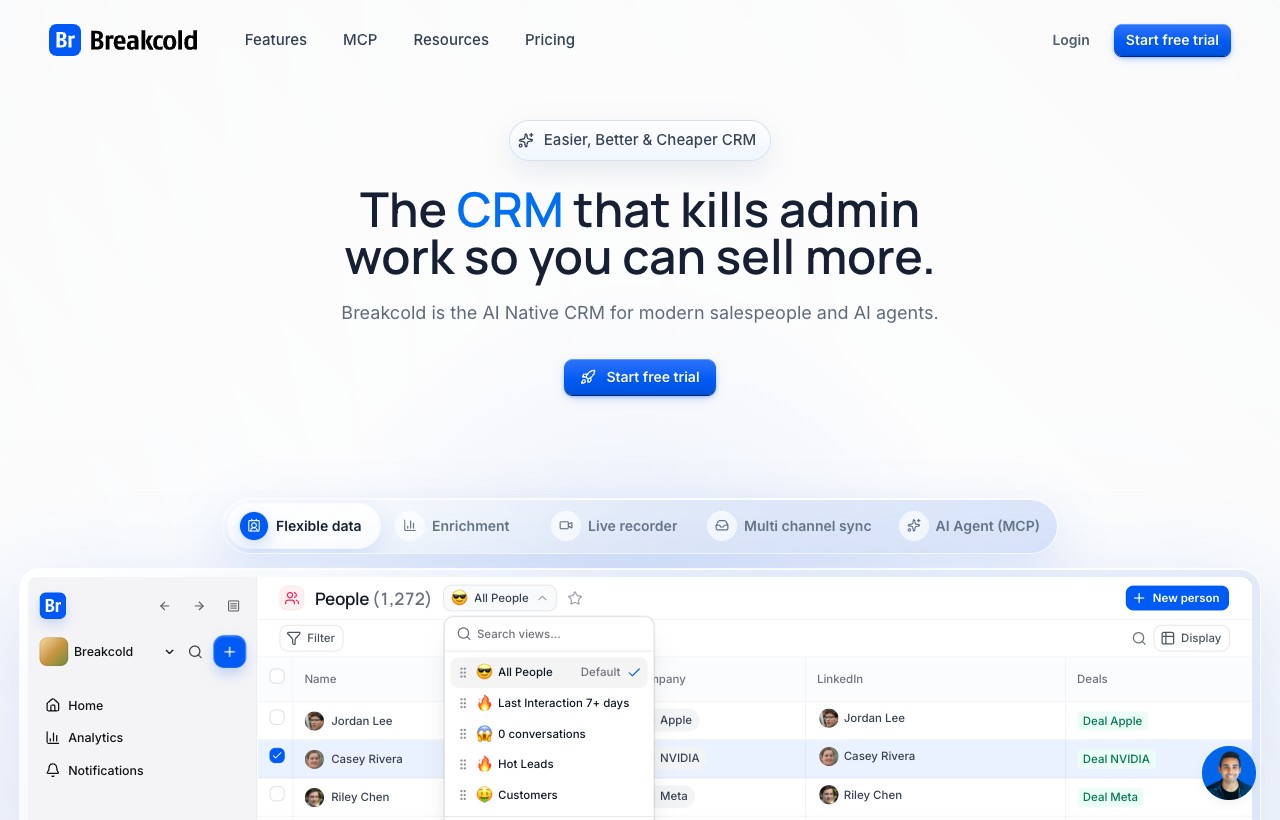
Breakcold
Best Social-Aware Sales CRM$59/mo base + $10/seatBreakcold is a sales CRM that surfaces social signals (LinkedIn posts, Twitter activity) on every contact, with sequence automation. Flexible per-feature pricing; Instagram coverage is lighter than dedicated IG tools.
Breakcold is a sales CRM with a clever twist — it surfaces social signals (LinkedIn posts, Twitter/X activity) right on the contact record, so reps can time outreach around what a prospect just did online. Multi-channel sequences and a flat $59 base make it appealing for B2B teams. The caveats: its social focus is heavily LinkedIn-first, Instagram coverage is thin, per-seat plus per-account fees stack quickly, and there's no autonomous AI agent. It's a strong fit for LinkedIn-led B2B sellers who want light social context, not for Instagram-first pipelines.
Pros
- Social signals on contact records
- Flat $59/mo entry + per-seat scaling
- Multi-channel sequences (email + LinkedIn)
- Modern UX, fast onboarding
Cons
- Instagram support is limited vs LinkedIn focus
- Per-seat + per-account fees stack quickly
- No autonomous AI agent layer
- Smaller than NetHunt or HubSpot
Best for: B2B sales reps who live in LinkedIn + want light social signals

LoudCrowd
Best UGC + Community PlatformCustom (enterprise)LoudCrowd is purpose-built for ambassador, affiliate and UGC programs on Instagram + TikTok. Not a sales CRM in the traditional sense, but if you run a creator-driven brand, it's the category leader.
LoudCrowd is a different animal — it's purpose-built for ambassador, affiliate and UGC programs on Instagram and TikTok, tracking story mentions, creator tags and commissions at scale. If you run a creator-driven DTC brand, it's the category leader and nothing else here competes. But it isn't a lead-pipeline CRM in the traditional sense, pricing is custom and usually starts north of $2k/mo, and it's overkill for sub-$10M brands. Bring it in when a community or ambassador program is central to your growth, not to manage a sales pipeline.
Pros
- Best-in-class for ambassador / UGC programs
- Story mention + tag tracking at scale
- Per-creator analytics + commission tracking
- Multi-brand enterprise deployments
Cons
- Custom pricing, opaque, usually $2k+/mo
- Not a lead-pipeline CRM
- Overkill for sub-$10M brands
- Long sales cycle to onboard
Best for: DTC brands with active ambassador or affiliate programs

DMTracker.ai
Best DM-Setter Tool$97 - $297/mo (est.)DMTracker.ai is a smaller Instagram DM-tracking tool focused on outbound DM setters running cold outreach campaigns. Useful as a single-purpose tool; lacks full pipeline / multi-channel depth.
DMTracker.ai is a focused, single-purpose tool for outbound DM setters — it tracks threads, tags leads by setter-workflow status and keeps cold campaigns organized, all at a lower price than a full CRM. If your entire motion is one or two setters running Instagram cold outreach, its simplicity is a feature. The limits are obvious once you grow: Instagram DM only, no multi-channel follow-up, light reporting and a small integration footprint. It's a scalpel, not a platform — it earns its place only alongside a setter workflow you already run well.
Pros
- DM-thread tracking for setters
- Status tagging built around setter workflow
- Cheaper than full CRMs
- Quick setup, low learning curve
Cons
- Single-channel (Instagram DM only)
- No multi-channel follow-up
- Light reporting and analytics
- Smaller integration ecosystem
Best for: Solo DM setters or 2-3 person cold outbound teams

Saletend
Best Budget IG DM CRM$49 - $149/mo (est.)Saletend is a niche Instagram DM CRM positioned for small operators. Limited feature depth and smaller ecosystem, but cheap entry point for testing IG-first sales motions.
Saletend is a niche Instagram DM CRM aimed at solo operators who want the cheapest possible entry into IG-first sales. The simple interface and low price make it a reasonable place to test whether DM-led selling works for you before committing to a heavier tool. That's about where the case ends: it's a very small player with limited roadmap visibility, lighter automation than Kommo or Inflowave, no channels beyond Instagram and a thin support footprint. Treat it as a starter, and plan to graduate to something with real pipeline and multi-channel depth as volume grows.
Pros
- Affordable entry pricing
- Instagram DM as the primary focus
- Simple interface
Cons
- Very small player, limited roadmap visibility
- Lighter automation than Kommo or Inflowave
- No multi-channel beyond IG
- Smaller support footprint
Best for: Solo operators testing IG DM sales on a tight budget

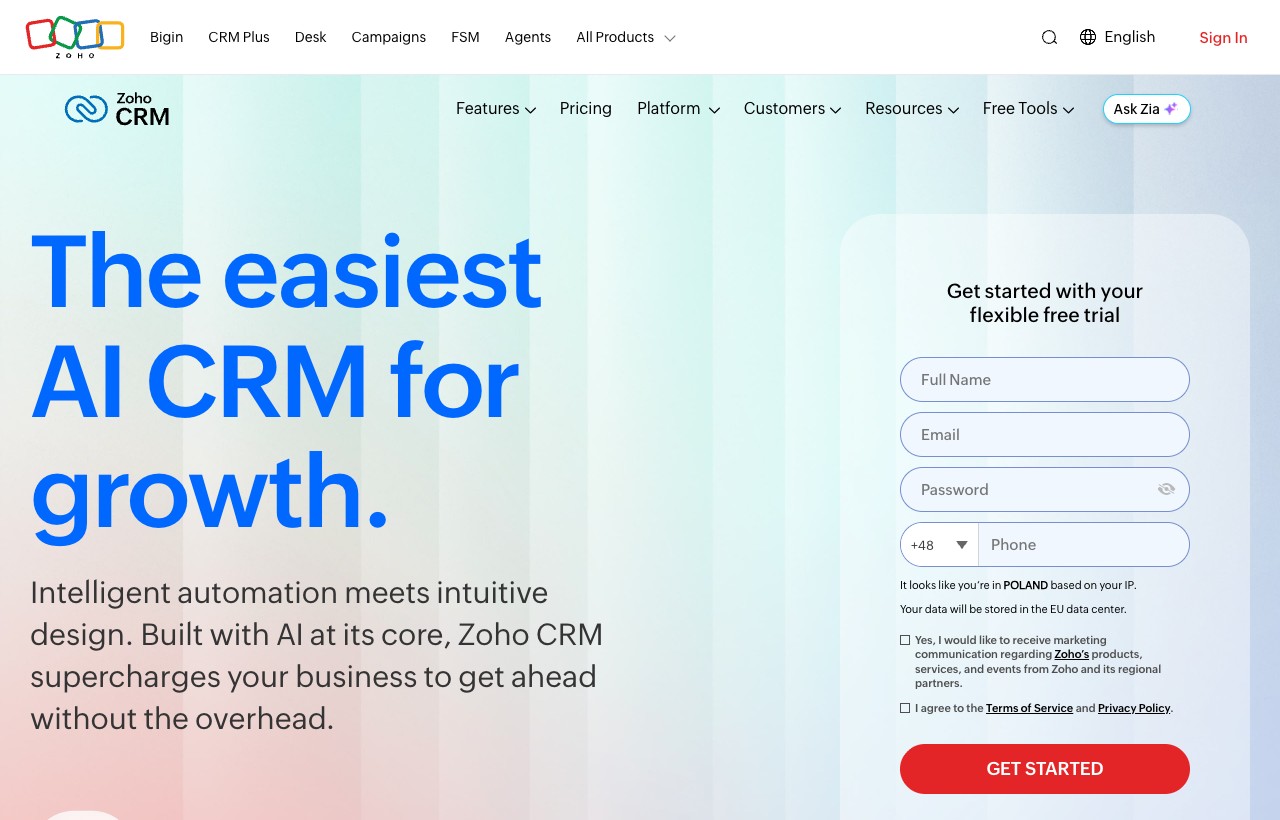
Zoho CRM
Best Budget Traditional CRMFree - $52/user/moZoho CRM is affordable and feature-rich, but Instagram integration runs through third-party connectors. A solid general-purpose CRM with weak Instagram-native workflows.
Zoho CRM is remarkably feature-rich for the money — a free tier for up to three users, solid email and phone automation, the Zia AI assistant, and a deep ecosystem of adjacent apps (Books, Desk, and more). For budget-conscious teams wanting a traditional sales CRM, it's hard to beat on value. The Instagram story is the familiar one: no native DM integration, workflows run through third-party connectors, and the UI can feel overwhelming next to modern tools. It's a capable general CRM where Instagram is a minor channel — for IG-first selling, the connector tax and setup friction make a native tool the better call.
Pros
- Free tier for up to 3 users
- Solid email + phone automation
- Zia AI assistant included
- Deep Zoho ecosystem (Books, Desk, etc.)
Cons
- No native Instagram DM integration
- Complex setup for Instagram workflows
- Per-user pricing for advanced features
- UI feels overwhelming compared to modern CRMs
Best for: Budget teams wanting a traditional sales CRM with adjacent business apps
Cleomitra
Best for Salons and Appointment BusinessesTiered, published on requestCleomitra is an omnichannel CRM aimed at salons, spas, boutiques and beauty clinics, pulling WhatsApp, Instagram, Facebook, email and SMS into a single inbox with pipelines, chatbots and appointment management behind it. Strongest where the business runs on bookings and repeat visits rather than on lead volume.
Pros
- Single inbox across WhatsApp, Instagram, Facebook, email and SMS
- Appointment management built in rather than integrated
- Broadcast campaigns and follow-up aimed at repeat bookings
- Fits the salon and clinic workflow out of the box
Cons
- Built around bookings, so less suited to high-volume DM lead gen
- Pricing is not published openly, which makes comparison harder
- Smaller presence outside India, the US and the UAE
Best for: Salons, spas, boutiques and beauty clinics selling appointments through social channels
Feature Comparison: Top 6 Head-to-Head
Detailed feature matrix for the six tools that handle Instagram natively. Other 11 tools are profiled above with individual pros/cons.
| Feature | Inflowave | Kommo | HubSpot | GHL | ManyChat | NetHunt |
|---|---|---|---|---|---|---|
| Native Instagram DM Capture | ||||||
| Lead Pipeline / Deal Stages | ||||||
| Autonomous AI Lead Qualification | ||||||
| DM Follow-up Sequences | ||||||
| Story Mention Triggers | ||||||
| Multi-Channel (SMS + Email + Voice) | ||||||
| Per-Account Agency Isolation | ||||||
| White-Label / Reseller | ||||||
| Built-in (no Zapier/Make required) | ||||||
| Flat Workspace Pricing (not per-user) |
Channel Coverage Across All 16
Which channels each tool actually handles natively (no Zapier/Make required).
| Tool | IG DM | FB Msgr | SMS | Voice | ||
|---|---|---|---|---|---|---|
| Inflowave | ||||||
| Kommo | ||||||
| HubSpot | ||||||
| SendPulse | ||||||
| ManyChat | ||||||
| GoHighLevel | ||||||
| NetHunt CRM | ||||||
| Respond.io | ||||||
| Tidio | ||||||
| Umnico | ||||||
| Folk | ||||||
| Breakcold | ||||||
| LoudCrowd | ||||||
| DMTracker.ai | ||||||
| Saletend | ||||||
| Zoho CRM |
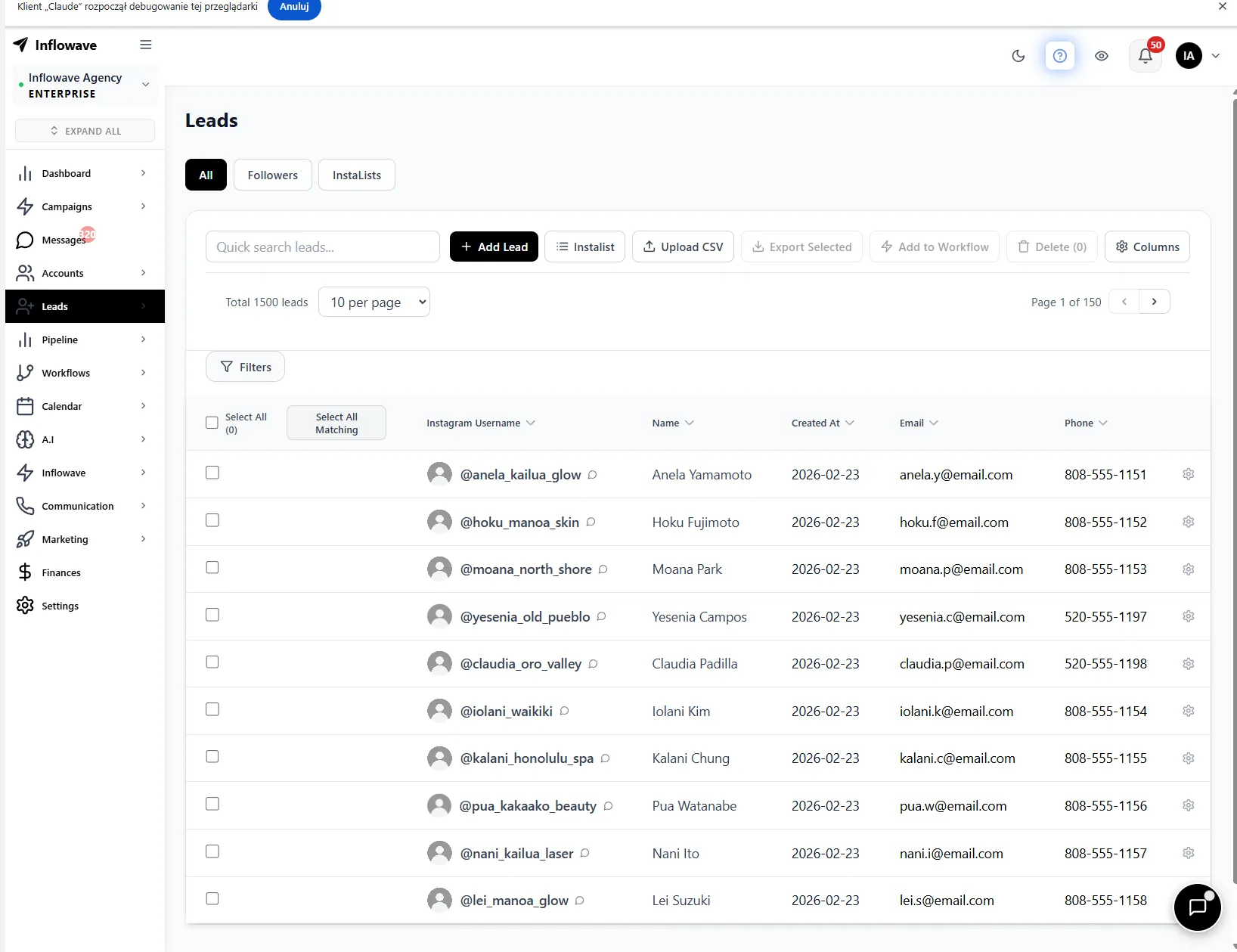
Filter and segment leads by status, industry, source, and tags, target the right contacts at the right time
Instagram CRM Pricing Compared: 5 Users, 10 Accounts
What each tool costs per month at five users and ten Instagram accounts. Per-user CRMs get expensive fast. If you run client accounts rather than your own, the deployment questions are different and they are covered in the best Instagram CRM for agencies.
| Platform | Setup for 5-person team, 10 IG accounts | Monthly Cost |
|---|---|---|
| Inflowave Pro | All-in-one CRM, AI agents, multi-channel, unlimited users, 3-10 accounts | $297/mo |
| Kommo Professional | 5 users × $45/user, CRM + messenger, no per-account isolation | $225/mo |
| HubSpot Starter + Connector | Starter CRM ($50) + Zapier Pro ($50) + ManyChat ($139 × 10 = $1,390) for IG | ~$1,490/mo |
| ManyChat + HubSpot Free | 10 × ManyChat Pro ($1,390) + HubSpot Free + Zapier ($50) | ~$1,440/mo |
| GoHighLevel Agency | Agency plan, CRM + funnels, limited IG DM depth | $297/mo |
| NetHunt Business | 5 users × $60/user, Gmail-native, IG via channels | $300/mo |
| Respond.io Growth | Workspace pricing, includes AI agents | $159/mo |
| Folk Premium | 5 users × $48/user, no native IG | $240/mo |
How to Choose: The 4 Questions That Decide It
1. Is Instagram your primary channel, or one of many?
If 70%+ of your inbound comes through Instagram DM, story mentions and comments, pick a tool with native Instagram capture (Inflowave, ManyChat, Kommo). If Instagram is one of 5+ channels, lean toward HubSpot, GoHighLevel or Respond.io for breadth.
2. Are you a single brand or an agency running multiple client accounts?
Agencies need three things single-brand tools rarely deliver: per-account isolation (so one Meta action doesn't cascade), white-label dashboards, and flat workspace pricing. Inflowave's Max plan and GoHighLevel are the two products built for this. Per-user CRMs become a tax at 10+ seats.
3. Do you need autonomous AI, or just chat flows?
Chat flows (ManyChat, Tidio) are decision trees you build manually. Autonomous AI (Inflowave's AI agents, Respond.io's included AI) responds to messages contextually, books calls, qualifies leads, without a predefined script. The autonomous tier costs more but scales without engineering effort.
4. What's your team size and pricing model preference?
Per-user pricing (Kommo, NetHunt, Folk, Breakcold, Zoho) starts cheap but compounds: 10 users at $60/user is $600/mo. Workspace pricing (Inflowave, GoHighLevel, Respond.io) is flat and includes the team. For teams under 3 people, per-user often wins. For agencies, workspace pricing wins by month 3.
Instagram CRM, Explained
What is an Instagram CRM?
An Instagram CRM is customer-relationship software that captures leads from Instagram — DMs, story replies, comment triggers and the link in bio — then tracks each person through a sales pipeline with notes, tags, follow-ups and revenue. A general CRM stores contacts; an Instagram CRM keeps the conversation attached to the contact, so the DM thread, the pipeline stage and the follow-up all live in one place. It’s a focused type of social CRM, built specifically for Instagram-first sales.
How Instagram CRM integration actually works (the Meta Messaging API)
A real Instagram CRM connects through the official Instagram Messaging API from Meta — not a browser bot that logs in and scrapes your inbox. You connect a Professional (Business or Creator) account linked to a Facebook Page, grant messaging permissions, and the CRM can then read and send DMs, catch story-mention replies, and run comment-to-DM automations — all inside Meta’s terms. That’s why API-native tools don’t get your account flagged the way browser automations do, and why the connection survives Instagram’s frequent security changes. Tools that skip the official API trade short-term convenience for a ban risk that lands on your (or your client’s) account.
“The moment a DM turns into a real conversation, a general CRM loses the thread. An Instagram CRM keeps the person, the full message history and the pipeline stage in one place — that’s the whole game.”— Matt Kielbasa, Founder of Inflowave
Instagram CRM vs. a traditional CRM vs. a social CRM
A traditional CRM (Salesforce, HubSpot, Pipedrive) is built around email, forms and manual data entry — Instagram is bolted on with Zapier, if at all. A social CRM treats social conversations as first-class data across every network. An Instagram CRM is the sharpest version of that idea: everything is optimized for the way Instagram sales actually happen — someone replies to a story, you qualify them in the DMs, you close on a call. If Instagram drives most of your inbound, the narrow tool beats the broad one.
Do you need a separate CRM just for Instagram?
If Instagram is one of many channels and your deals close over email, a general CRM with an Instagram integration is enough. But if 60–90% of your inbound starts as a DM, story reply or comment, a dedicated Instagram CRM pays for itself — you stop losing leads in an inbox that was never designed to track a pipeline. The fix is a unified inbox that covers Instagram, WhatsApp, Telegram, SMS and email in one list, with each conversation owned by a person so a setter can hand it to a closer without losing the history. Agencies feel this hardest: managing 10–100 client inboxes without per-account isolation and pipeline views is where deals quietly leak. See our guide to the best CRM for marketing agencies for the multi-account angle.
Related Reading
Inflowave vs ManyChat 2026
Honest head-to-head between the only IG-native CRM and the dominant IG automation tool.
Inflowave vs GoHighLevel 2026
Agency CRM showdown: Instagram-first vs multi-channel funnel builder.
Inflowave vs HubSpot 2026
Instagram-native CRM vs the world's biggest general-purpose CRM.
Inflowave vs Kommo 2026
Two conversational CRMs compared on Instagram, WhatsApp and pipeline depth.
Best Agency CRM 2026
14 agency CRMs ranked by per-account isolation, white-label and flat pricing.
Best Link-in-Bio Tools 2026
Turn your bio link into a lead source that feeds straight into your CRM.
Further reading across the CRM market
An Instagram CRM is one slice of a much bigger toolset, and the right pick often depends on the neighbouring categories. If you are cross-shopping the general-purpose CRMs, this roundup of Attio alternatives and SoftwareWorld’s Attio alternatives are good starting points, while this in-depth Attio CRM review goes deeper on one. For the pure pipeline layer, Spekit’s sales pipeline management guide, this guide to sales pipeline tools and this Pipeline CRM alternatives list are worth a look. Agencies weighing a general stack can compare the best CRMs for marketing agencies, and if support automation is part of your mix, browse these AI customer-support tools.
Frequently Asked Questions
What is an Instagram CRM?
An Instagram CRM is a tool that captures leads from Instagram DMs, story mentions, comments and the link in bio, then helps you track them through a sales pipeline, automate follow-ups and manage the relationship over time. Unlike traditional CRMs, Instagram CRMs use the official Instagram Messaging API to read and send DMs without breaking Meta's terms.
What's the best Instagram CRM for an agency managing 10+ client accounts?
For multi-account agency work, look for three things: per-account isolation (so one ban doesn't cascade across clients), white-label dashboards, and flat workspace pricing instead of per-user. Inflowave's Max plan ($497/mo, up to 50 accounts, white-label included) and GoHighLevel's agency tier are the two products built around this workflow. Per-user CRMs like Kommo or NetHunt get prohibitively expensive at 10+ seats.
Can HubSpot work as an Instagram CRM?
HubSpot can receive Instagram data via Zapier or Make integrations, but it's not native. You can't trigger HubSpot workflows from DM replies or story mentions without building a custom connection. For teams relying heavily on Instagram DMs, a native tool like Inflowave is more practical. HubSpot makes sense if your sales motion is mostly email and Instagram is one of many channels.
What's the difference between ManyChat and a real CRM?
ManyChat is an automation tool with contact tagging and custom fields, useful but not a true CRM. It doesn't have deal stages, pipeline views, revenue tracking or contact activity history the way a real CRM does. For serious lead management you need either Inflowave's built-in CRM, Kommo's conversational pipeline, or a ManyChat + HubSpot stack.
How do Instagram CRM tools capture leads?
The best Instagram CRMs capture leads from: DM keyword triggers (someone replies with a word like 'info'), story mention replies, comment replies, link-in-bio form submissions and cold DM outreach sequences. Inflowave, Kommo and ManyChat all support these natively through the Instagram Messaging API.
Is there a free Instagram CRM?
There's no fully free Instagram CRM that offers real pipeline management. HubSpot has a free CRM tier but requires a paid Zapier connector for Instagram. ManyChat has a free plan with basic contact tagging but no pipeline. Tidio offers 50 free conversations/mo. Inflowave starts at $149/mo and includes a full built-in CRM, AI agents and unlimited contacts, but no permanent free tier.
Which Instagram CRM has the best AI?
Inflowave's AI agents are the only ones in this list that operate autonomously across channels, qualifying leads from DM, booking calls, following up by SMS/email. Tidio's Lyro AI is strong for chat-widget handling. Respond.io includes AI agents at no extra cost on every tier. ManyChat has 'AI step' nodes but no autonomous agent.
How do I avoid getting my Instagram account banned when using a CRM?
Use a tool that connects through the official Instagram Messaging API (official Graph API access), not browser-automation scrapers. Inflowave, ManyChat, Kommo and Respond.io are all officially compliant. Cap automated DMs at human-realistic speeds (15-50/hour, not 500/hour). For agencies, use a CRM with per-account isolation so one Meta action doesn't cascade across all your client accounts.
Can I use a CRM to send cold DMs at scale?
Cold DM outbound has more risk than warm inbound (story mention triggers, keyword replies). Tools like Inflowave and DMTracker.ai support cold DM sequences with throttling, but volume + send pattern matters more than the tool. Stay under ~40 DMs/hour per account, warm up new accounts gradually, and rotate templates. Meta has gotten more aggressive about pattern detection in 2026.
Does Instagram have a built-in CRM?
No. Instagram itself has no CRM, pipeline or lead-tracking features beyond a basic inbox and labels on Professional accounts. To manage leads, deal stages and follow-ups you connect a dedicated Instagram CRM through the official Messaging API. Instagram gives you the conversations; the CRM gives you the system to convert them.
How do I connect a CRM to my Instagram account?
Switch your account to a Professional (Business or Creator) account, link it to a Facebook Page, then authorize the CRM through Meta's official Instagram Messaging API, usually a two-minute OAuth flow. Avoid tools that ask for your Instagram username and password directly; those log in as a browser bot and put your account at risk. API-connected tools like Inflowave, ManyChat and Kommo stay within Meta's terms.
What's the difference between an Instagram CRM and a social CRM?
A social CRM manages customer relationships across every social network (Instagram, Facebook, WhatsApp, TikTok, LinkedIn). An Instagram CRM is a focused social CRM tuned specifically for Instagram-first sales, DM capture, story-mention triggers, comment-to-DM automation and link-in-bio leads. If Instagram is your main channel, the Instagram-specific tool fits better; if you sell across many networks, a broader social CRM makes sense.
Can I manage all my Instagram DMs from one CRM inbox?
Yes. A proper Instagram CRM pulls every DM, story reply and comment into a single unified inbox, tied to a contact record and pipeline stage, so you (or your whole team) reply from one place instead of the native app. Agency tools add per-account isolation so you can run 10-100 client inboxes side by side without them bleeding into each other.
Which Instagram CRM is best for creators vs. agencies vs. small businesses?
Creators and solo brands on Meta channels get the most value from ManyChat (cheapest IG-native automation) or Inflowave's lower tiers. Agencies running multiple client accounts need per-account isolation, white-label and flat pricing, Inflowave's Agency plan or GoHighLevel. Small businesses selling across a few channels can start with Inflowave or a general CRM with an Instagram integration, then specialize as DM volume grows.
What is the difference between an Instagram CRM and a social media management tool?
A social media management tool (Buffer, Hootsuite, Later) helps you publish and schedule posts. An Instagram CRM captures the leads those posts generate, from DMs, comments and story replies, then moves them through a pipeline to a sale. They solve opposite halves of the same funnel, which is why many teams run both.
How much does an Instagram CRM cost in 2026?
Automation-lite tools like ManyChat start near $15 per account, per-user CRMs like Kommo and NetHunt run $30 to $84 per seat, and dedicated Instagram CRMs with AI and agency features sit in the $149 to $497 per month band on flat workspace pricing. The pricing model matters more than the sticker: per-user and per-conversation plans can quietly overtake a flat plan as you scale accounts and volume.
What is the best Instagram-native alternative to HubSpot or GoHighLevel?
HubSpot and GoHighLevel are powerful general and agency platforms, but neither was built Instagram-first, so DM capture and story-mention triggers are connector-based or surface-level. For an Instagram-native workflow, Inflowave is the closest like-for-like. If you are weighing the broader field, our HubSpot alternatives and GoHighLevel alternatives guides break down the full set.
What do people on Reddit say is the best CRM for Instagram?
People add 'reddit' to this search because they want an opinion from someone who is not selling them anything - which is a fair instinct, and worth stating plainly that we build one of the tools on this list. The recurring complaint in any unsponsored discussion of this category is structural rather than brand-specific: general-purpose CRMs cannot read Instagram DMs without a connector, connectors break when Meta changes the Messaging API, and the lead history ends up split between the CRM and the Instagram inbox. That is the thing to test in a trial, whichever tool you pick. Ask for a live demo of an inbound DM landing on a contact record automatically, with the conversation attached, and see whether the tool does it natively or through a third-party bridge.
Kommo vs Inflowave - which is better for Instagram?
Kommo is the stronger conversational CRM in general: its chat-centric pipeline UX is the best in this comparison, and it spans Instagram, WhatsApp, Telegram and Facebook well. Inflowave is narrower and deeper - it is built Instagram-first, so story-mention triggers, comment-to-DM routing and per-client account isolation are native rather than configured. Pick Kommo if you sell conversationally across several messaging channels and Instagram is one of them. Pick Inflowave if Instagram is the channel and you need multi-account or white-label agency workflows on top of it.
What is an Instagram DM CRM, and is it different from an Instagram CRM?
In practice they describe the same category, but the phrasing signals a narrower need. An Instagram DM CRM is judged mainly on what happens inside the inbox: whether inbound DMs create contact records automatically, whether the full thread attaches to the lead, whether replies can be automated on keyword or story-mention triggers, and whether a team can work one inbox without stepping on each other. A broader Instagram CRM also covers link-in-bio capture, comment automation, pipeline reporting and attribution back to the post that produced the lead. If DMs are where your revenue actually closes, weight the inbox capabilities first and treat everything else as secondary.
Executive summary
Most CRMs treat Instagram as an afterthought, so the real question isn’t “which CRM is best” but “how central is Instagram to how you sell.” If the DM is the deal, a native tool wins; if Instagram is one of many channels, a general platform is fine. The 16 tools above sort cleanly into that split.
- Best overall for Instagram-first sales & agencies: Inflowave — native DM capture, autonomous AI, multi-channel follow-up and per-account isolation in one platform.
- Best conversational CRM: Kommo — strongest unified IG/WhatsApp/Telegram inbox if you sell in threads.
- Best general-purpose CRM (email-first): HubSpot — unbeatable breadth, but Instagram needs a connector.
- Cheapest IG-native automation: ManyChat — great flows, but pair it with a real CRM for pipeline.
- Best flat-priced agency stack: GoHighLevel — full stack for agencies already on it; light on IG depth.
The benchmark data reinforces the same point: speed and automation, not features, decide outcomes. Only a quarter of Instagram leads get a reply within five minutes, automating the first touch lifts reply rates to 56.5%, and just 8.1% of pipeline opportunities ever get worked without automation. Pick the tool that closes those gaps for your channel mix — for Instagram-led teams that’s an IG-native CRM, and for multi-account agencies the deciding factors are per-account isolation, white-label and flat pricing, covered in our best CRM for marketing agencies guide.
The Only CRM Built Natively for Instagram
Inflowave captures leads from DMs, story mentions and comments, qualifies them with AI agents, tracks them through your pipeline, and automates follow-ups across DM, SMS, email and voice, no integrations required.
Start Free Trialrequired · official Graph API access
New in 2026: AI agents, chatbots, and operator playbooks
We shipped 25 new long-form guides covering the AI agent + chatbot space, agency CRM landscape and operator playbooks. Each is 2,000-2,700 words with real pricing, case studies and step-by-step setup.