
If your WhatsApp number shows "Meta paused messages you start" in Inflowave, the fix doesn't happen in Inflowave. It's a billing setting in your Meta business account, and it takes about two minutes.
This page explains what the warning means, what still works while it's showing, and exactly where to add the payment method.
What you'll see
The warning appears in two places. In the client's WhatsApp panel, under the number:
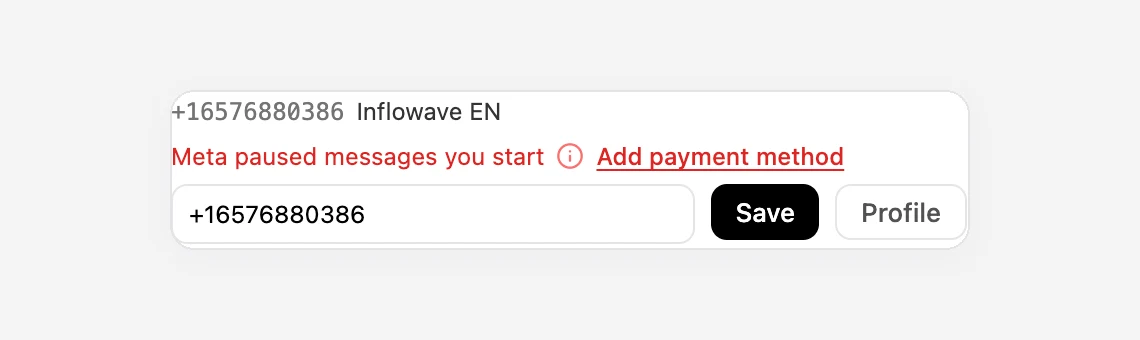
And in the inbox, above the message box, when you write to someone from that number:
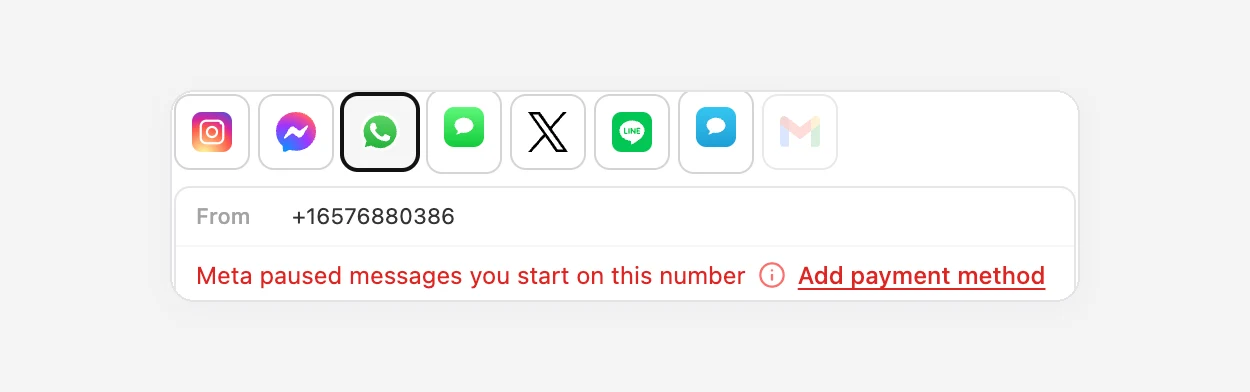
The owner of the account also gets one notification and one email when it first happens. We don't send more while it stays the same.
What it means
WhatsApp splits messages into two kinds:
- Replies. A customer writes to you, and for the next 24 hours you can reply freely. Meta doesn't charge for these.
- Messages you start. Anything outside that 24-hour window has to use an approved template (a follow-up, a reminder, a promotion), and Meta charges for each one.
Meta bills those charges to the WhatsApp Business account the number belongs to, which is your business, not Inflowave. If that account has no valid payment method, Meta stops the second kind. The number isn't banned and nothing is broken. Meta just won't send messages it can't charge for.
| While paused | After you add a payment method | |
|---|---|---|
| Customers writing to you | Arrives as normal | Arrives as normal |
| Your replies within 24 hours | Sent | Sent |
| Templates and follow-ups outside 24 hours | Blocked by Meta | Sent |
| Workflows that send WhatsApp templates | That step fails | Works |
| The number on your phone (if linked to the app) | Works as normal | Works as normal |
If you use the API directly you may see this as error 131042, Meta's code for a business payment problem. Inflowave shows the plain-English version instead.
How to fix it
- Go to business.facebook.com and log in with the Facebook account that manages your business.
- Make sure the right business portfolio is selected at the top left. If you manage several, pick the one that owns the WhatsApp number.
- Open Settings, then Billing and payments.
- Select the WhatsApp Business account for the number. Its name usually matches the business name you used when you connected WhatsApp.
- Choose Add payment method and add a card.
You can also get there from WhatsApp Manager. When billing is missing, it shows a banner at the top with a link to add a payment method.
After you've added it
You don't need to do anything in Inflowave. We re-check every WhatsApp number every 30 minutes, and the warning disappears on its own once Meta lifts the pause. Any template that failed while paused isn't resent automatically. Send it again, or re-run the workflow step for that contact.
Things that look similar but aren't
"Message only visible on your phone"
You'll only see this if the number is also in the WhatsApp Business app. Meta doesn't share every message type with platforms, so some messages stay on the phone. It isn't an error. Inflowave shows the line so the conversation doesn't look like it has gaps. See How to use the WhatsApp Business app and Inflowave on the same number.
"WhatsApp is temporarily unavailable, try again in 1 hour"
That's the phone app refusing a number registered with a platform. It has nothing to do with billing. See this guide.
The 24-hour window has closed
If a customer last wrote more than 24 hours ago, Inflowave asks you to use a template. That's WhatsApp's normal rule, not a pause. The message box shows how much of the window is left.
Who pays what
- Meta charges your card for the messages you start (templates), at Meta's rates for each country.
- Inflowave charges for numbers you buy through us, monthly, from your Inflowave wallet. Connecting a number you already own doesn't cost anything extra on our side.
These are separate. Topping up your Inflowave wallet won't lift a Meta pause, and adding a card in Meta won't top up your wallet.
Questions people ask
I added a card, but the warning is still there
Allow up to 30 minutes for our next check. If it's still there after that, check that the card is on the WhatsApp Business account that owns this number, not on an ad account or a different portfolio. Meta keeps these separate, and a card on your ad account doesn't count.
Can Inflowave pay Meta for me?
Not today. Meta bills the business that owns the WhatsApp account directly.
Will my customers notice?
They won't see an error. Messages that Meta blocks are never delivered, so from the customer's side nothing arrives. That's why it's worth fixing even if you mostly reply to incoming messages.
