
Running two Instagram accounts is a phone problem. Running twelve is a billing, permissions and reporting problem, and the label "apps to manage multiple Instagram accounts" tells you nothing about which of those three a given tool actually solves.
This page is a comparison rather than a how-to. It lists what each tool charges, what it charges you for, how many Instagram accounts you get before the next tier, the ceilings Instagram itself imposes no matter which app you buy, and a test you can run inside any free trial to find out whether the "workspaces" on the pricing page are real boundaries or just folders.
Every price below was read from the vendor's own pricing page on 15 September 2026, and where the vendor states a billing basis it is given, because an annual-billing rate shown as a monthly price is a common error in comparisons like this one. Where the vendor states no basis, none is supplied here. Sendible renders no figure at all without JavaScript, so that cell is blank rather than guessed at. Statusbrew renders only its agency per-client figure; its Lite, Standard and Premium card prices do not render, so only that one published figure is given. Hootsuite's pricing cards are also blank; its $99, $199 and $399 figures come from the prose in that page's own FAQ, not from the cards, and are labelled as such below.
The four jobs, and why tools are bad at different ones
"Manage" collapses four separate jobs into one word, and a tool that is excellent at one is often absent on the others.
Publishing. Getting a post, Reel or Story onto the right account at the right time. Every tool in the table below does this, which is why the category looks commoditised.
Replying. Handling comments and DMs across accounts without losing track of which persona is speaking. A shared queue across twelve clients is worse than twelve separate inboxes.
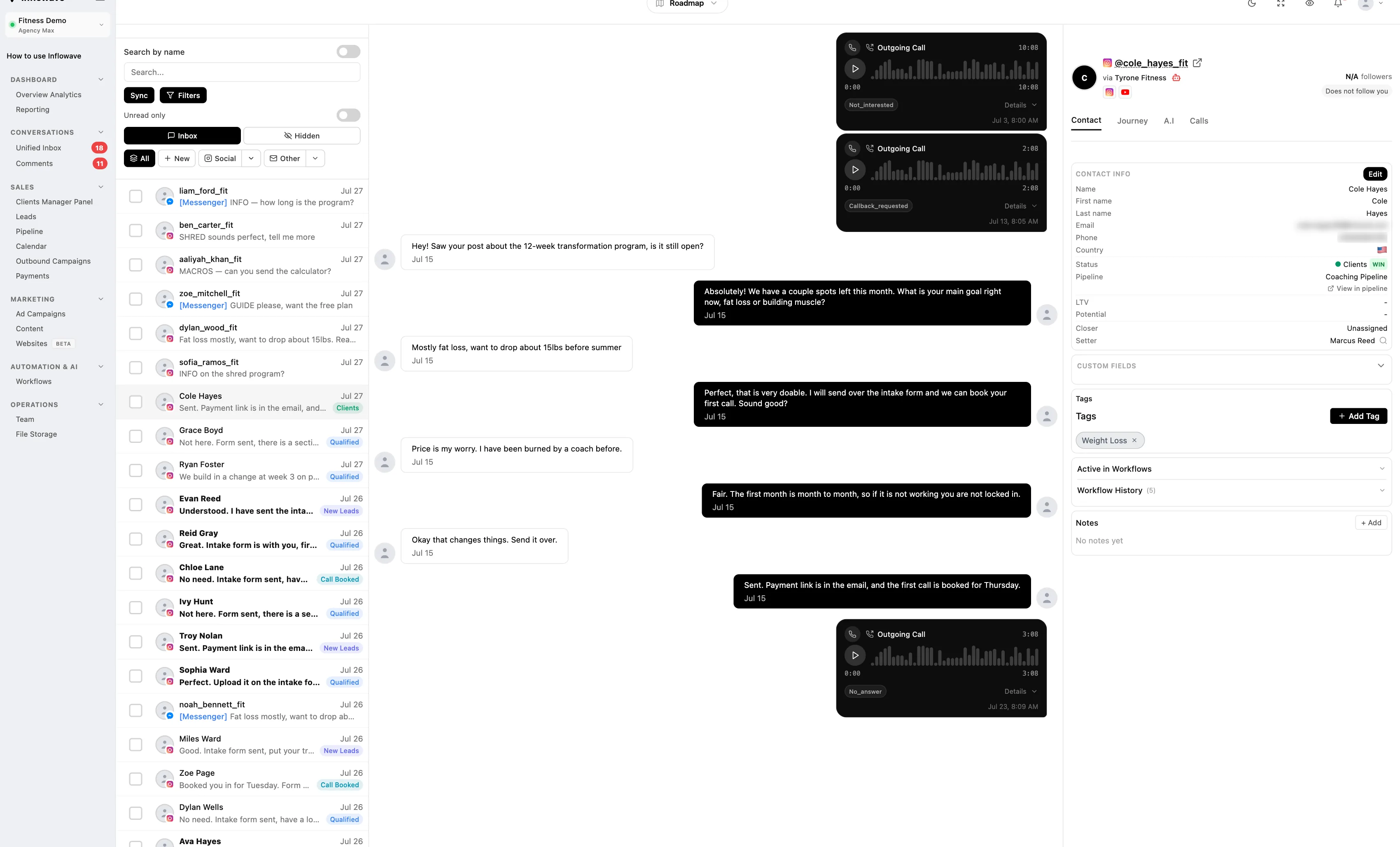
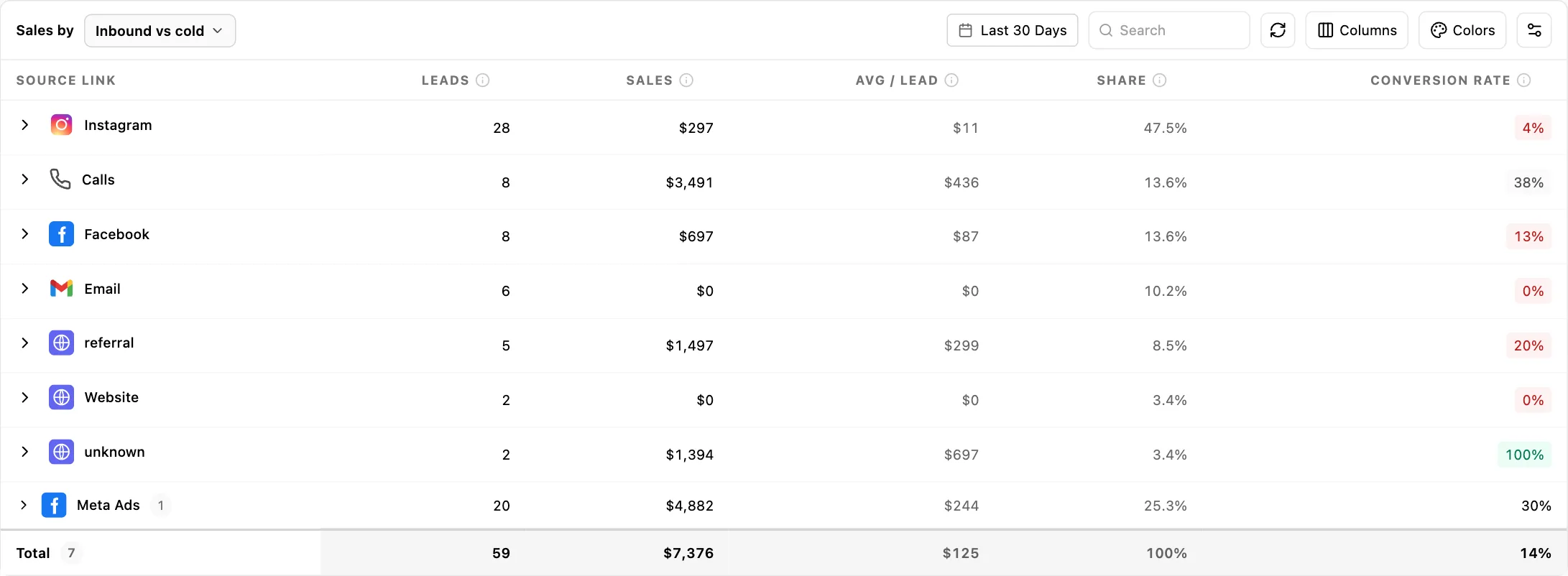
Reporting. Producing something a client accepts as evidence that the month worked. Reach and follower growth is platform reporting, and it only holds a retainer for so long. What holds it after that is a line from a DM to a booked call to a closed deal, which requires the tool to hold the conversation and the deal in the same place.
Controlling access. Deciding which person can touch which account, and removing them cleanly when they leave. This is the job a feature comparison cannot show you, and it is the one that costs you a client when it fails.
Score any tool against all four before you look at price. A publishing-only tool at $5 a channel is not cheaper than a full platform if you are still paying a VA to sit in the native app doing the other three.
Three pricing architectures, and the one that survives churn
Every app in this category uses one of three billing models. The model matters more than the headline number, because it decides what happens when you win a client or lose one.
Per channel. You pay a unit price for each connected profile. Buffer is the clearest example: the free plan covers three channels, Essentials is $5 per channel per month and Team is $10 per channel per month, both billed yearly at $60 and $120 per channel; month-to-month billing costs more per channel. Buffer prices channels 1 to 10 at the standard rate, and any channels above 10 cost less per channel, so the total rises as you add channels while the average per channel falls. This is honest and granular. It also means a client with Instagram, Facebook, TikTok and LinkedIn is four units, not one.
Per seat. You pay per human, and profiles come bundled. Hootsuite's own FAQ says paid plans start at $99 for Standard and $199 for Professional and range up to $399 for Advanced; the page states separately that plans are sold per user and that both monthly and annual billing exist, without tying either basis to those figures. Sprout Social runs $79 per seat for Essentials, $199 for Standard, $299 for Professional and $399 for Advanced, all per seat per month on annual billing; Essentials is $99 per seat if you pay monthly. This model punishes agencies with setters, VAs and account managers, because every additional pair of hands is a full-price seat regardless of how little they touch.
Per workspace. You pay per client container, and users are unlimited or generous. Planable charges $33 per workspace per month on Basic and $49 on Pro as listed on its default billing toggle, with yearly billing two months cheaper and unlimited users on both, though its social inbox and analytics are paid add-ons per workspace rather than included. Sendible allocates six social profiles per workspace and sells workspaces in blocks of 1, 3, 7, 15 and 50, with unlimited users. SocialBee bundles both: Pro100 at $329 per month billed monthly gives 100 profiles across 20 workspaces, with five users per workspace.
For an agency, per-workspace usually survives churn best, because a client leaving frees a whole container rather than stranding four orphaned channel units. Per seat is the model that quietly becomes the largest line in your stack once you hire.
Pricing and account limits, side by side
Read the middle column first. Two tools at the same monthly price can differ by an order of magnitude in what that price covers.
| App | Published price | Billed by | Instagram accounts included |
|---|---|---|---|
| Meta Business Suite | No plan published | Not sold as a subscription | The accounts in your Business portfolio |
| Buffer | Free; $5/mo Essentials; $10/mo Team, both billed yearly | Per channel | Free covers 3 channels; paid tiers price each channel, with channels 1 to 10 at the standard rate and any channels above 10 cheaper per channel |
| Hootsuite | Starts at $99 Standard and $199 Professional, ranging up to $399 Advanced; figures from the page FAQ, not the cards, and stated there with no billing basis | Per user | Standard 10 social accounts; Professional and Advanced unlimited |
| Later | $18.75 / $37.50 / $82.50 per month, billed yearly | Per social set | Starter 1 set (8 profiles, 1 user); Growth 2 sets (16, 2 users); Scale 6 sets (48, 4 users) |
| Sprout Social | $79 / $199 / $299 / $399 per seat per month, annual | Per seat | Essentials and Standard 5 profiles; Professional and Advanced unlimited |
| Metricool | Free (1 brand); Starter from €20 / $25 and Advanced from €54 / $67, both billed monthly; billed annually those fall to €16 / $20 and €43 / $53 | Per brand tier | Starter 5 or 10 brands; Advanced 15, 25 or 50 brands |
| Planable | $33 Basic; $49 Pro, per workspace per month on the default billing toggle | Per workspace, unlimited users | Basic 4 pages; Pro 10 pages; Enterprise 50 |
| SocialBee | $29 / $49 / $99 and agency $179 / $329 / $449, all per month billed monthly; yearly billing is 16 percent less | Per plan | 5 / 10 / 25 profiles; agency tiers 50 / 100 / 150. Users are counted per workspace: 1, 1, 3 then 5, 5, 5 |
| Sendible | Not published without JavaScript | Per plan, unlimited users | 6 profiles per workspace; 1, 3, 7, 15 or 50 workspaces |
| Statusbrew | Not published without JavaScript; agency "From $49 /mo/client", the only figure the page publishes and unchanged by the billing toggle | Per plan | Lite 5, Standard 10, Premium 15 profiles; 1, 3 and 6 users |
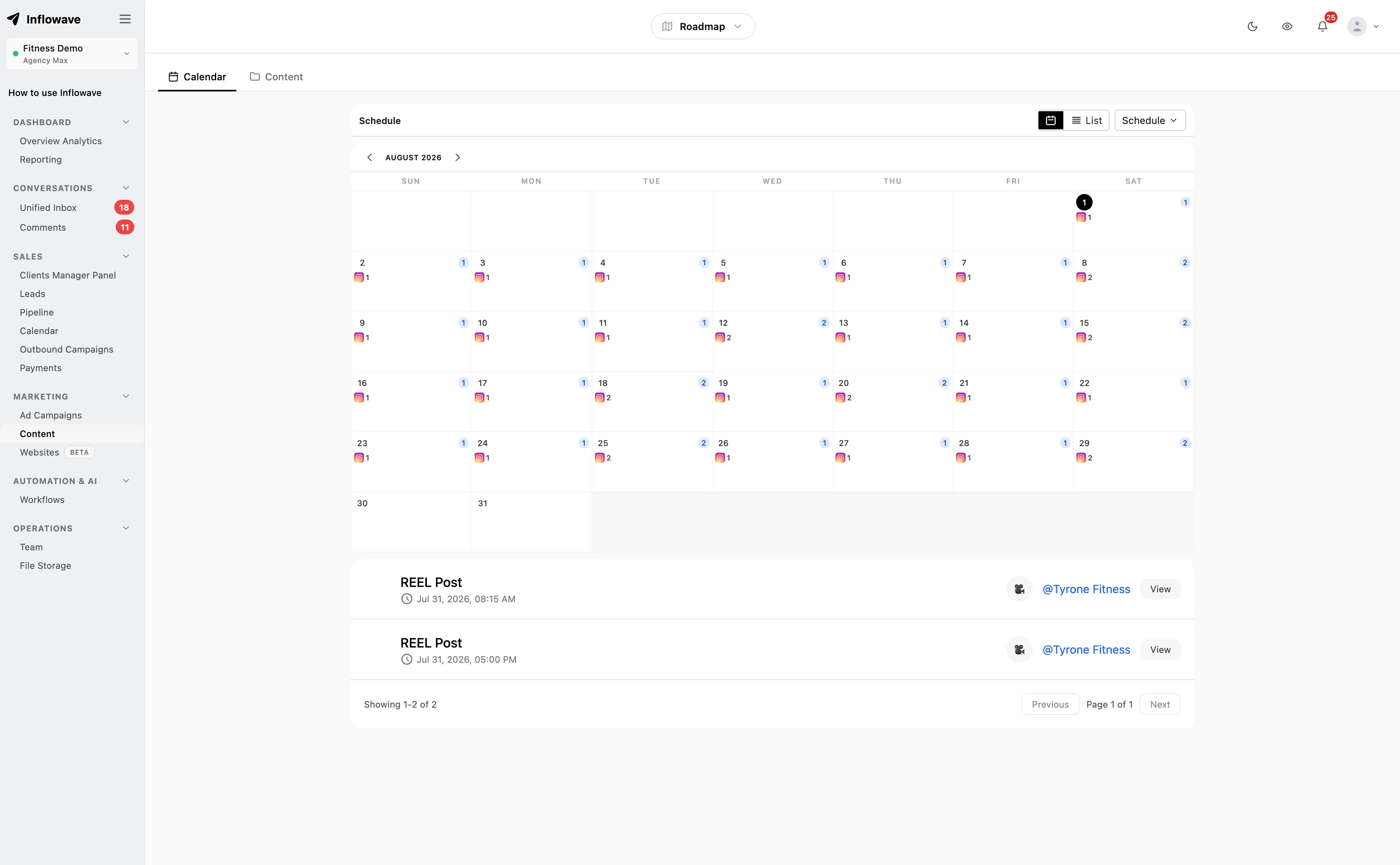
| Inflowave | $27 / $149 / $297 / $497, all plans billed per month | Per plan | 1 / 1 / 10 / 50 social accounts; client workspaces follow the same 1 / 1 / 10 / 50 ladder |
Three figures are worth pausing on. Hootsuite Standard caps you at ten social accounts and charges per user, so an agency with three account managers and ten clients pays three seats and still hits the account ceiling. Sprout Social includes five social profiles on both Essentials and Standard, which for a multi-client agency is roughly one client, and the first unlimited-profile tier is Professional at $299 per seat per month on annual billing. SocialBee's agency tiers are the opposite trade: Pro100 gives 100 profiles for $329 per month billed monthly, spread across twenty workspaces that each admit five users, so headcount is capped per client container rather than pooled where you need it.
Metricool is the outlier for pure account volume, scaling to 50 brands on Advanced. Whether a "brand" behaves like a real client container, with its own permissions and its own report, is the question to test during the trial rather than assume from the pricing page. The test is in the section below.
Where the account limits actually bite
The published profile number is rarely the binding constraint. Three other caps arrive first.
Workspace arithmetic. Sendible gives six profiles per workspace. If your clients each run one Instagram account and one Facebook Page, you use two of six and waste four, so your real limit is workspaces, not profiles. Later's "social set" works the same way: Starter is one set of eight profiles, which is one client with a wide channel mix, or four clients crammed together where they should not be.
Seat arithmetic. On per-seat tools, the limit is reached by hiring rather than by selling. Two closers and a VA on Sprout Standard is $597 per month at the $199 per seat annual-billing rate, before you have connected the sixth profile.
User caps hidden inside workspace counts. SocialBee's Pro tier carries 25 profiles but only five workspaces, and three users in each of them. Its Pro100 agency tier carries 100 profiles across 20 workspaces at five users each. Because the allowance is per workspace rather than pooled, a sixth person on your busiest client is blocked even while seats sit idle on the quiet ones.
Do the arithmetic for the agency you expect to be in twelve months rather than the one you are in now. A plan chosen at four clients can be the wrong shape by nine, and the arithmetic above is what tells you when.
The ceiling no app can raise
Whatever you buy, every tool that publishes legitimately does so through Instagram's official API, and the API has limits that apply identically to a $5 plan and a $399 one.
Instagram's content publishing documentation states that "Instagram accounts are limited to 100 API-published posts within a 24-hour moving period," and that "Carousels count as a single post." Carousels can hold up to ten images or videos. For a normal client this is not a constraint. For anyone planning high-frequency automated posting on a single account, it is the hard stop, and no vendor can sell you past it.
The less obvious ceiling is on reading data. Meta applies Business Use Case rate limits per endpoint and per asset rather than per app, and for Instagram Platform the documented formula is "Calls within 24 hours = 4800 * Number of Impressions" per app-user pair on a rolling 24-hour window. The consequence is counterintuitive: a small account with few impressions has a small API budget. Tools that aggressively poll analytics on a brand-new client account can exhaust that budget and show stale numbers, which surfaces in the interface as a sync delay rather than as a quota you hit.
This is why "unlimited scheduling" is a marketing claim about the vendor's own database, not about Instagram.
What the account itself has to be before anything connects
Two requirements catch agencies out during onboarding.
First, the account must be a professional account. Meta's Instagram Platform overview is explicit that app users need an "Instagram professional account," which "can be for a business or creator." A personal account cannot be connected to a management app at all, so a client who has not converted theirs will block onboarding on day one.
Second, there are two login paths and they are not equivalent. Business Login for Instagram serves accounts with a presence on Instagram only. Facebook Login for Business serves accounts linked to a Facebook Page. Publishing, messaging, insights and comment moderation work on both. Hashtag search, product tagging and partnership ads are supported only through Facebook Login for Business. If a client wants product tagging, the Page link is not optional, and finding that out in month two is an avoidable conversation.
Build both checks into your onboarding form. A qualification form that filters before the call is cheaper than discovering a blocker after you have invoiced.
Four ways multi-account setups actually fail
These are the failure modes that decide whether a tool survives contact with a real client roster. None of them is something a feature grid has a column for.
The wrong voice in the right thread. A merged inbox shows you a message, not a persona. Someone answers a fitness coach's lead in the tone they were using for a dental practice thirty seconds earlier. The tool did nothing wrong; it just never made the account identity impossible to miss. The structural fix is threads grouped by receiving account with the account name at the point of reply, not a filter you have to remember to apply.
The thread nobody owns. In a shared queue, a message that is visible to five people is owned by none of them. The lead sits for two days because each person assumed someone else had it. Assignment has to be explicit and per-thread, and unassigned threads need to be a visible state rather than the default resting state.
The contractor who still has the password. A VA given the Instagram login rather than a seat cannot be removed without a password reset, and the reset logs out the client too. Worse, the removal is unverifiable: you cannot prove a password was forgotten. Every account a contractor has ever touched by password is an account you have to reset on the day they leave, in front of the client.
The plan that was right at four clients. Per-channel billing is genuinely the cheapest option at three accounts and is rarely the cheapest at fifteen. Per-seat billing is cheap while you are solo. The crossover tends to surface at the worst possible moment to run a migration, which is during onboarding of the client that triggered it. Price the tool at your twelve-month roster, not today's.
Test workspace separation yourself, in a free trial
"Workspaces" on a pricing page can mean a real permission boundary or a coloured folder. This test tells the two apart, it takes about twenty minutes, and it works on any trial that lets you create two workspaces and invite a second user. Step 3 also needs a second device to send a DM from, and step 6 needs the trial to permit deleting a workspace; where a trial blocks either, run the remaining steps. Run it before you migrate anything, not after.
Set up two workspaces, A and B, each with one connected account. Invite one throwaway email address as a member of A only. Then check six things, in this order.
- Log in as the A-only user and look for B. Not just in the workspace switcher, but in global search, the notification list and any "all accounts" dashboard. A scoped switcher tells you nothing about search, which is a separate code path and can still be global.
- Have the A-only user open the composer. Count the accounts offered as publishing targets. If B appears in the dropdown, the boundary is cosmetic, and a mis-click is a post on the wrong client's account.
- Send a DM into B's account from a second device, then search for a distinctive word from it as the A-only user. This is the single most revealing step: if that message is findable, the boundary does not hold for message content, whatever the switcher shows.
- Export or open a report as the A-only user. Check whether the date-range or "compare accounts" picker offers B. If it does, reporting and permissions are scoped separately in that tool.
- Remove the A-only user, then have them reload without logging out. Removal changes a permission record, which an already-issued session may not re-read until it expires. Check whether they retain access to conversations and reports they could previously see, not just to new ones.
- Delete workspace A entirely. Confirm B's posts, threads and history are untouched, and note what the tool says it does with A's data. This is the offboarding rehearsal you otherwise perform live, on a client who is already leaving.
A tool that passes all six is one where you can hand a freelancer one client and sleep. A tool that fails step 2 or step 3 is not a multi-account tool; it is a single-account tool with a filter. Ending a phone session in Instagram's own security settings is the last step of offboarding, not the first, because it does not revoke a management app's API connection or a contractor's seat. If an account has already gone wrong, our suspension and recovery guide covers what is and is not retrievable.
One more thing worth checking while you are in there: whether the app can show you, per account, who replied and how long it took. That turns "we reply fast" into a measurement. Our work on Instagram DM benchmarks and DM automation covers what to automate and what to leave to a human.
Choosing, by the number of accounts you run
One to three accounts, one person. Meta Business Suite plus the native app is genuinely sufficient. Buffer's free tier adds a calendar for up to three channels. Paying more than nothing here buys convenience, not capability.
Four to ten accounts, one or two people. This is where per-channel pricing stops being cheap and workspace separation starts mattering. Planable at $33 or $49 per workspace per month with unlimited users, Metricool's Starter brand tiers at €20 / $25 billed monthly, or SocialBee at $49 per month billed monthly for ten profiles are the honest options, though SocialBee's Accelerate tier is a single workspace with one user. Hootsuite Standard's ten-account cap makes it a poor fit for anyone expecting to grow past it.
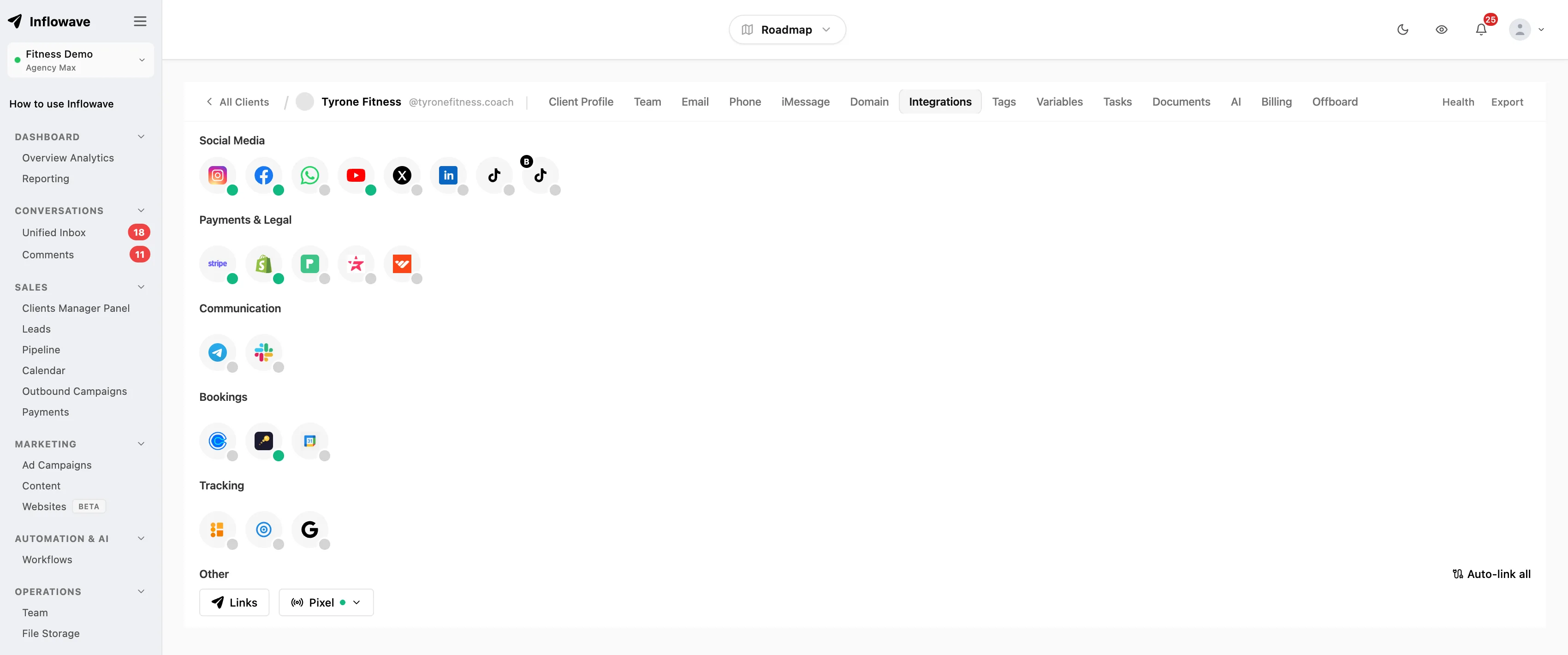
Ten or more accounts, a team. Per-seat pricing is now your largest cost and separation is now your largest risk. You want per-client workspaces, per-workspace permissions, a per-account inbox with assignment, and reporting that reaches revenue rather than reach. SocialBee's agency tiers and Sendible's workspace blocks are the strongest pure scheduling answers; if the harder half of your job is selling rather than publishing, the tool needs to hold the pipeline too, which is the category Inflowave sits in. Whichever way you go, run the six-step test above before you migrate.
For the wider context, the agency growth hub maps the full arc and scaling a marketing agency covers what breaks next. On publishing specifically, how to schedule Instagram posts goes into cadence and batching. For the reporting layer, the client reporting software comparison covers what to send monthly and what to leave out.
Frequently asked questions
Do I need a third-party app at all, or is Meta Business Suite enough?
If every account sits in one Business portfolio and one person does the work, Business Suite is enough and costs nothing. You outgrow it at the point you need someone else to do part of the job. Meta does let you assign people to individual assets, so a colleague can be given partial access to one Page or one Instagram account rather than the whole portfolio. What it does not give you is per-person assignment on individual conversations, or a client-facing report. Those three, not scheduling, are what you are buying a paid tool for.
Will one plan cover all my clients, or does the bill grow with every account?
It depends entirely on the billing model, which is the first thing to check on any pricing page. Per-channel tools like Buffer add a line item for every profile, so a client with four channels is four units. Per-seat tools like Hootsuite and Sprout Social bundle profiles but charge for every person. Per-workspace tools like Planable and Sendible charge per client container with unlimited or generous users. Only the third model leaves the bill flat when you hire.
What actually breaks when I go from three accounts to ten?
Not scheduling. Separation breaks: which account replied, who on your team can see what, and which client a result belongs to. The concrete failures are a reply sent in the wrong client's voice from a merged inbox, and a lead left for two days in a queue nobody owned. Both are structural, not discipline problems, and neither is fixed by a better calendar.
Can I give a freelancer one client's account without exposing the rest?
A per-workspace tool is built around that boundary; a per-seat tool bills the person rather than the container, so whether a seat is scoped to one client is a per-tool question. Do not take the pricing page's word for it. Invite a throwaway account to one workspace and check the composer dropdown and inbox search specifically, as described in the six-step test above. A correct-looking switcher says nothing about either one, because each can be scoped separately.
What has to be true about a client's account before it will connect?
It must be an Instagram professional account, business or creator. A personal account cannot be connected to any management app, and converting it is the client's job, not yours. If they want product tagging, hashtag search or partnership ads, the account also has to be linked to a Facebook Page, because those three are only supported through Facebook Login for Business. Ask both questions on the onboarding form.
How much should I budget per Instagram account per month?
Anywhere from nothing to several hundred dollars, and the spread is about the billing model rather than the features. Buffer's free plan covers three channels and Essentials is $5 per channel per month billed yearly. Planable starts at $33 per workspace per month. Hootsuite's paid plans start at $99 for Standard and range up to $399 for Advanced, figures the page states only in its FAQ prose and without a billing basis. Sprout Social Essentials is $79 per seat per month on annual billing, and its first unlimited-profile tier is $299 per seat on the same basis. All read from the vendors' own pages on 15 September 2026; check them before you commit, because they change without notice.
What happens to the accounts when I cancel or switch tools?
The Instagram accounts themselves are unaffected; you are revoking an app's API connection, not the account. What you can lose is history that lived only in the tool, such as conversation threads, notes and past reports, so export before you cancel. When a person leaves rather than a tool, remove their workspace access first and end their device sessions in Instagram's security settings last, because ending a phone session does not revoke a management app's connection or a seat in your scheduler.
Sources
Platform limits come from Meta's own developer documentation rather than third-party summaries. Vendor prices were read from the vendor's own pricing page on 15 September 2026 and change without notice, and a billing basis is given only where that vendor states one. The one blank in the table is Sendible, which renders no price without JavaScript, not a tool without a price; Statusbrew renders only its agency per-client figure, which is the single figure quoted for it. Hootsuite's pricing cards are likewise blank, and its figures are taken from the prose in that same page's FAQ, which is noted in the table row. Where a vendor publishes two price sets behind a billing toggle, as Metricool does, both are given.
- Instagram Platform: Content Publishing, Meta for Developers, for the 100-post 24-hour limit and carousel counting.
- Instagram Platform: Overview, Meta for Developers, for professional account requirements and the two login paths.
- Graph API: Rate Limiting, Meta for Developers, for Business Use Case quotas and the Instagram Platform formula.
- Meta Business Suite, Meta.
- Buffer pricing
- Hootsuite plans
- Later pricing
- Sprout Social pricing
- Metricool pricing
- Planable pricing
- SocialBee pricing
- Sendible pricing
- Statusbrew pricing
- Inflowave pricing
